Claude design animations: 12 prompts for maps, split-flap boards and particle logos
Claude can animate, not just write: say what moves and how, and it writes animations you can export as video. 12 design animation prompts plus the MP4 method.
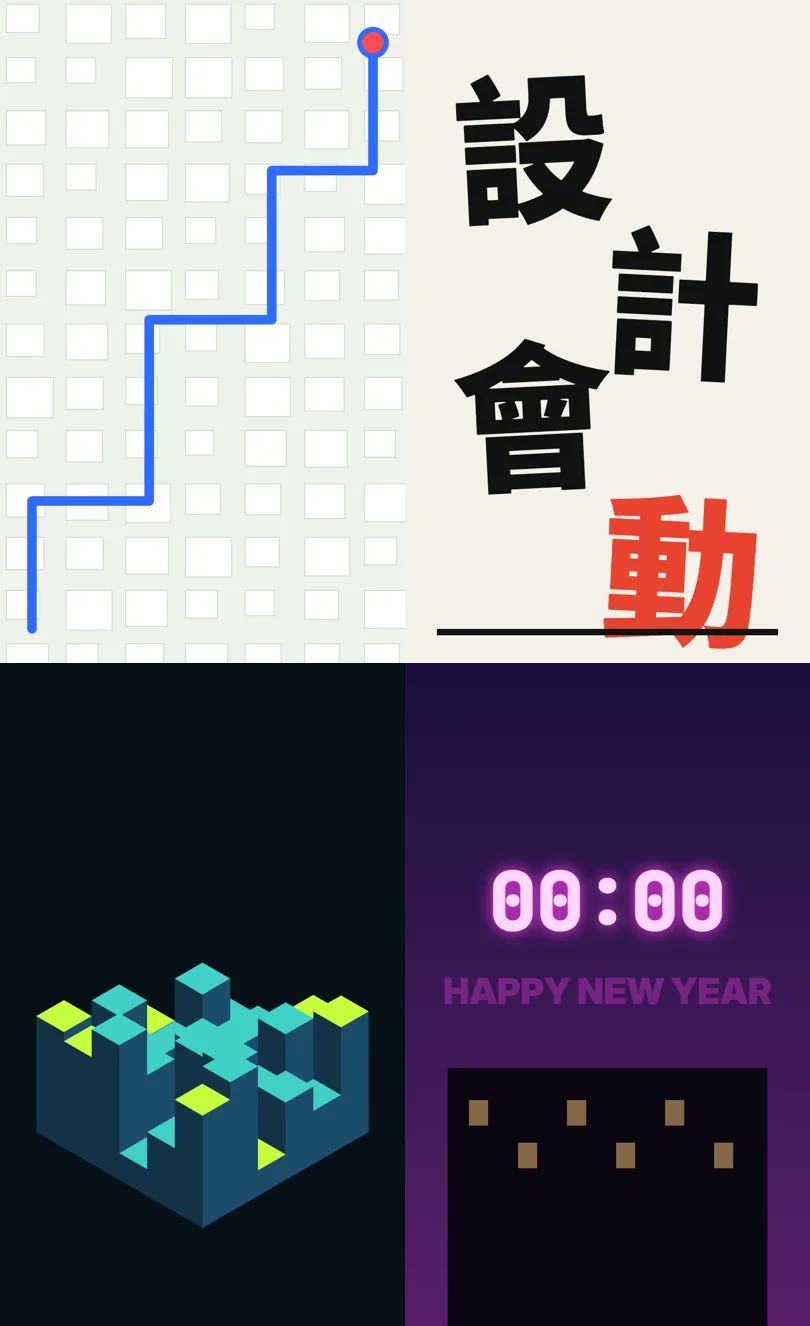
All 12 animations in the reel are code Claude wrote, with no video editor opened. This guide gives you 12 prompts you can paste straight in, and how to turn them into an MP4.
01The result first: the 12 animations
Map route, split flap, stat counter, globe arcs, type slam, iso city, blueprint, day counter, ink wash, neon clock, particle logo, receipt. Each one is an HTML canvas animation Claude wrote; every prompt below sits next to a still of the result.
02The formula for a good animation prompt
- Frame: size (720×1280 for 9:16), background, which elements.
- Motion: where each element goes, in what order.
- Timing: how many seconds, the gap between elements.
- Rhythm: ease-out, a shake on landing, a slow bleed.
- Output: one HTML file driven by seek(t).
Make an animation in HTML canvas: frame [size], [background], elements [A, B, C]. [A] moves from [start] to [end], [B] appears after [A]. Total length [seconds] s, rhythm [ease-out / bounce / slow bleed].

Requirements: one single HTML file, 720×1280, every animation driven by one seek(t) function (give it a time, it draws that frame), random numbers from a fixed seed, so it can be exported frame by frame later.
031–3: map, split flap, numbers
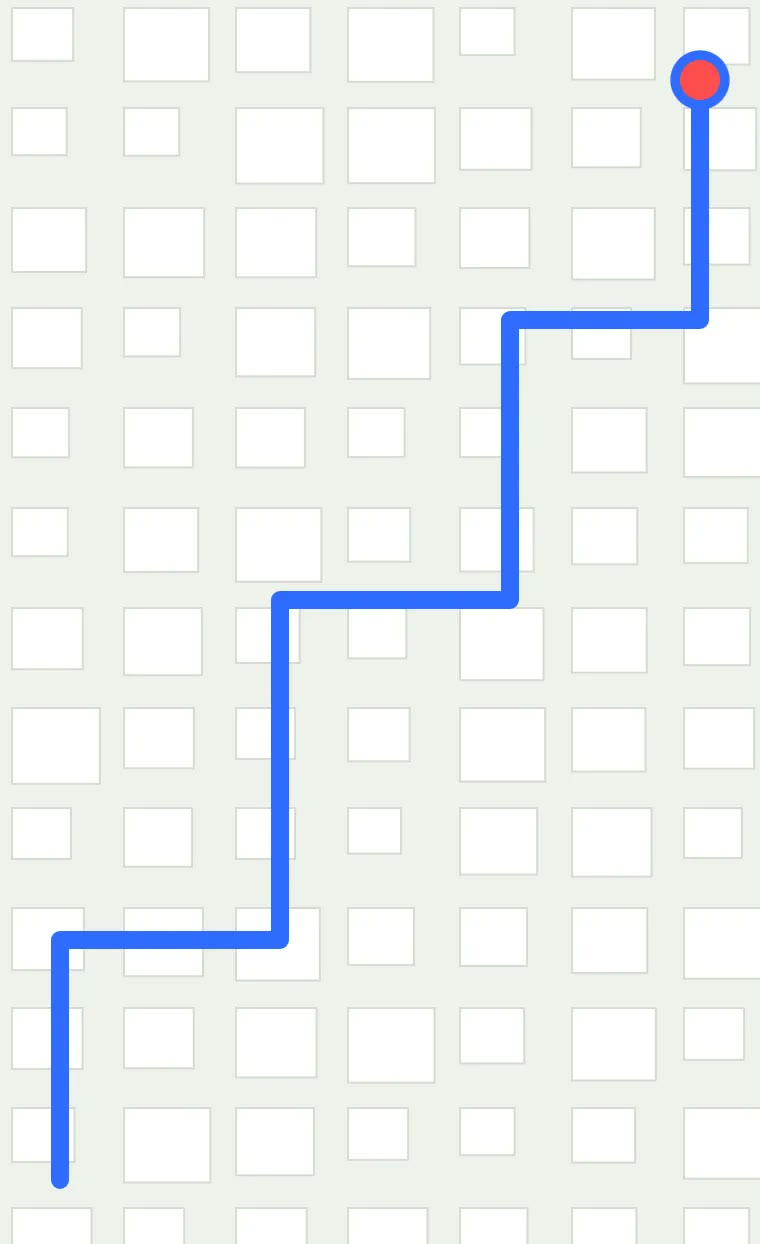
Make a 9:16 animation in HTML canvas: a light-grey top-down city block map (white squares as buildings). A thick blue line draws from the bottom-left corner along the streets, turning corners, to a red dot at the top-right, finishing in 1.8 s with ease-out; the line head is a softly pulsing blue dot. Use [your route / shop location].
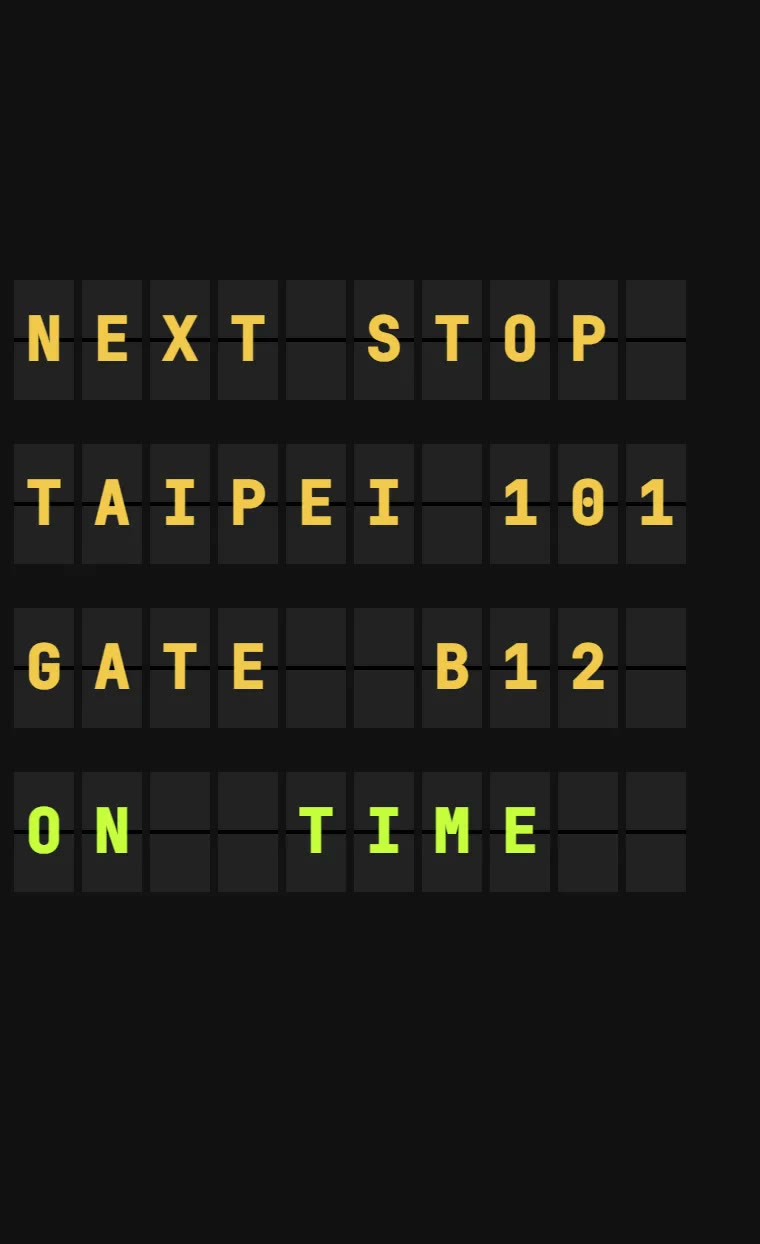
Make an airport split-flap board animation: black background, 4 rows of 10 cells. Each cell flips through random letters quickly, then settles on the right letter left to right, top to bottom. Text: [line 1] / [line 2] / [line 3] / [line 4]; the last line in neon lime.
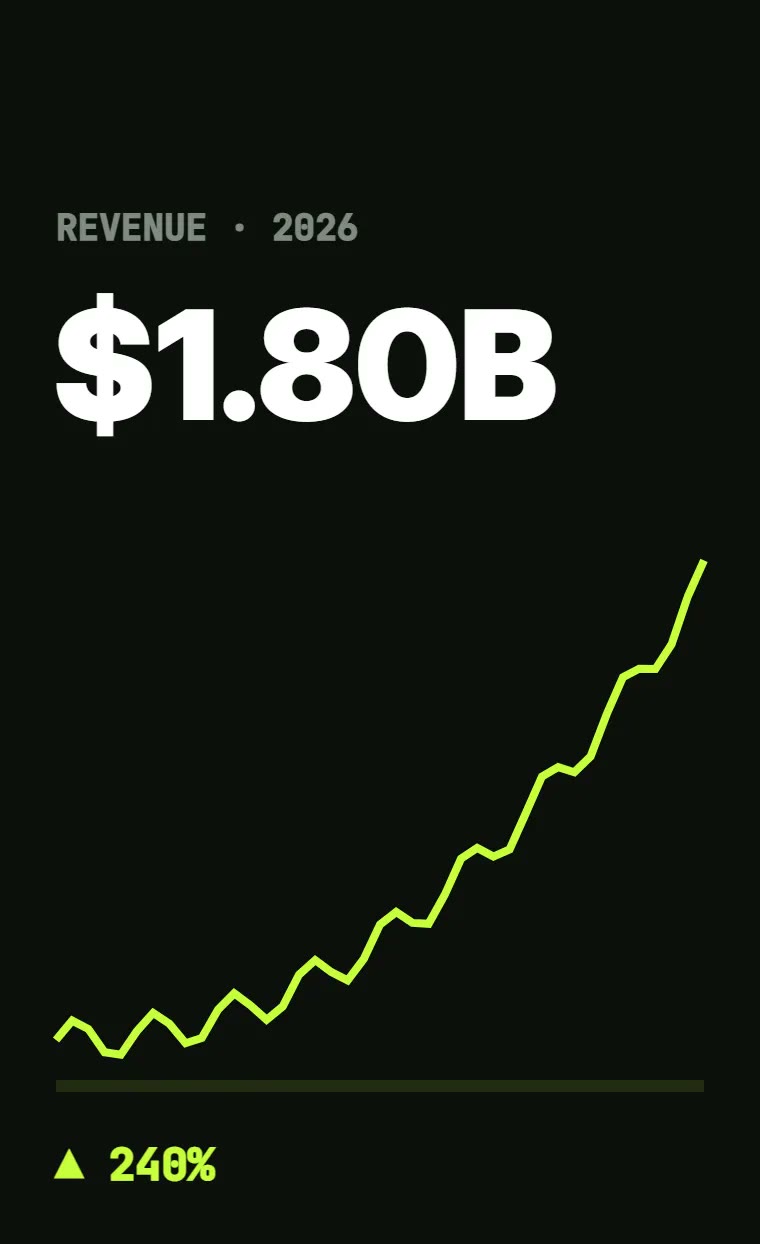
Make a data animation: dark background, small label "[metric name]" top-left, a big number counting from 0 to [target] in 1.6 s with ease-out, and a neon-lime line chart drawing left to right in sync, ending with "▲ [growth %]".
044–6: globe, headline, city
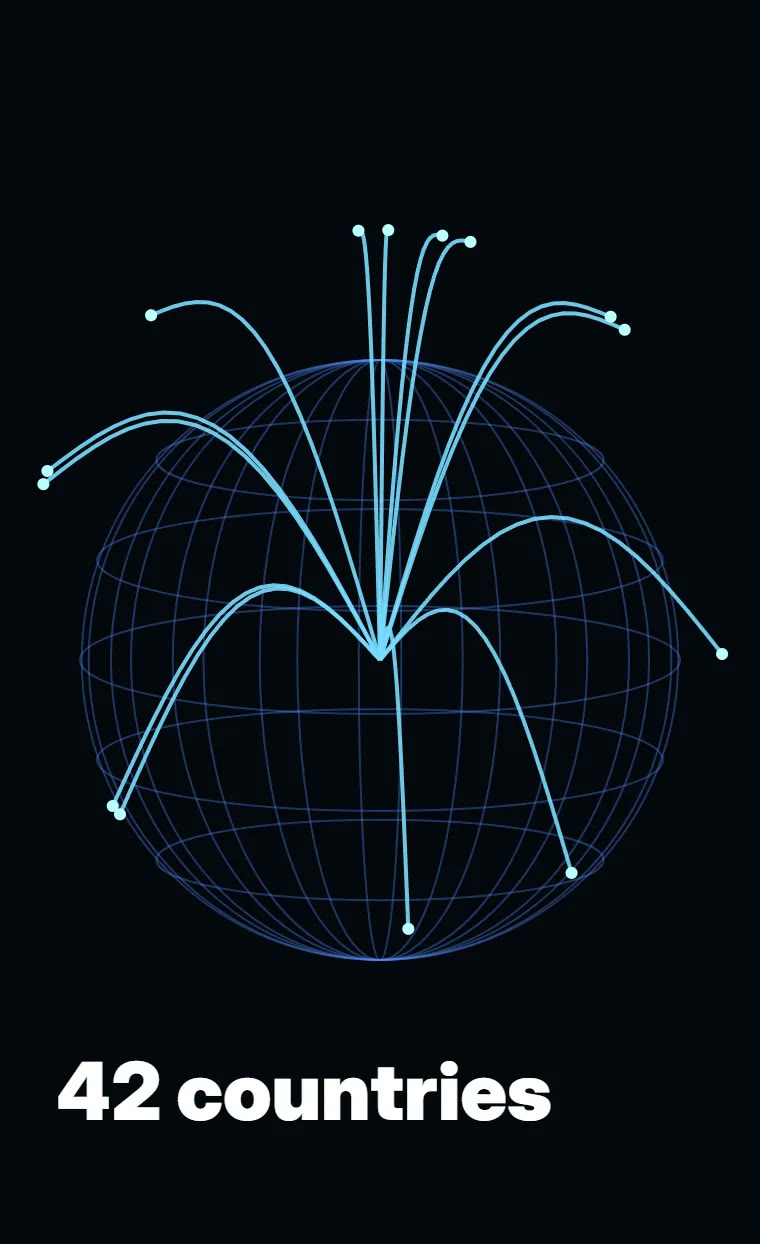
Make a globe animation: navy-black background, a wireframe globe rotating slowly, 14 glowing arcs shooting from the centre one after another, each with a small light at its head; a counter at the bottom from 10 to [number] countries.
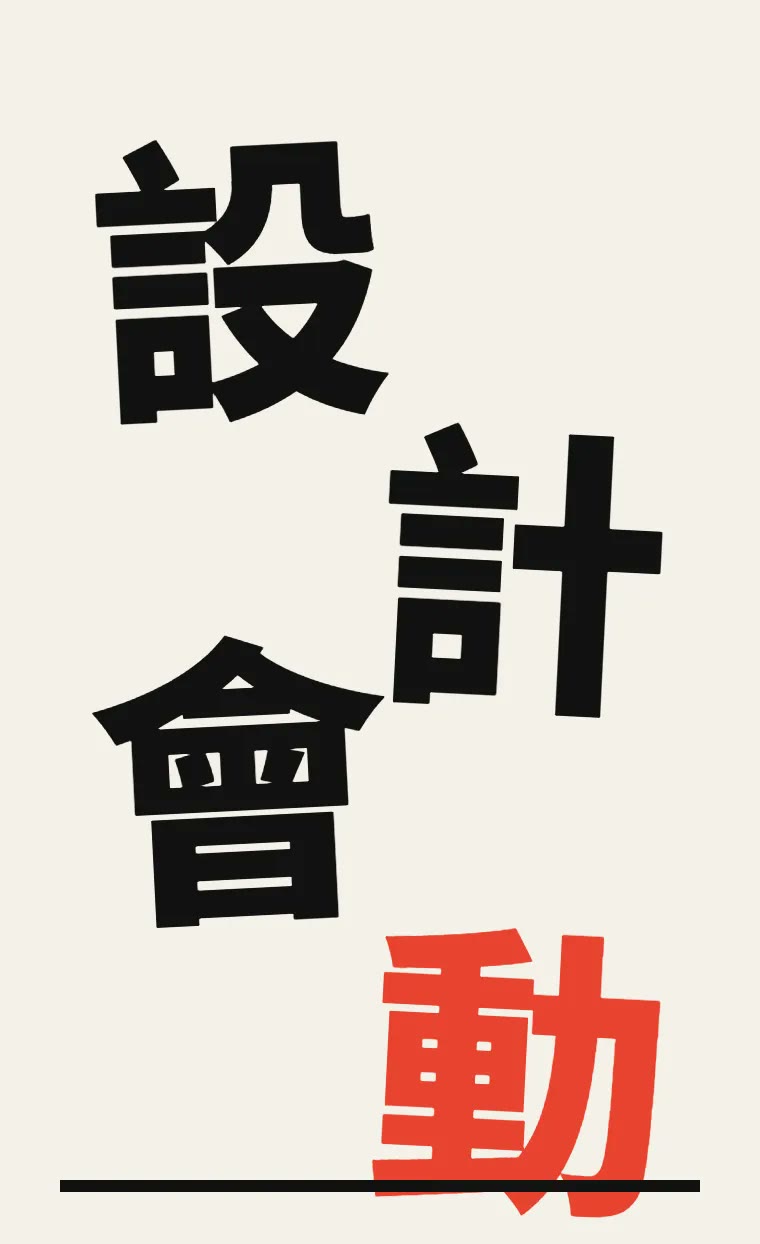
Make a type-slam animation: cream background, "[4-word or 4-character headline]" with each piece 0.3 s apart, scaling from 3x down onto the page, alternating a slight tilt; the last one in red, with a small screen shake when it lands.
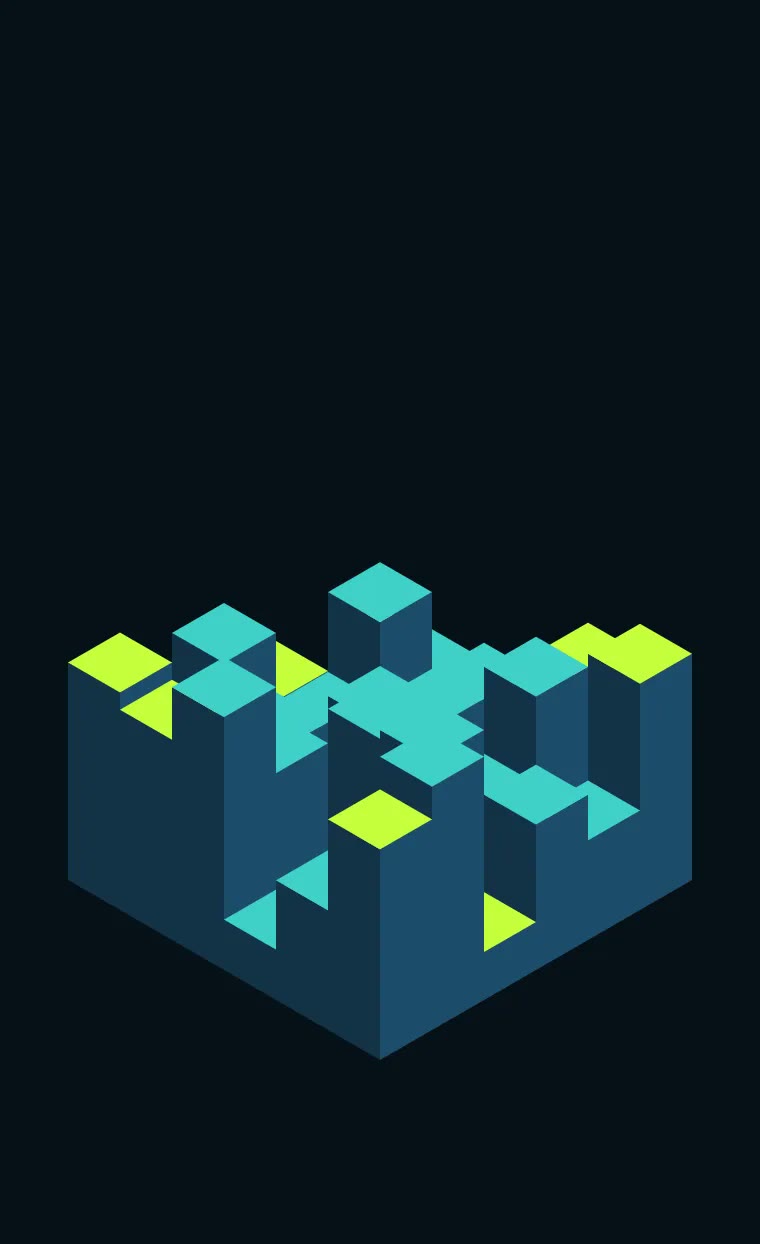
Make an isometric city animation: a 6×6 grid, one box building per cell with different heights, growing from front to back; teal roofs, every fifth roof neon lime, dark navy background.
057–9: blueprint, calendar, ink
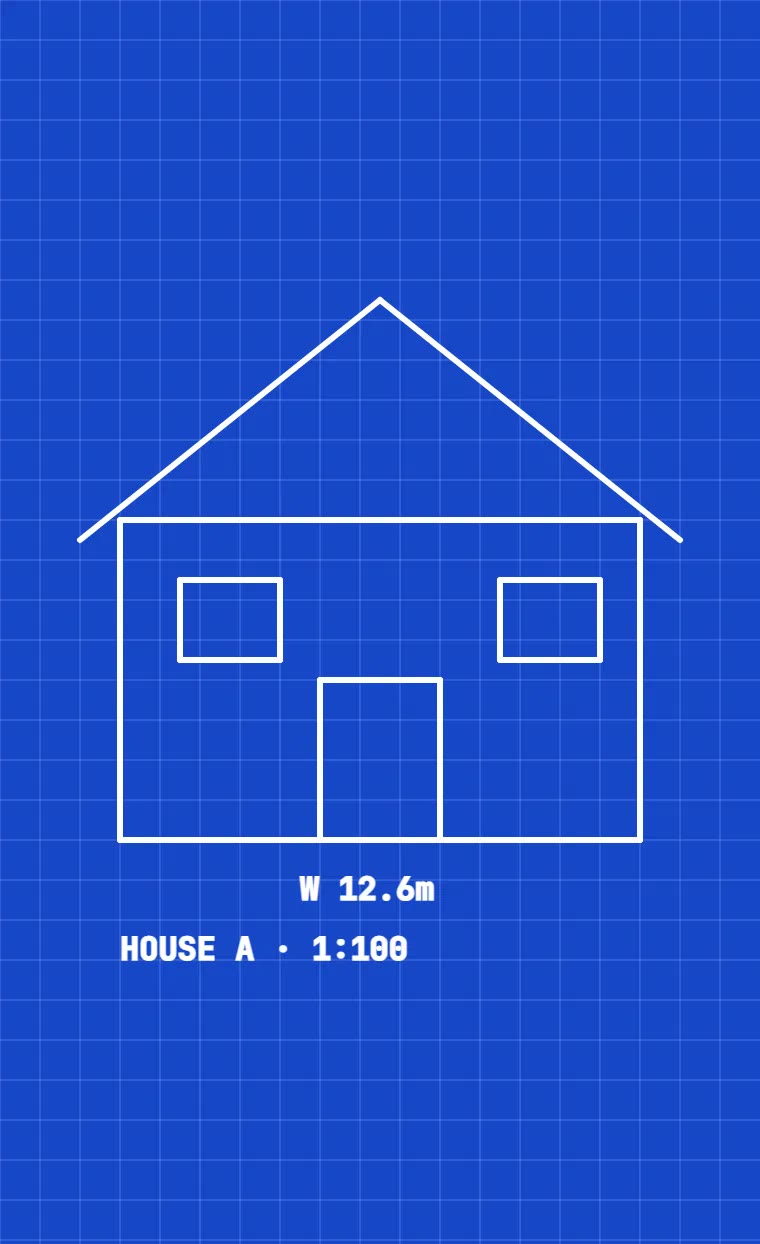
Make a blueprint animation: blue grid-paper background, white lines drawing the front elevation of [a house / product] stroke by stroke (outline, roof, door, two windows) in 1.7 s, then a small label "[name] · 1:100" fades in.
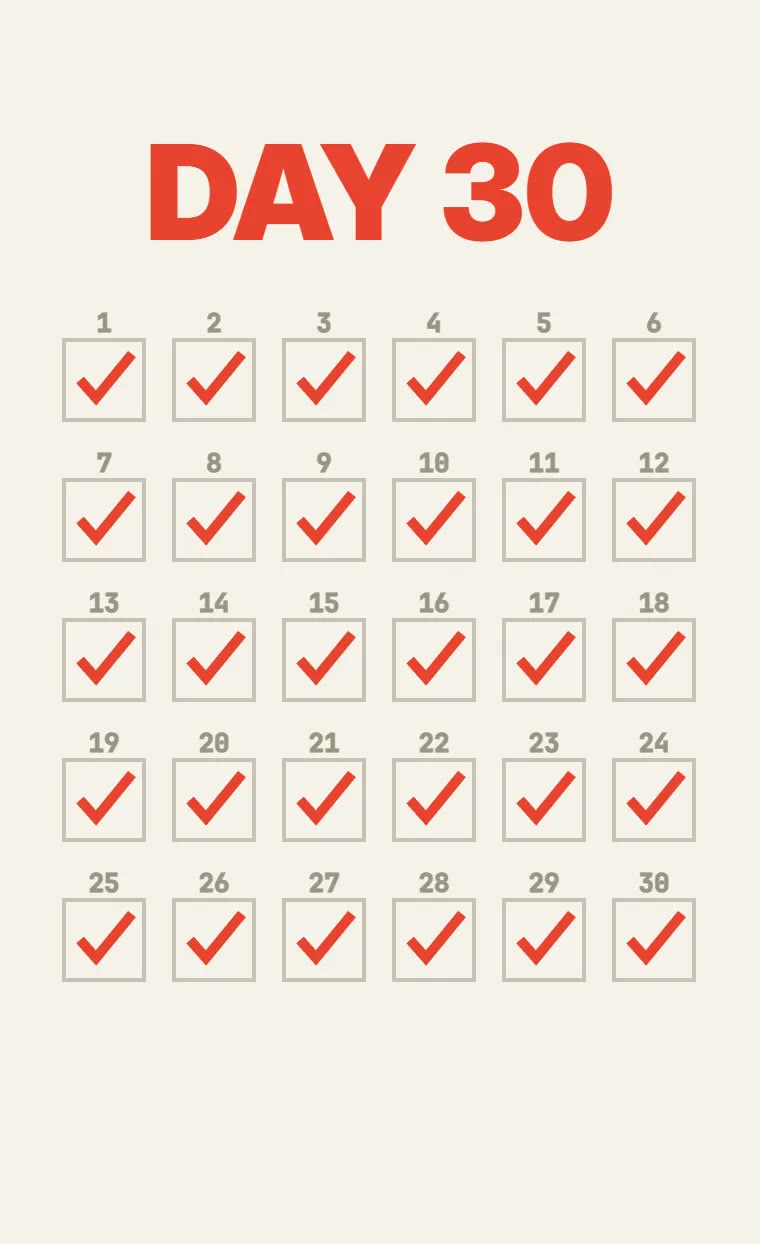
Make a 30-day calendar animation: cream background, a big red "DAY n" on top, a 6×5 grid below; each cell gets a red tick in turn while n counts from 1 to 30. Good for [a challenge / countdown].
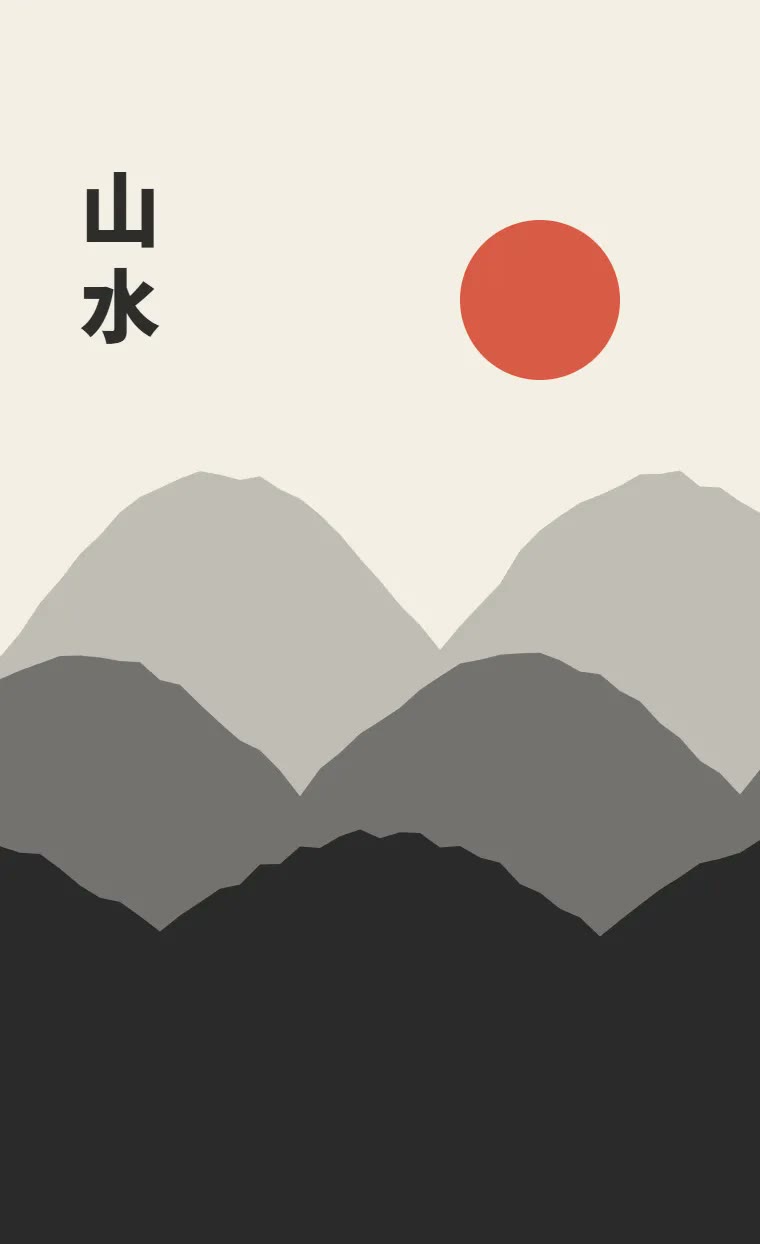
Make an ink-wash landscape animation: rice-paper cream background, three mountain layers fading in from light to dark, a red sun fading in top-right, and "[two characters]" set vertically top-left at the end.
0610–12: neon, logo, receipt
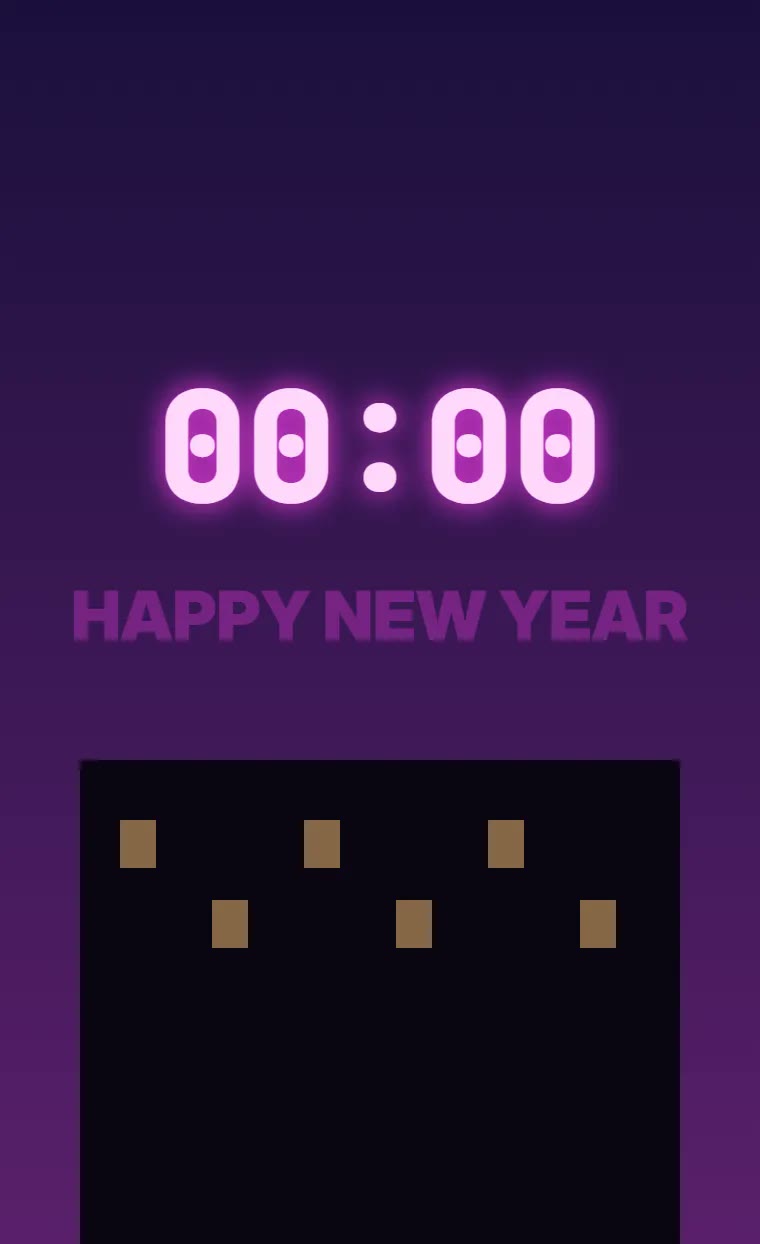
Make a neon countdown animation: purple gradient night sky, a black skyline with warm lit windows, a pink neon clock counting from 00:09 to 00:00 that flashes "[event text]" at zero.
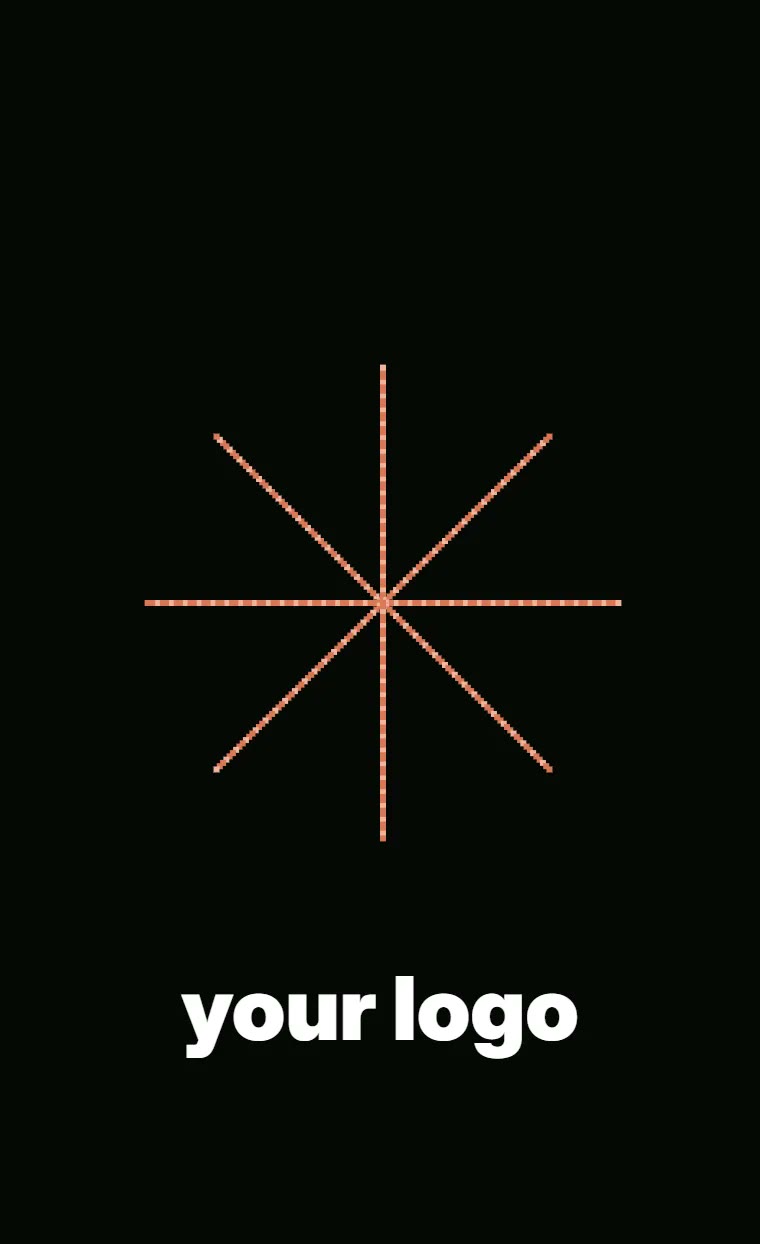
Make a particle logo animation: black background, 420 small square dots flying in from the edges and forming [your logo shape, e.g. an 8-spoke star] within 1.2 s, then "[brand name]" fades in below.
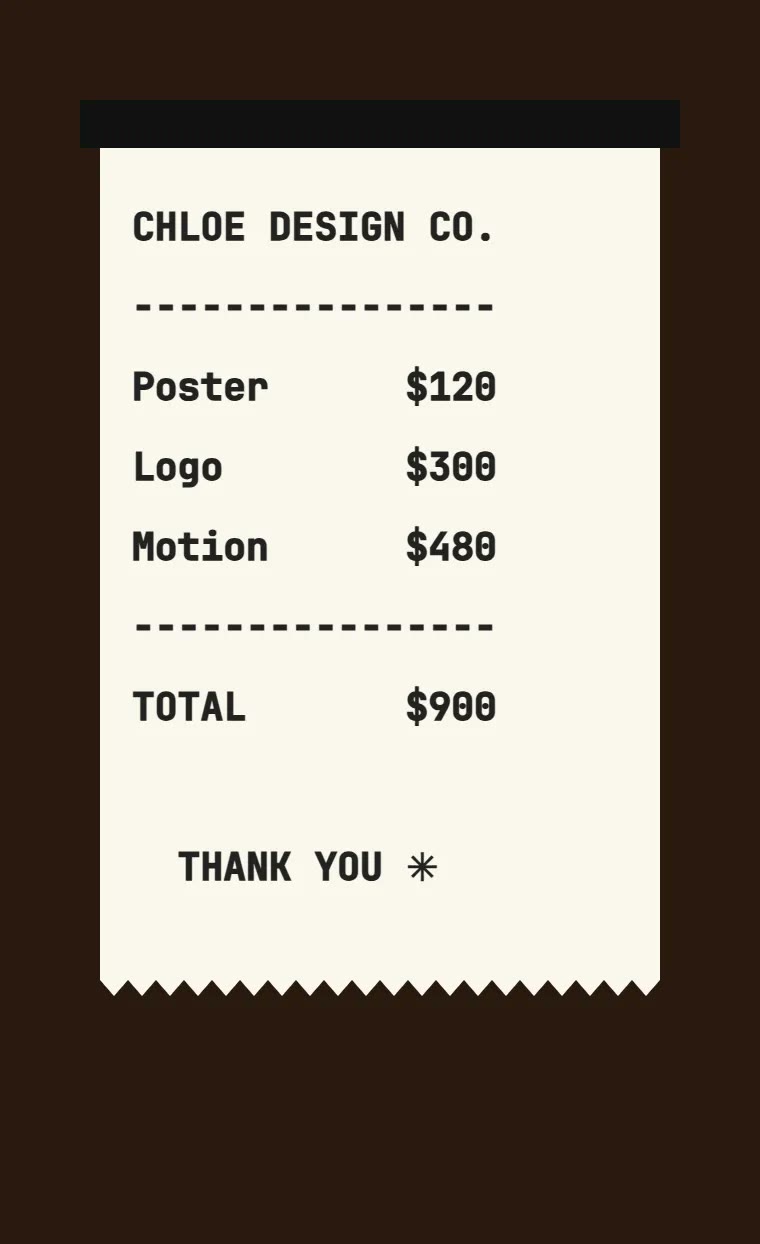
Make a receipt-printing animation: dark brown background, a black printer slot at the top, white paper growing downwards with monospace lines printing one by one: [shop name], a divider, [3 items with prices], TOTAL, THANK YOU, with a zig-zag bottom edge.
07Turn it into an MP4
- Open the HTML Claude made and check the animation.
- Easiest: screen-record it and trim the ends.
- For clean quality: ask Claude for a small script that opens the page in headless Chrome, calls seek(t) frame by frame, screenshots each frame and joins them into a 30 fps MP4 with ffmpeg. That is how this reel was made.
Write a Node.js script: use puppeteer to open [file].html, call window.seek(t) every 1/30 s from 0 to [seconds] s and screenshot each frame, then join the frames with ffmpeg into a 720×1280, 30 fps MP4.
08Good to know
- Replace every [ ] with your own content; places, numbers and brand names are examples.
- The longer the animation and the more elements, the more likely Claude slips: make a 2-second version first, then extend it.
- Use fonts installed on your computer or ask Claude for a web font, or Chinese text may show as boxes.
- For the particle logo, use a logo you have the rights to.