A red ribbon that draws itself as you scroll, built with Claude Code: one prompt, playable demo
A studio site where a red ribbon draws itself as you scroll down and retracts on the way up, from one Claude Code prompt. Full prompt, 8 screenshots, demo.
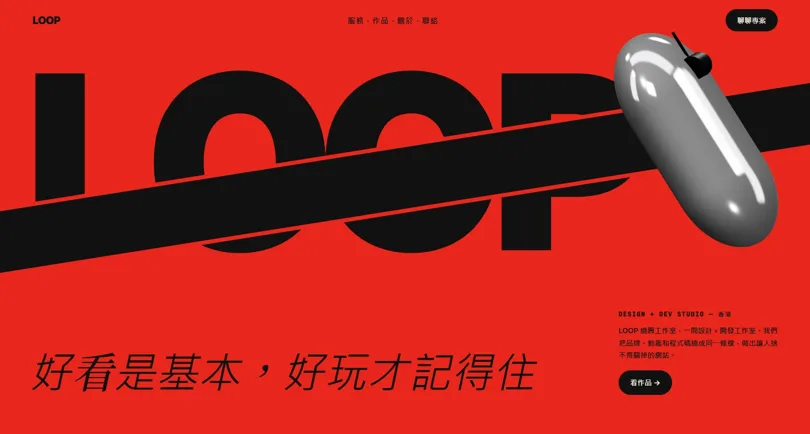
You may have seen this kind of site on Instagram: as you scroll down, a thick red ribbon draws itself after you, and when you scroll back up it pulls back. It looks like an animator made it, but Claude Code wrote it from one prompt.
The page in this guide was built in one go by a fresh Claude Code agent: it got one prompt and a few technical notes, and we didn't change a single line of its code. The studio "LOOP" is a fictional demo brand. You get the full prompt (swap the [ ] parts for yours), 8 real screenshots, a page you can scroll yourself, and how the ribbon is made.
01The result: a red ribbon that follows you down the page
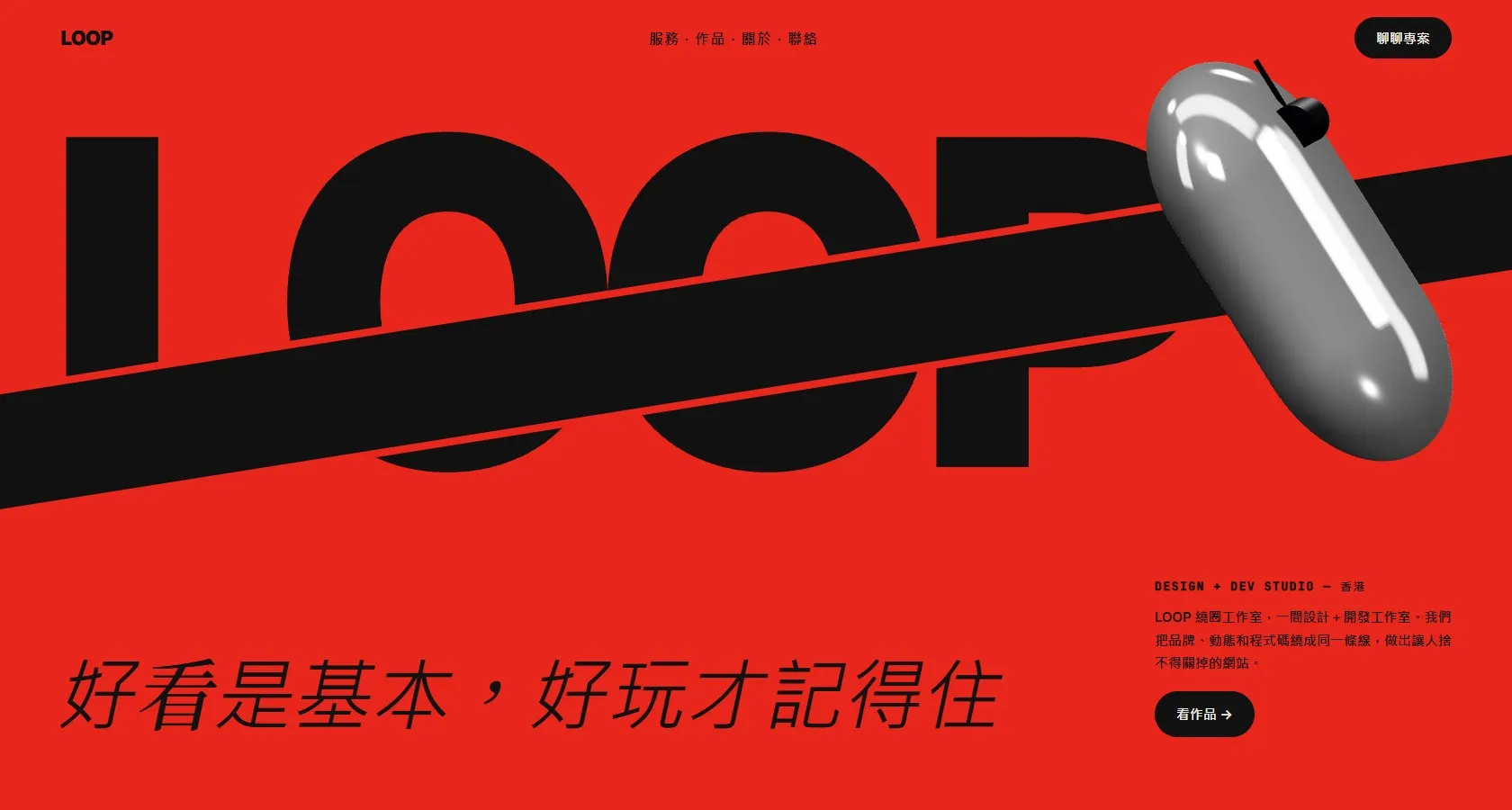
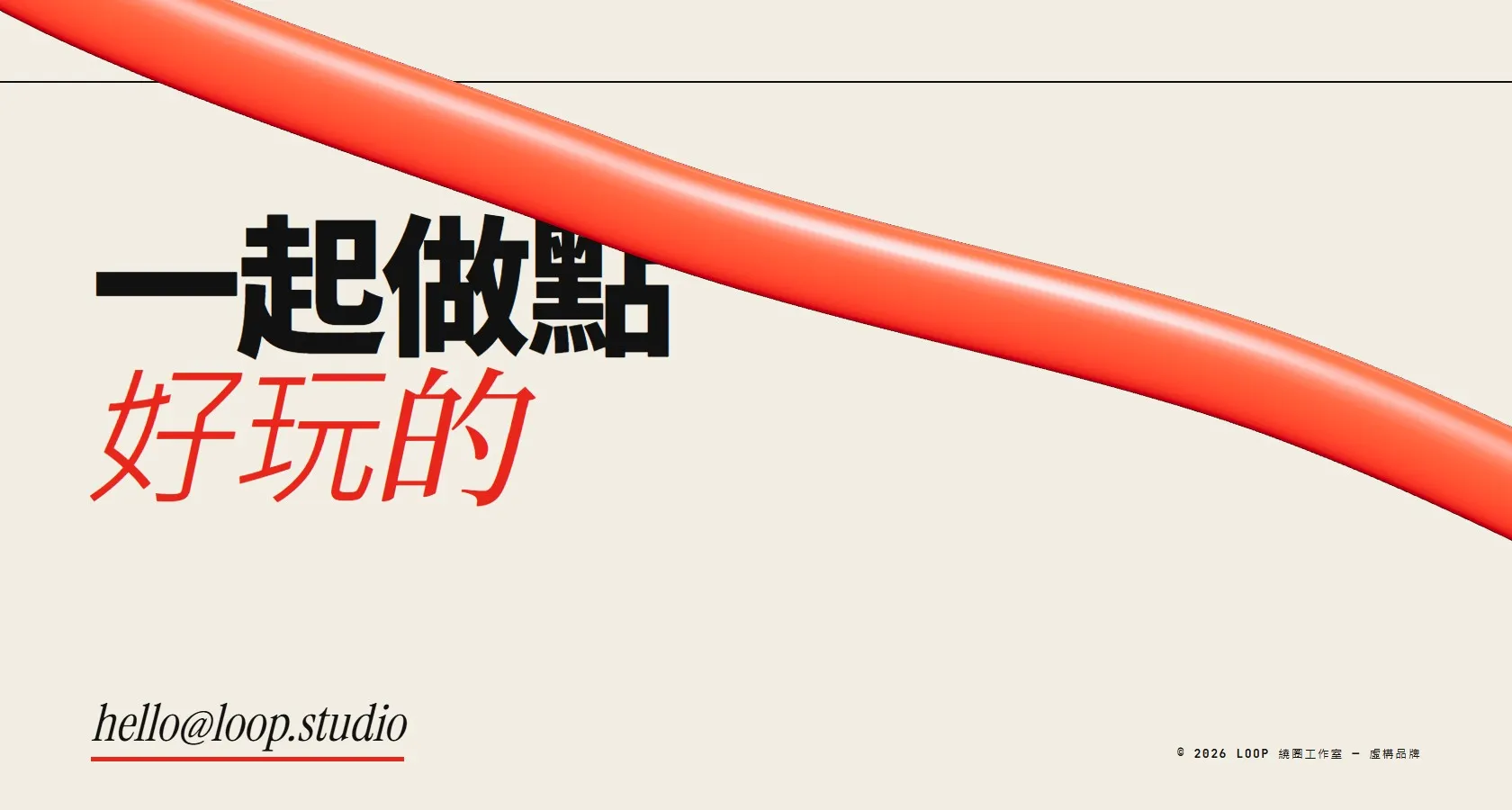
From top to bottom the page has a red hero, a marquee, a cream manifesto, a navy "What we do", four service sections 01 to 04, selected work and a footer. The red ribbon sits on top of every section and is drawn exactly as far as you have scrolled.
- Try it: the red ribbon site — Open on a computer, scroll down slowly and back up; needs internet (three.js loads from a CDN)
- Open the demo and wait for the chrome object in the hero.
- Scroll down slowly: the ribbon draws itself from the manifesto down, and the headline scrambles before it resolves.
- Scroll back up: the ribbon retracts.
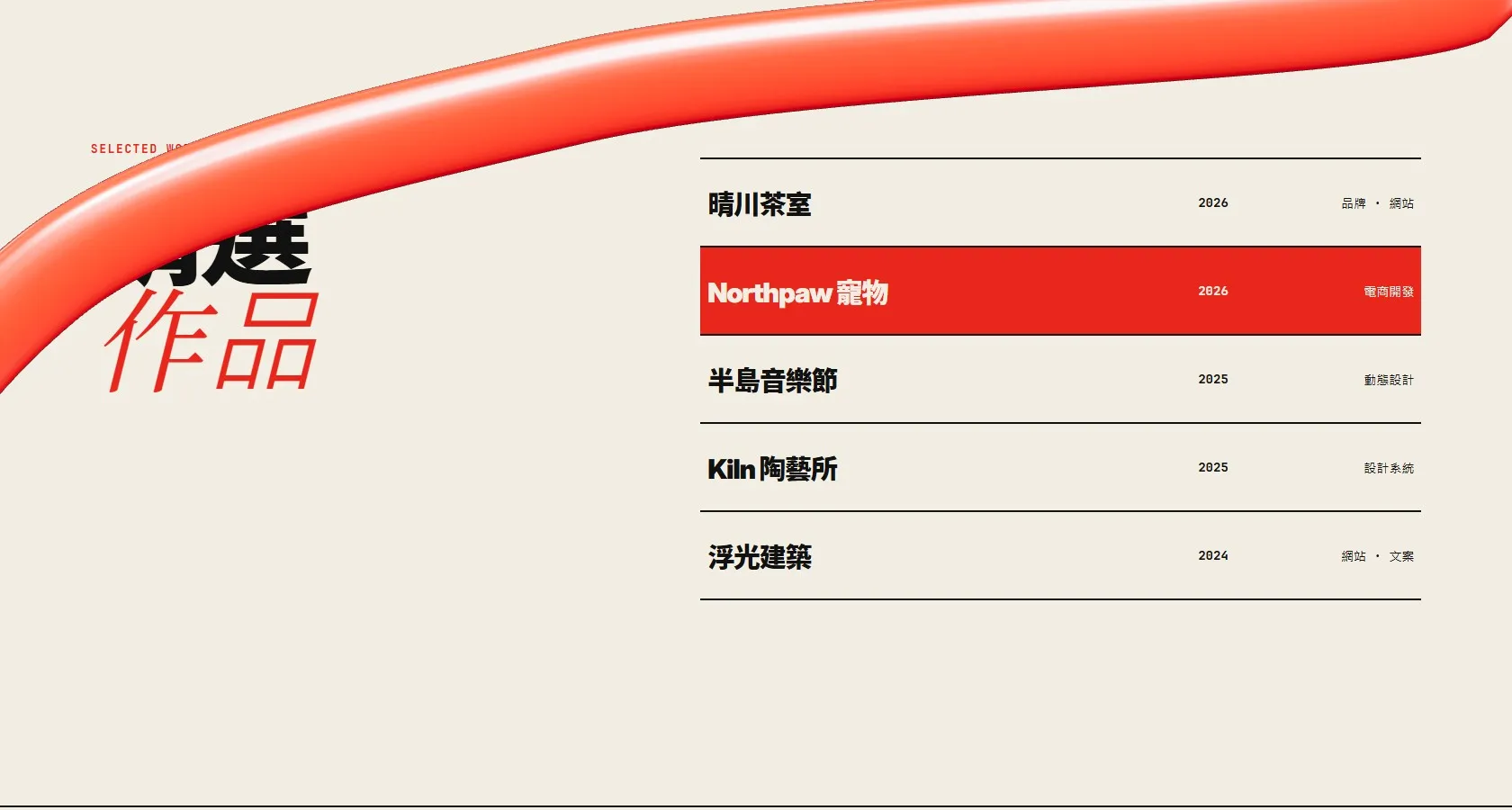
- At Selected work, hover each row: it turns red.
02Before you start: set up a folder
- Make an empty folder with a fonts/ folder inside.
- Put the fonts in fonts/: Noto Sans TC Black (big type), Inter, Instrument Serif (italic serif), Noto Serif TC. Without them Claude Code falls back to system fonts.
- No need to download three.js: it loads from the CDN with an importmap (the URLs are in the technical notes).
- Open Claude Code in that folder, paste the whole prompt below and add the technical notes after it in the same message.
- When it's done, run npx serve (or any local server) in the folder and open index.html in your browser.
(Technical notes, paste together with the prompt)
- Work only inside this folder. fonts/ holds [Inter, Instrument Serif, Noto Sans TC Black, Noto Serif TC]; load them with @font-face and relative paths, no Google Fonts.
- Load three.js from the CDN with an importmap: https://cdn.jsdelivr.net/npm/[email protected]/build/three.module.js and https://cdn.jsdelivr.net/npm/[email protected]/examples/jsm/ . Everything else (HTML, CSS, JS) inline in the one file.
- Target a desktop screen of [1680×900]. renderer.setPixelRatio(Math.min(devicePixelRatio, 2)).
- Drive all motion from requestAnimationFrame and read window.scrollY every frame; trigger the scramble from scroll position.
- When done, test yourself in headless Chrome on a local server: no console errors, one screenshot each at the hero, manifesto, every service section and the work list; look at them before you report.
- Claude Code
- three.js — TubeGeometry, CatmullRomCurve3, RoomEnvironment
03The prompt: paste it into Claude Code in one go
Build me a website for a design studio (one index.html). The star is a very thick, glossy red ribbon that runs through the whole page as you scroll.

The brand is "[LOOP Studio]" (a fictional [design + development studio]). Colours: cream [#f3eee3], pure red [#e8261c], black [#111], deep navy [#0f1630].

From top to bottom:
1. Hero (all red): a thin nav bar (left [LOOP], centre "[Services · Work · About · Contact]", right a black rounded "[Let's talk]" button). A huge black wordmark "[LOOP]" filling almost the full width, cut diagonally by a black band; next to it a slowly spinning chrome 3D object (like a [computer mouse or capsule]). Below it one line in an italic serif: "[Looking good is the baseline; being fun is what people remember]", and at bottom right a short intro paragraph and a "[See work →]" button.
2. Marquee band: "[Motion design · Copy · Design systems · Branding · Web development ·]" in large type, scrolling sideways forever.
3. Manifesto (cream): the red ribbon snakes down from the top of the page. One big line enters with a text-scramble effect: "[Most websites are seen and forgotten,]" second line "[ours make people *want to play*.]" with "[want to play]" in a red italic serif.
4. A "[What we do]" title section (deep navy).
5. Four service sections, each with a huge red number and a slowly spinning chrome 3D object: 01 [Design] (cream, object: [a browser window]), 02 [Development] (all red, object: [a keycap]), 03 [Mobile] (navy, object: [a phone]), 04 [Launch] (cream, object: [a rocket]). Each has a heading and two lines of text.
6. "[Selected work]": cream, big heading on the left, a 5-row project list on the right (fictional client + year + category); the row turns red on hover.
7. Footer: big "[Let's make something fun]" + [email].

The red ribbon: use three.js TubeGeometry along a hand-designed CatmullRom curve that winds in S-shapes from the hero all the way down, looping through every section and sitting on top of the content (a fixed transparent canvas that moves with the page). The ribbon must be very thick (like a brush-stroke band), glossy red, with soft highlights. It "draws itself" as you scroll: only show the part of the curve that matches the current scroll position (drawRange, or clip by curve position in a shader); scrolling back up retracts it. Section backgrounds switch in this order: red → cream → navy → cream/red/navy/cream → cream.

Build the chrome objects from basic three.js geometry + an environment map (a generated one like RoomEnvironment), no external models or images. Fonts: Noto Sans TC Black / Inter for big type, Instrument Serif for the italic serif (for Chinese italics use Noto Serif TC with a skew). All copy in [Traditional Chinese] with a few small English labels.
The prompt pins down three things: the colours (four hex codes), the order and content of the 7 sections, and the ribbon rules (thick, glossy, drawn by scroll, retracts on the way up). That is all the design direction it got; Claude Code decided the rest.
04How the ribbon is made
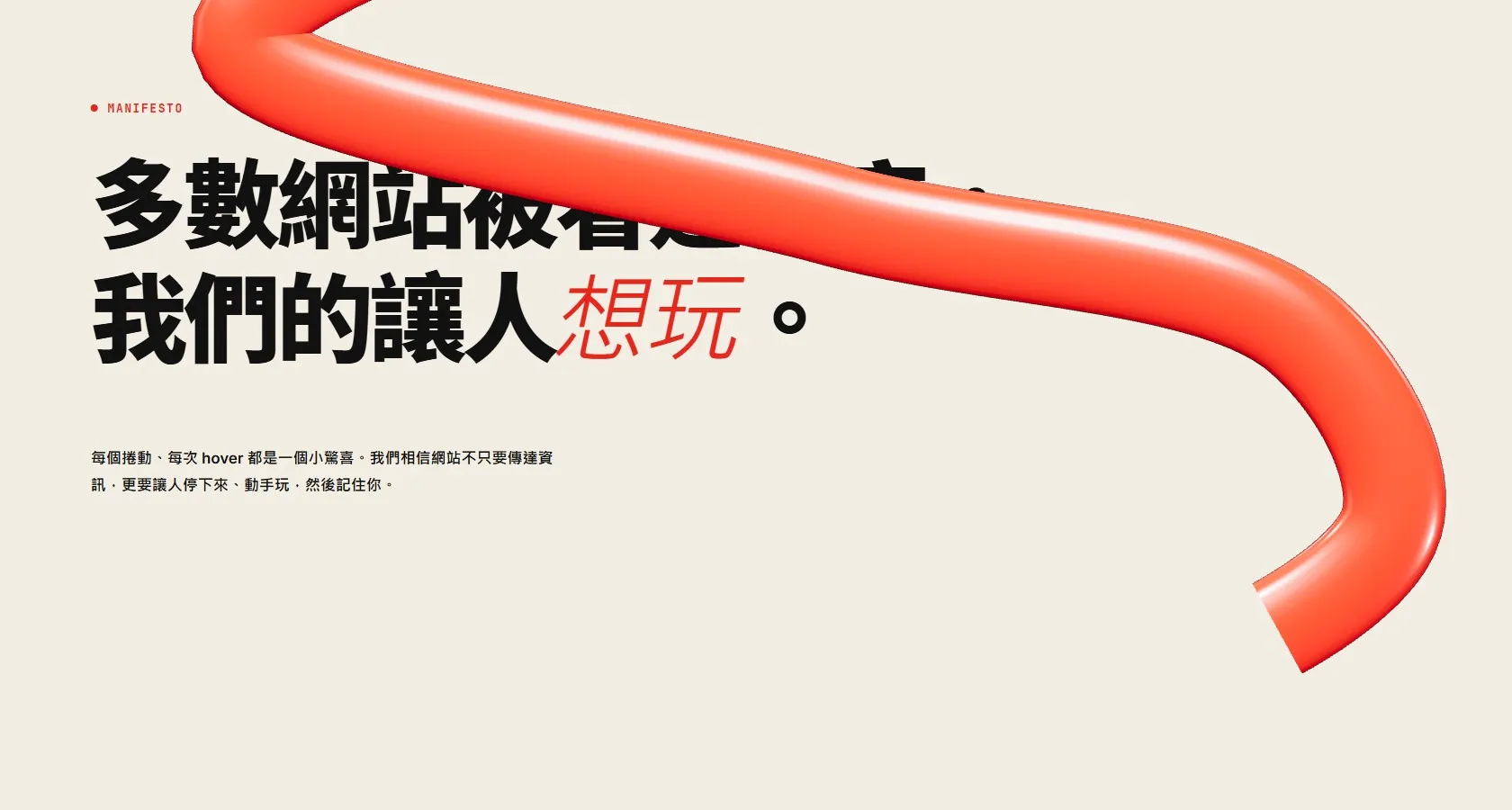
- A fixed, transparent three.js canvas covers the whole page; its camera moves with scrollY, so 3D positions line up with page positions.
- A hand-placed CatmullRomCurve3 winds down from the hero in S-shapes, with one loop in the manifesto.
- TubeGeometry turns the curve into a tube, flattened a little like a brush stroke, with a glossy red material and soft highlights.
- Every frame, only the part of the tube down to "scrollY + 78% of the screen height" is drawn; scroll back up and the drawn range shrinks, so the ribbon retracts.
- Section backgrounds switch red → cream → navy → cream / red / navy / cream, and the ribbon always stays on top.
05The four service sections and the work list
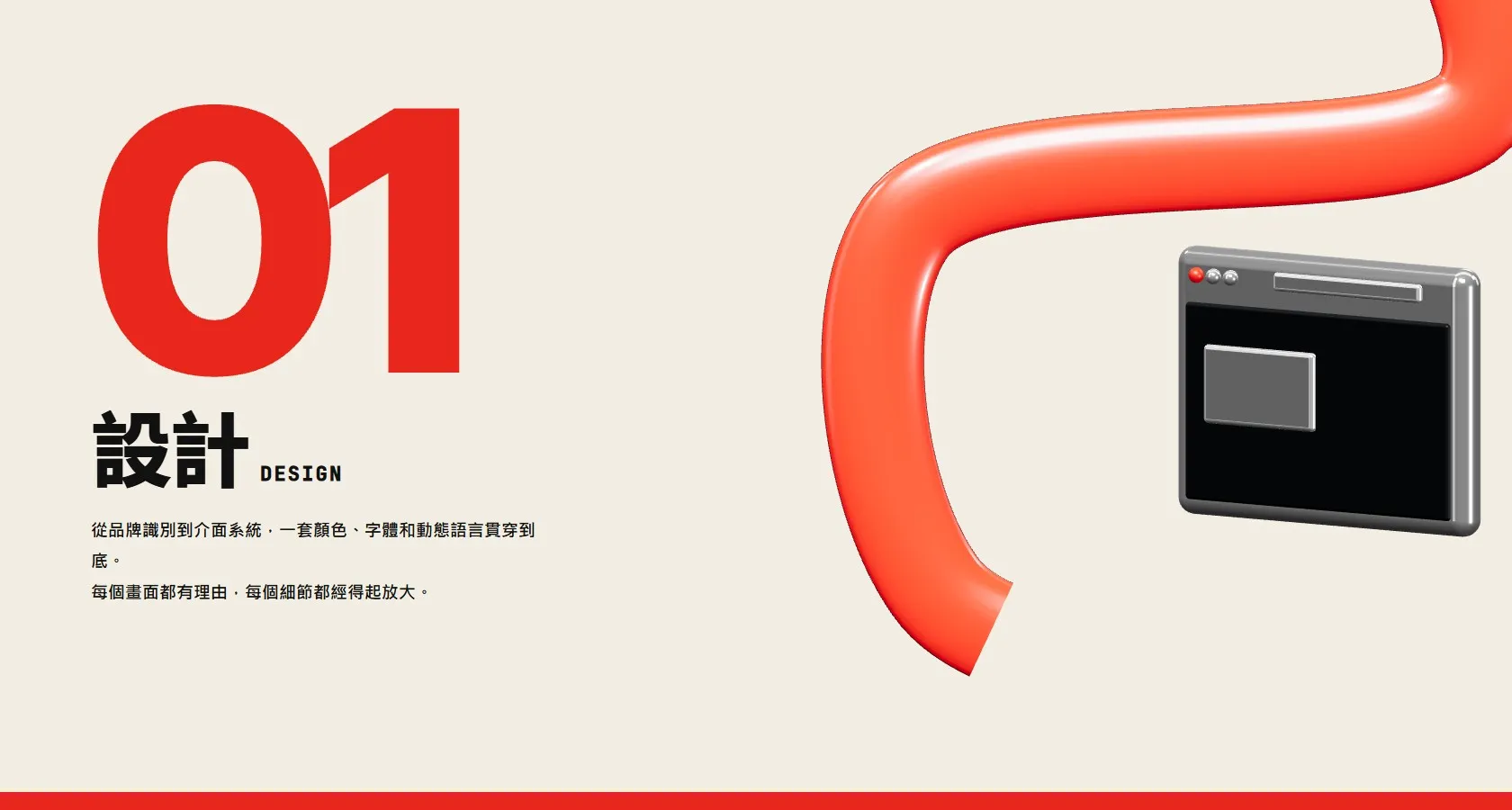
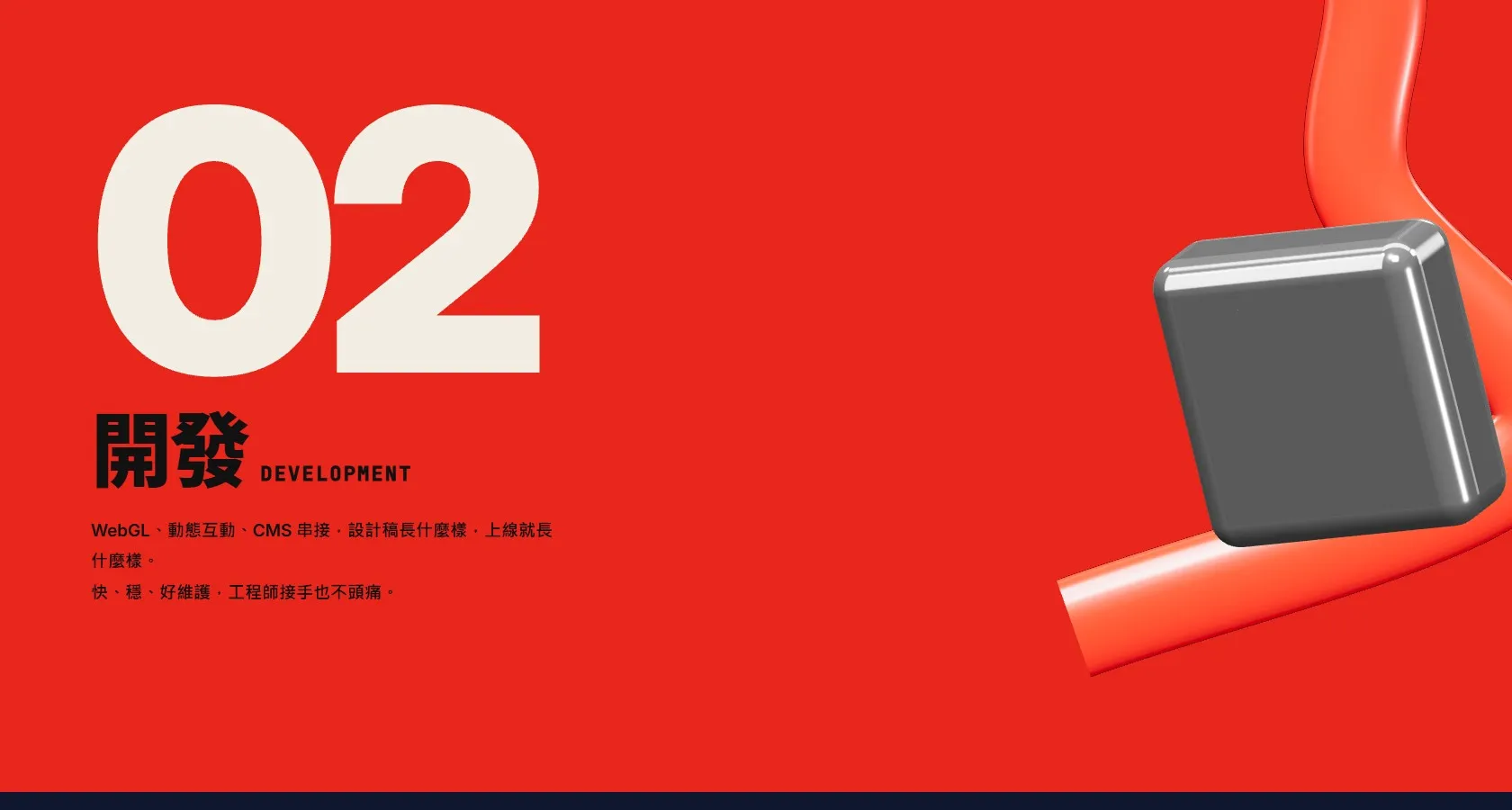
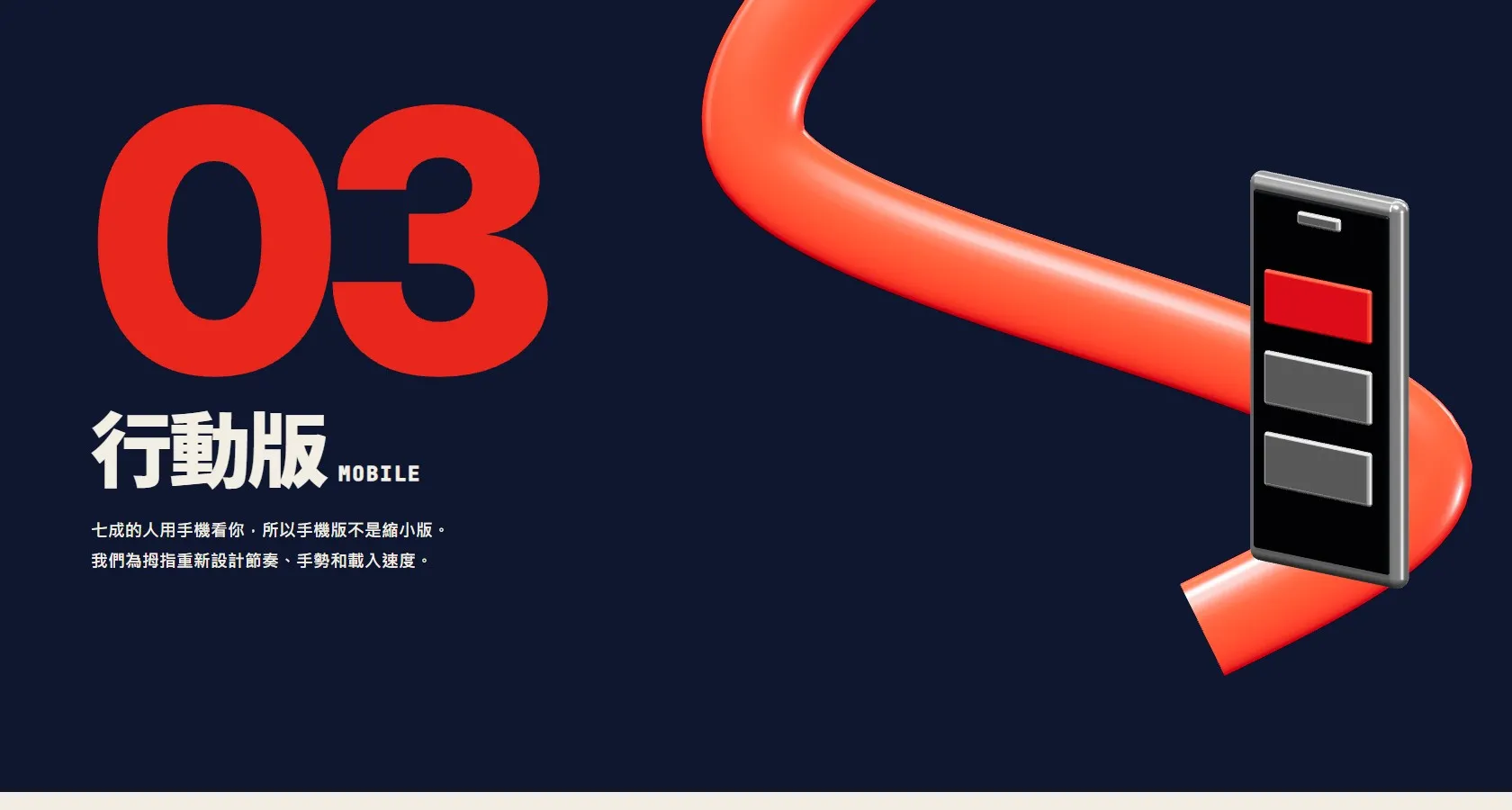
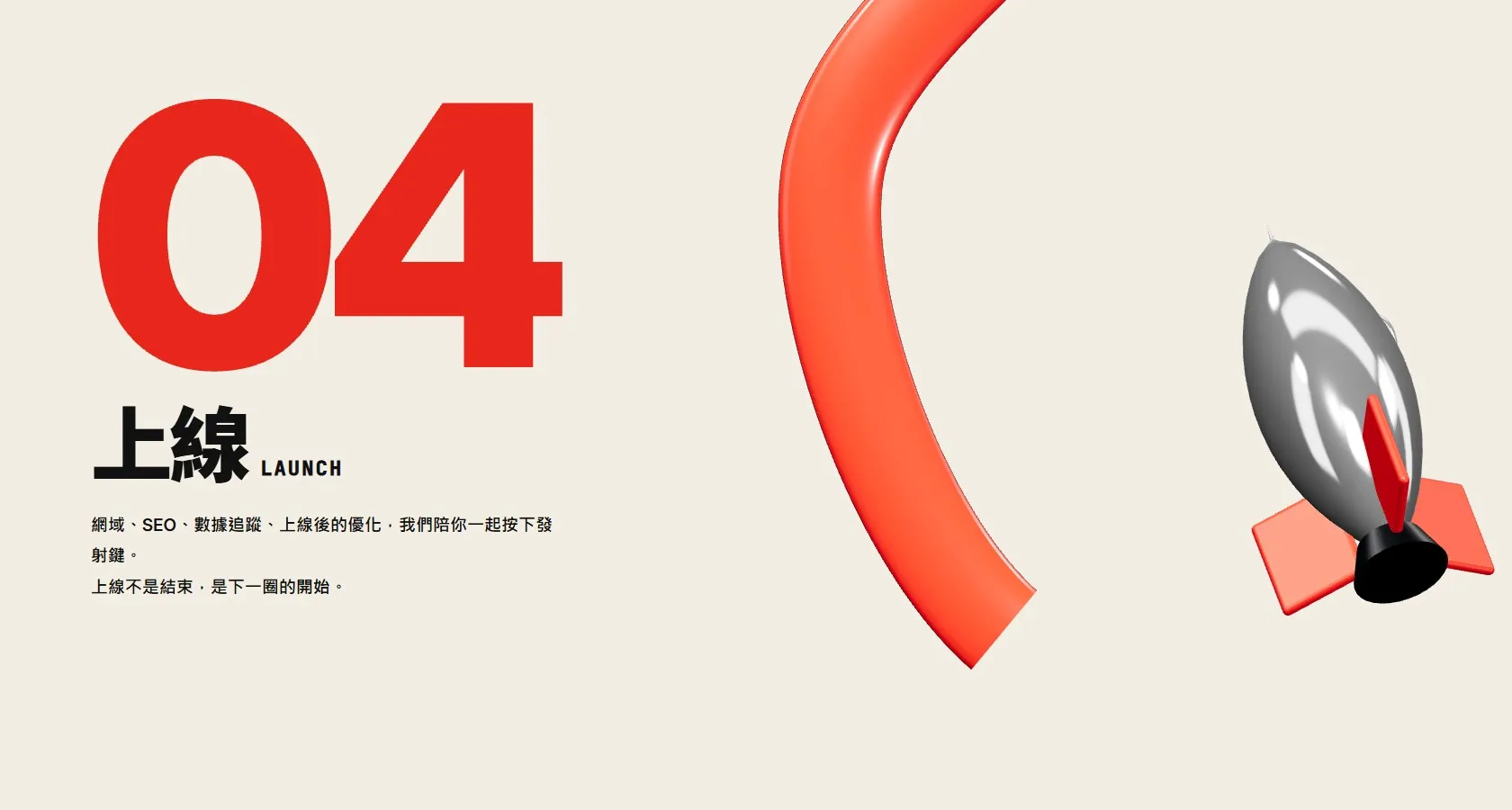
All four service sections share one layout: a huge number, a heading with a small English label, two lines of text and a slowly spinning chrome object. Every object is built from basic three.js shapes plus a generated environment map (RoomEnvironment), so no external models or images are needed.
06Make it your own brand
- Brand and copy: change the brand name, nav, tagline, service names and work list in the prompt.
- Colours: all four hex codes can change. Pick a ribbon colour with strong contrast against the backgrounds so it pops.
- 3D objects: swap each section's object for something tied to your service (a camera, a cup, a book) and say "built from basic shapes".
- Not happy with the ribbon's path? Say "make the ribbon loop a bit more to the [left / right] in [section], change nothing else".
If the ribbon doesn't reach the end, follow up with:
The ribbon stops before the last section; when I scroll to the footer I never see it finish. Move the curve's last point below the big footer line so the ribbon makes one loop in the footer and ends there. Don't change anything else.
07Good to know
- Claude Code wrote the whole page and we didn't change its code; we only cut the big Chinese font down to the characters on the page so the demo loads faster.
- Every run is different. With the same prompt, your ribbon path and object shapes may not match ours.
- It needs internet: three.js loads from the jsDelivr CDN. Double-clicking the HTML file may not work; open it through a local server.
- The demo is a desktop layout; older computers may scroll less smoothly.
- "LOOP" and the clients in the work list are fictional. The monitor and room in the video are ChatGPT-generated backdrops; the page on the screen is a real recording of this site.
- Also: a 3D head hero that bursts into dots — three.js too, 6 steps, playable