Claude can learn your editing style: two prompts that turn it into a reusable skill
Give Claude 3 videos you like: prompt 1 extracts their editing DNA, prompt 2 turns it into a skill, and every new script gets cut in the same style.
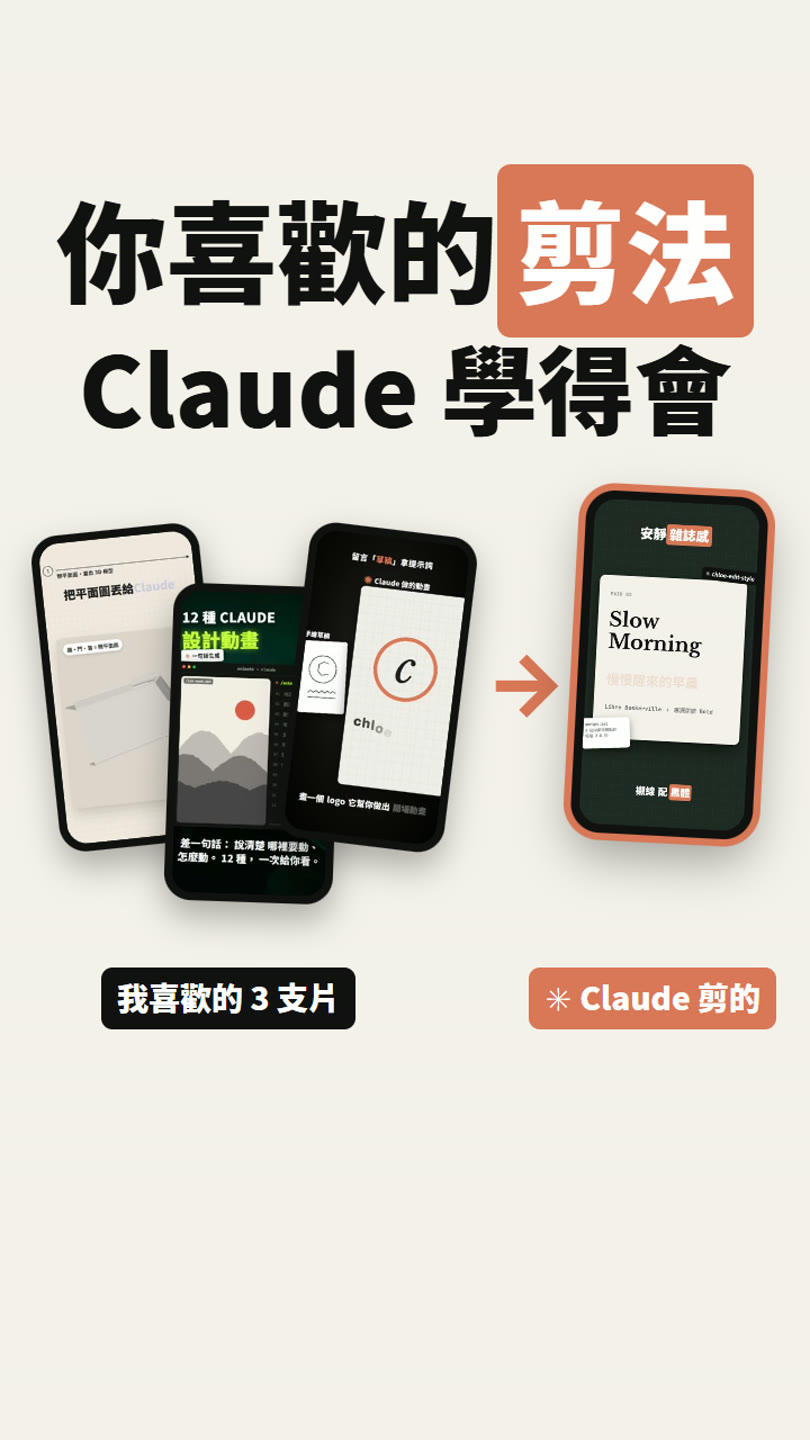
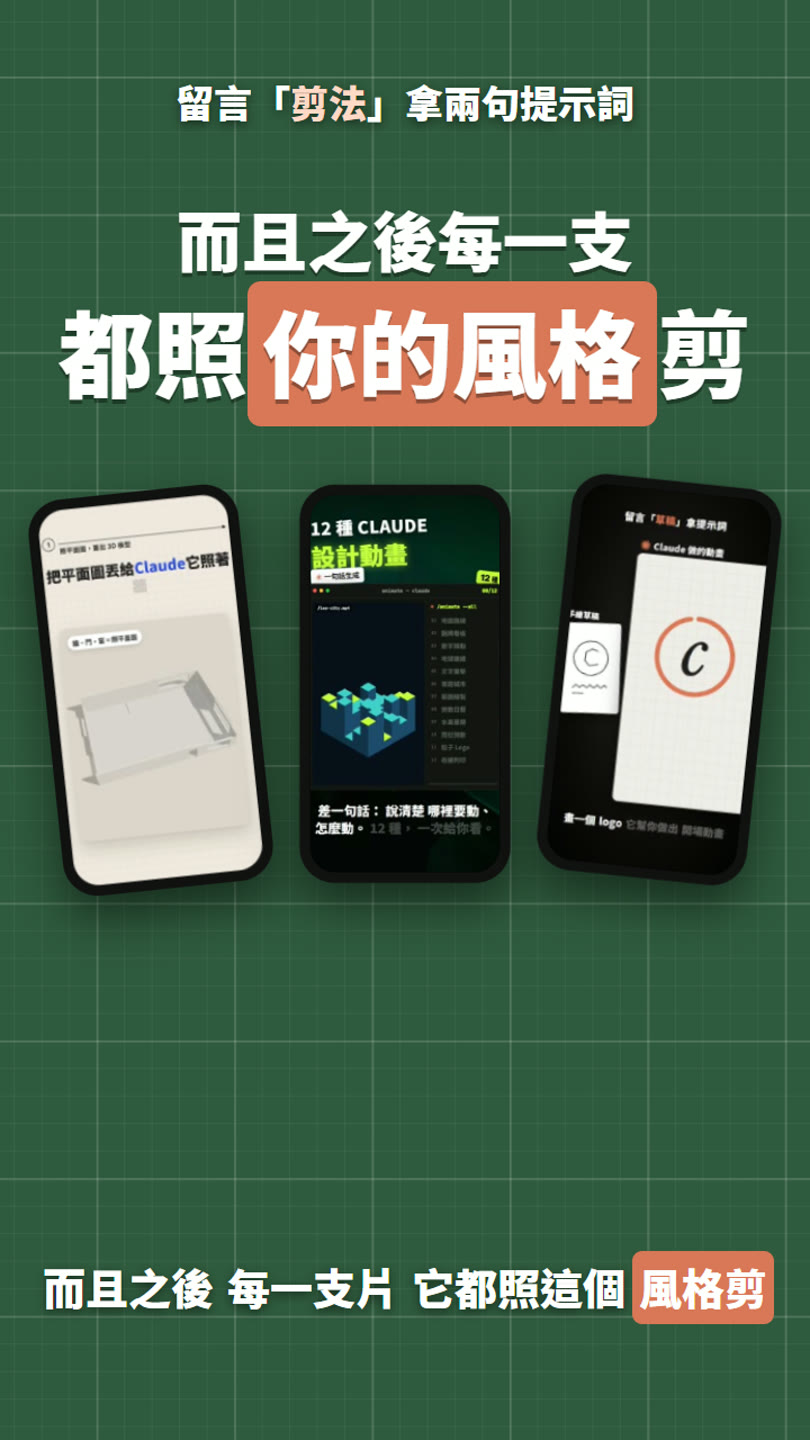
Re-tuning captions, pacing and colour from scratch on every video is tiring. With two prompts, Claude first writes the editing style you like as a set of rules (an editing DNA), then turns those rules into a skill. After that you hand it a new script and it edits it in the same style. We tried it on three of Chloe's own videos; every file and the finished clip in this article were written by Claude on the spot.
01What you get: an editing DNA + a skill that edits with it
Prompt 1 has Claude go through 3 reference videos frame by frame and write style-dna.md: opening, pacing, type, colour, layout, ending and sound, each as a rule you can follow. Prompt 2 wraps those rules into a skill. From then on you just send a script and it cuts a vertical video by that DNA.
02Prompt 1: extract the editing DNA
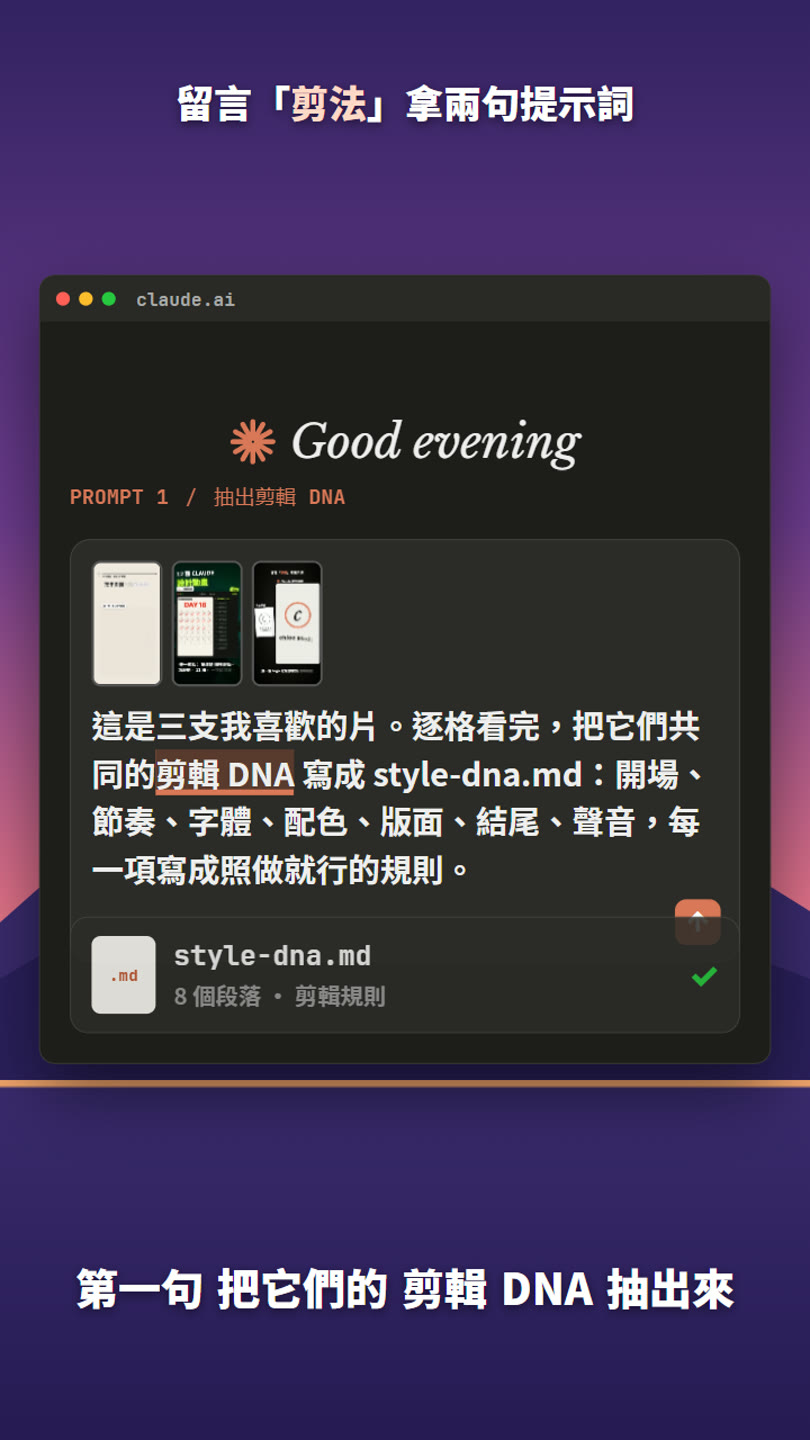
Start a new Claude chat, upload 3 videos you like (or screenshots + captions of each), and paste:
Here are three videos I like. Go through them frame by frame and write their shared editing DNA as style-dna.md: opening, pacing, type, colour, layout, ending, sound. Write each as a rule I can follow (e.g. "each beat lasts [3-5] s", "one accent colour per video: [#D97757]").
- Opening: frame 0 is the finished result, no talking intro.
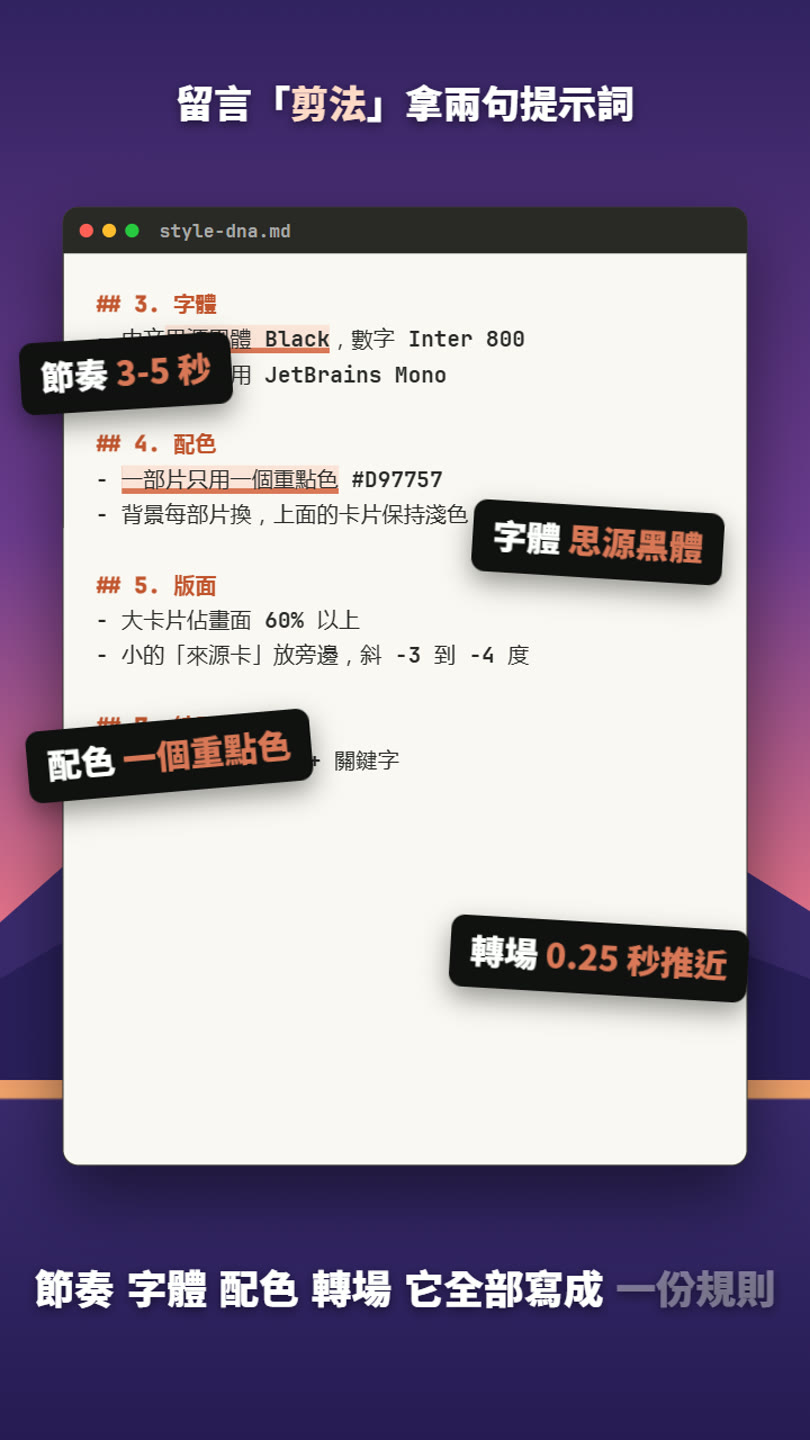
- Pacing: one idea per beat, 3-5 s each; at every cut the card punches from 94% to 100% in 0.25 s; nothing stays still for more than 0.5 s.
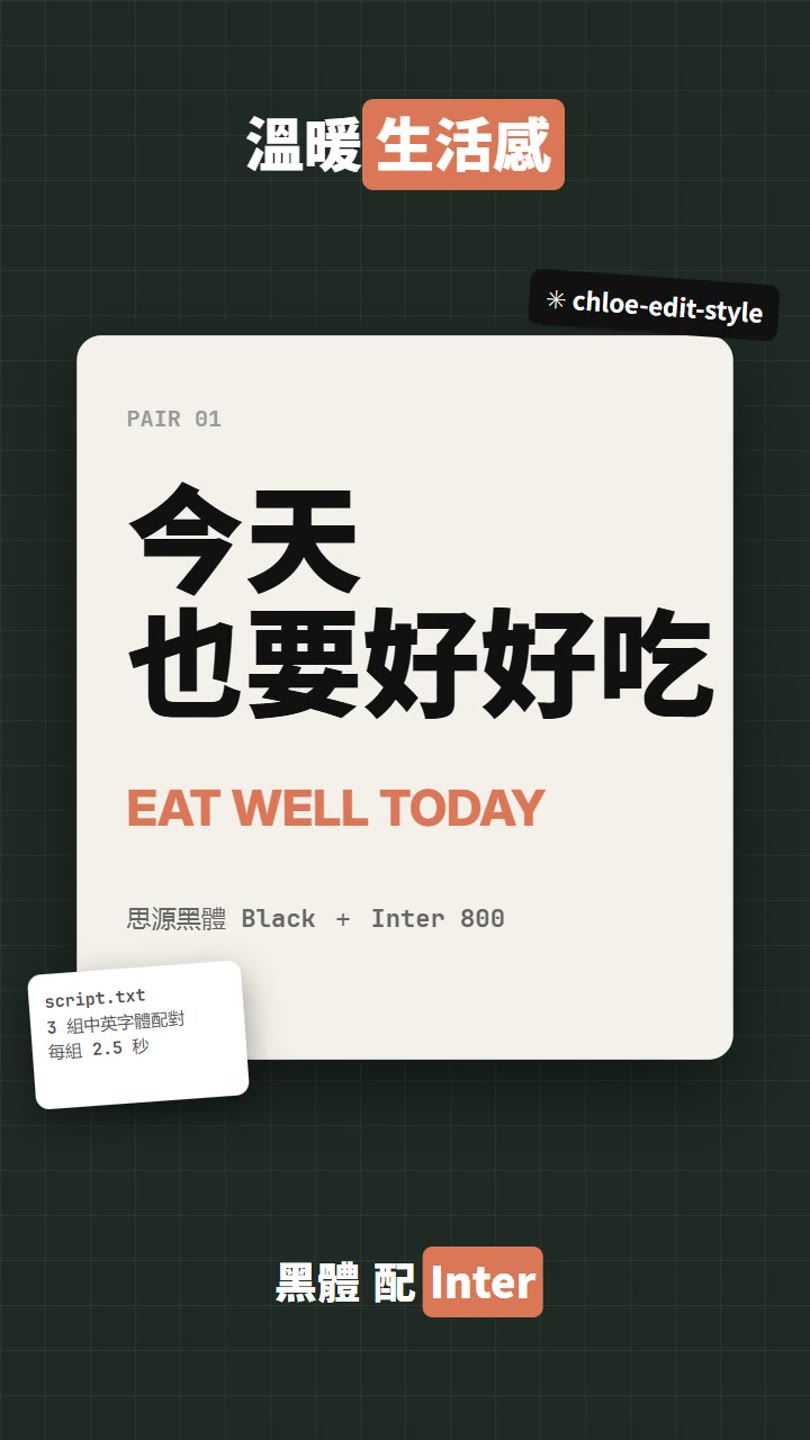
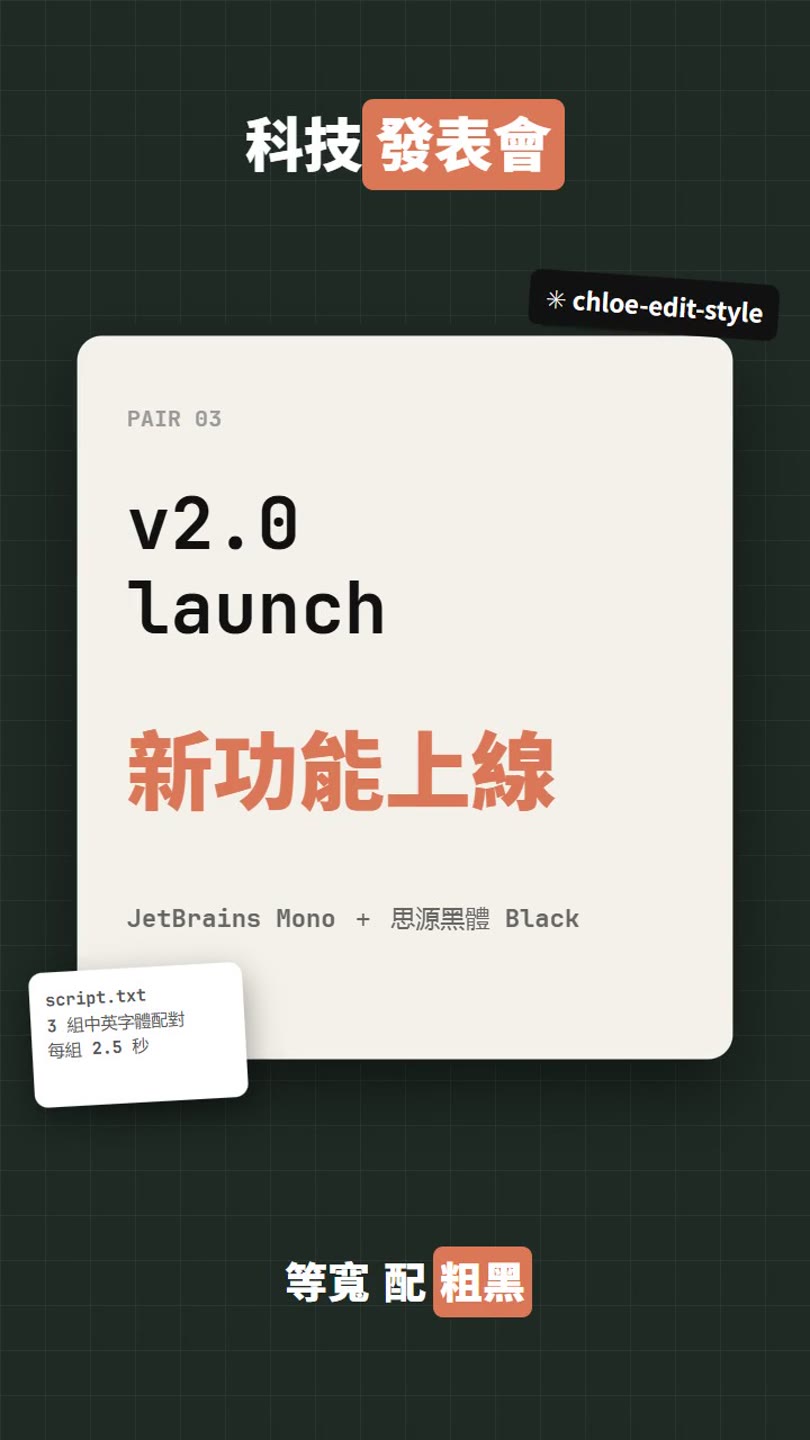
- Type: Noto Sans TC Black for Chinese, Inter 800 for numbers, JetBrains Mono for file names.
- Colour: one accent colour per video; the background changes per video.
- Ending: a tilted white card with "comment" + the keyword.
03Prompt 2: turn the rules into a skill
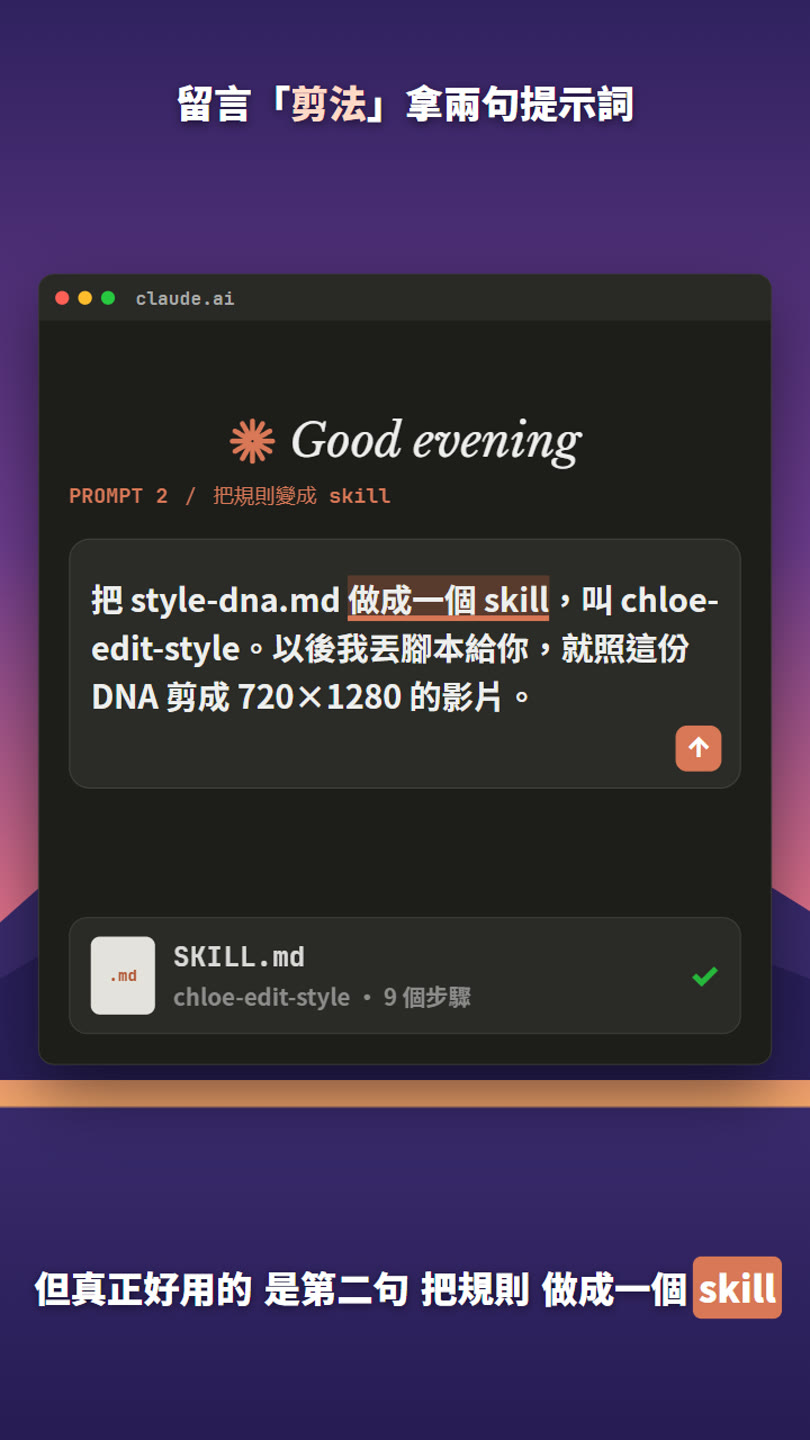
A DNA file alone means pasting it every time. Prompt 2 has Claude turn it into a skill (a Claude Code skill file) you can call with one line.
Turn style-dna.md into a skill called [chloe-edit-style]. When I send you a script, edit it into a [720×1280] video following this DNA, and before handing it back, grab a frame at every cut and check it against the DNA.
04Send a new script, it edits in your style
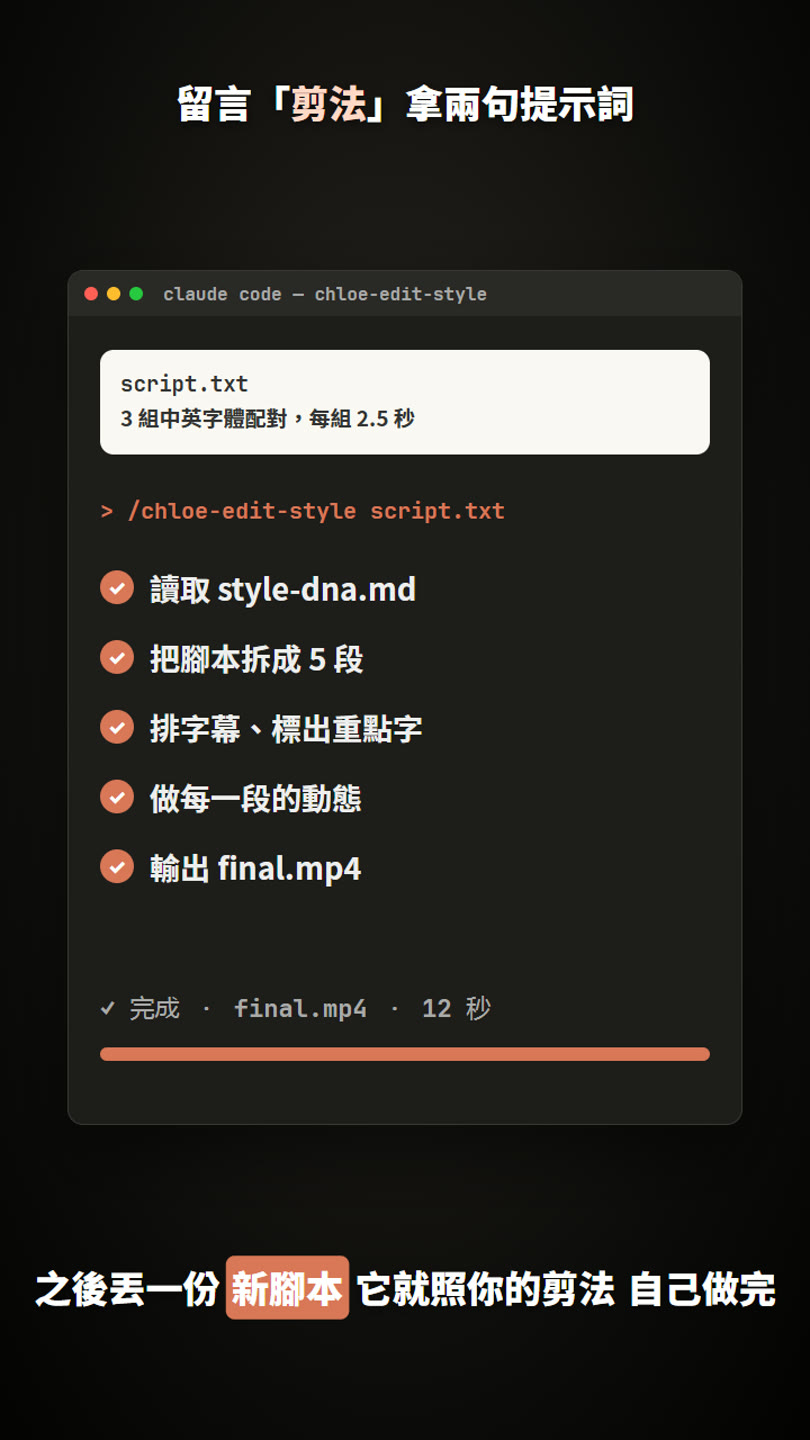
We sent a brand-new script, "3 Chinese-English font pairings, 2.5 s each", and called the skill with /chloe-edit-style. It read the DNA, split the beats, set captions and key words, built the motion and exported an MP4.
05Watch out
- Use your own videos, or videos you have the right to use, as references. Learning someone's editing style is fine; don't copy their footage into your result.
- Skills are a Claude Code feature: put SKILL.md in your project's .claude/skills/<name>/ folder and call it with /name. In a normal Claude chat you can paste style-dna.md each time instead.
- Our result is an HTML animation written by Claude and exported to MP4, not a cut made in editing software. For live footage, say in prompt 2 what your footage is and how you want it exported.
- Read the extracted DNA yourself first and fix any rule that's wrong before you make the skill.