One-of-a-kind phone wallpapers with Claude: Anthropic's Algorithmic Art skill, a new picture for every seed
Anthropic's Algorithmic Art skill has Claude write an algorithmic philosophy, then seeded p5.js. New seed, new picture; save a 1170×2532 PNG.
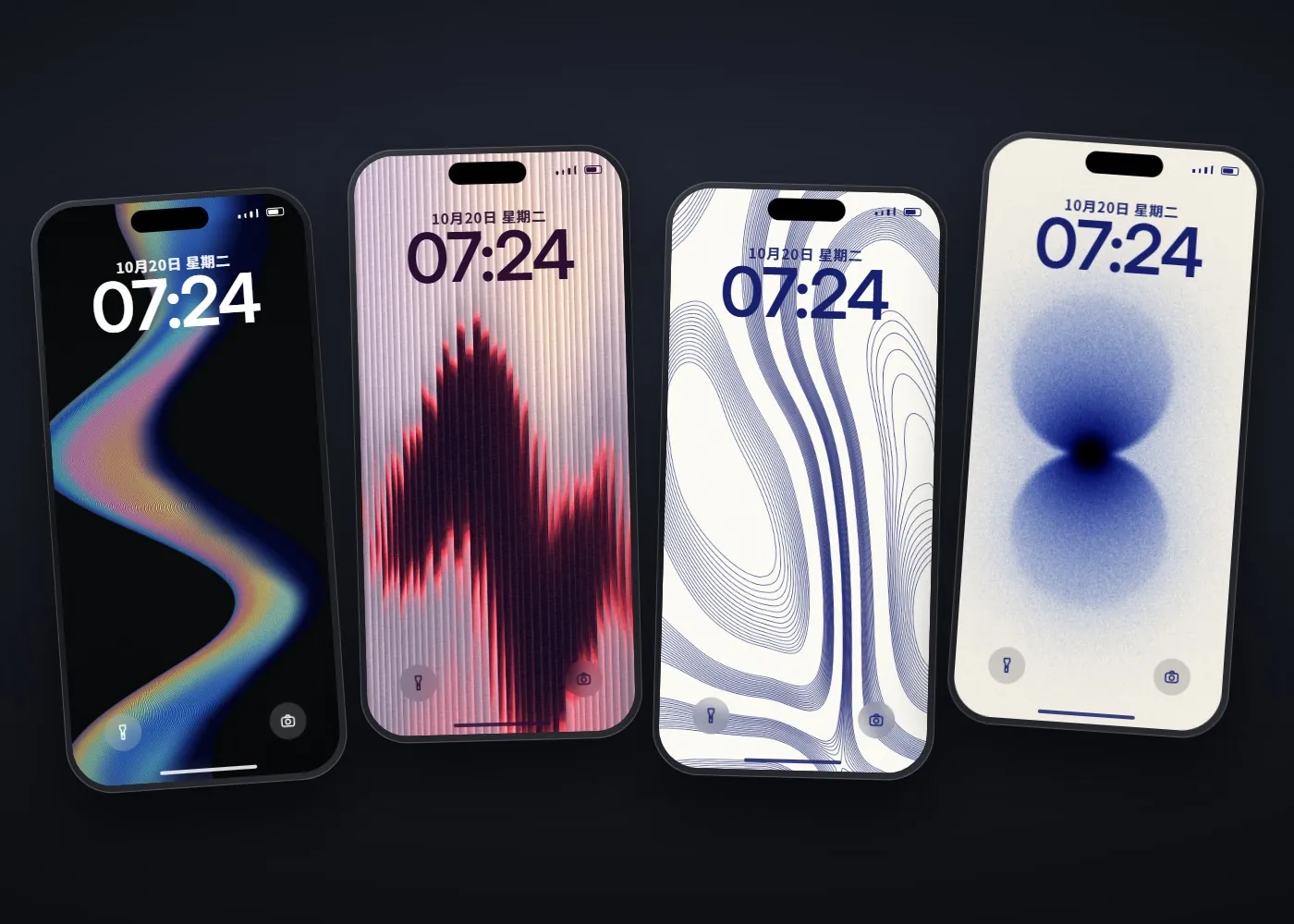
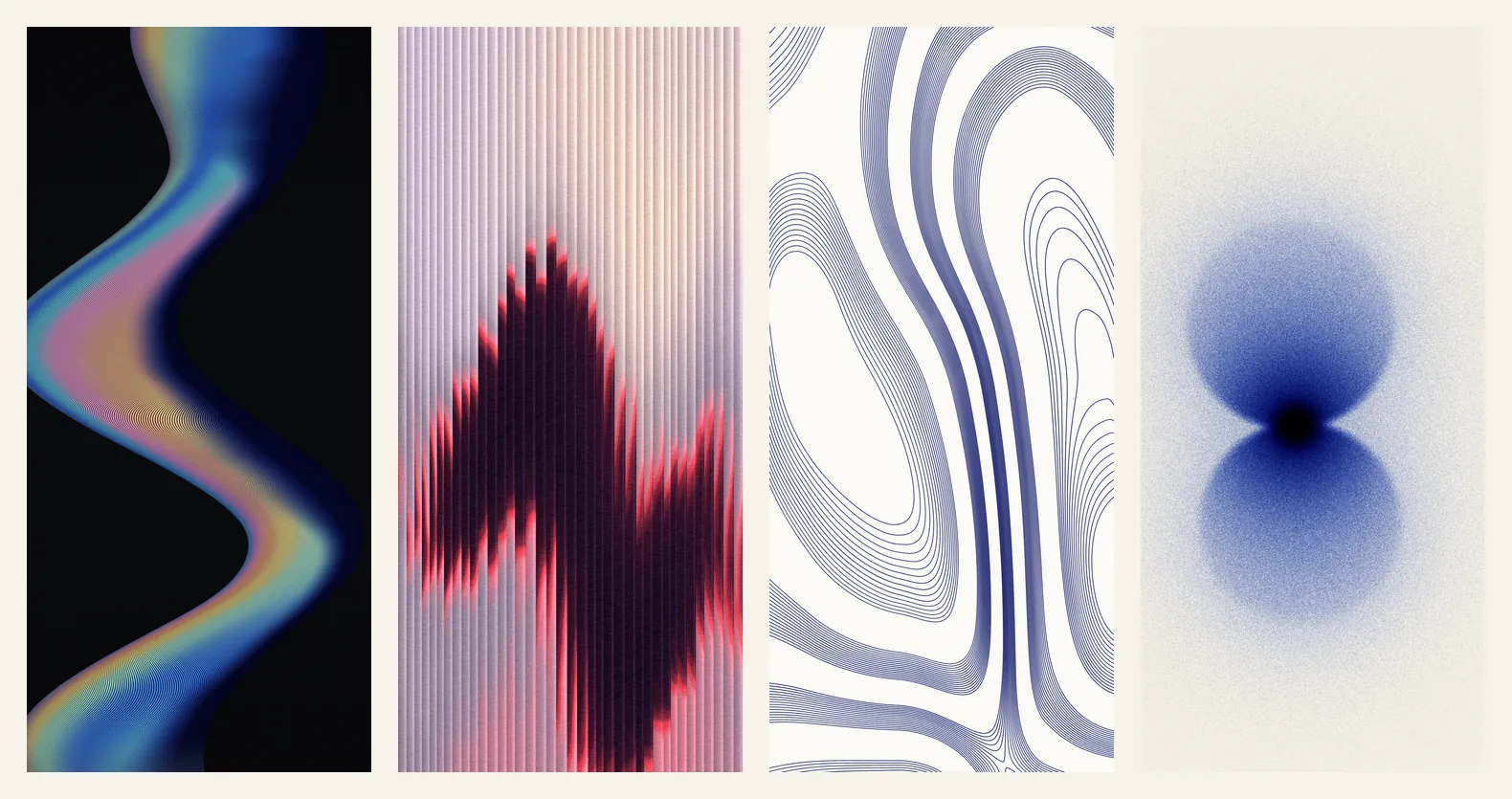
Most people think AI art means typing one line into an image generator, and the wallpaper you get looks like everyone else's. This guide takes another route: Claude uses Anthropic's official Algorithmic Art skill to write an algorithm, and the code draws the wallpaper itself. One algorithm draws a different picture for every seed (a number that drives the randomness), so the one you pick is yours alone. The four wallpapers and every image below were drawn by code Claude wrote with this skill: no image generator, and no one else's artwork.
01Install the Algorithmic Art skill (2 minutes)
- Open Claude Code.
- Type: /plugin marketplace add anthropics/skills
- Then type: /plugin install example-skills@anthropic-agent-skills
- algorithmic-art is part of the example-skills set, so it installs with it. Say "Use the algorithmic-art skill to make…" to call it.
On claude.ai, first check that "Code execution and file creation" is on under Settings → Capabilities, then switch on the example skills under Customize → Skills. The help centre says Free, Pro and Max can enable example skills there; the GitHub README says they are already available on paid plans. On Team and Enterprise it depends on your admin's settings.
- Algorithmic Art SKILL.md (GitHub) — Official Anthropic skill, Apache 2.0
- Claude Help Center: Using Skills in Claude — How to turn it on in claude.ai
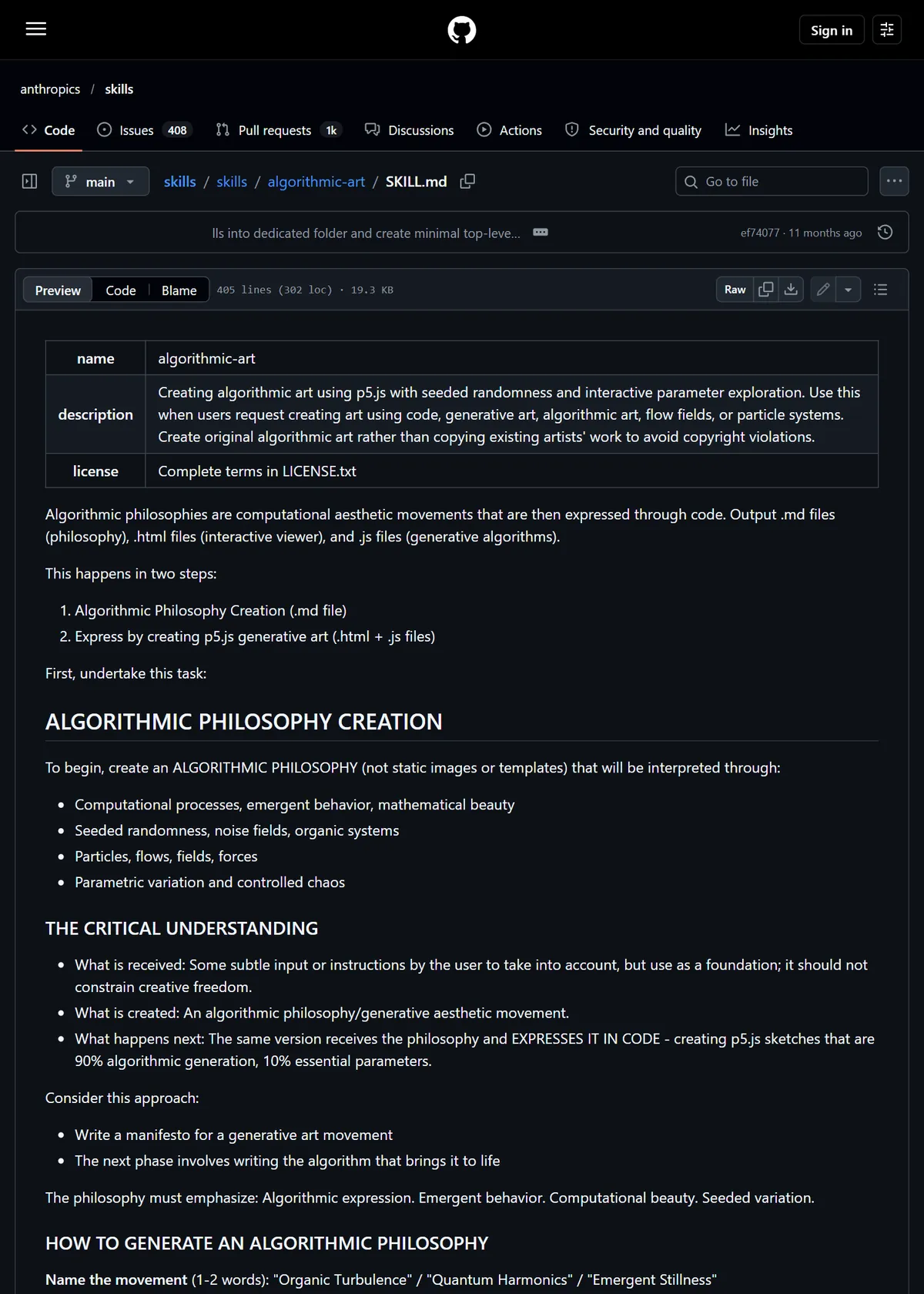
02Step 1: paste the prompt and get an algorithmic philosophy first
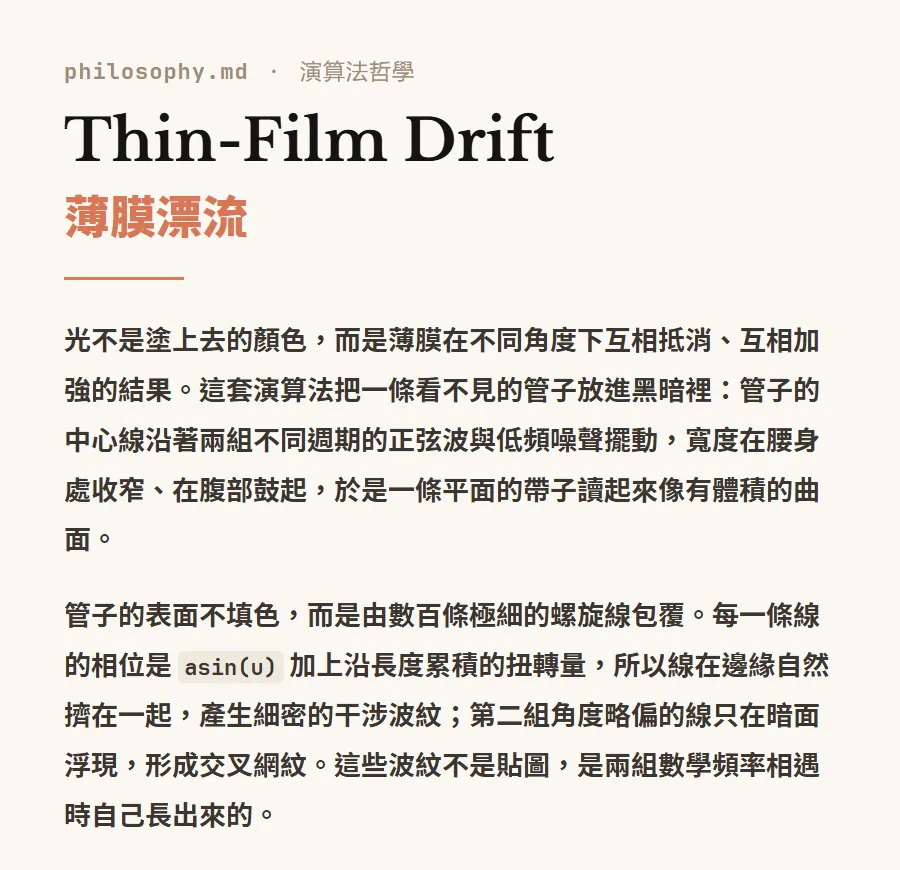
The skill doesn't start drawing straight away. Step one is a 4 to 6 paragraph "algorithmic philosophy" for each algorithm: where the light comes from, how the lines run, how the grain falls and what the seed changes. That document is the rulebook for that wallpaper.
Use the algorithmic-art skill to make a set of [4] phone wallpapers, [1170×2532] (portrait), each one a different algorithm, good enough that I'd set it as my lock screen straight away. Direction: [e.g. hundreds of very thin rainbow lines forming a winding band of light on black / bundles of navy contour lines on white paper / two grainy blue orbs touching on off-white paper]. Follow the skill: write the algorithmic philosophy first, then the p5.js, with a fixed seed so the same seed always draws the same image and a new seed draws a new one. Give each one adjustable parameters ([line count, grain, colours]) and an interactive viewer where I can change the seed and download a PNG. Fill the frame with depth, and make it look good shrunk down on a phone; no text, no logos.
Our real version listed 5 directions and ended with "follow the colours of the references, but let the algorithm decide the composition; don't copy the references". Claude wrote four philosophies: Thin-Film Drift, Ribbed Refraction, Contour Silence and Stochastic Glow.
03Step 2: p5.js code plus a viewer you can play with
Only in step two does it write code. The skill says to start from the official viewer template: seed, parameters and buttons on the left, the canvas on the right. Each wallpaper is a single HTML file that works in any browser; on claude.ai it becomes an interactive artifact.
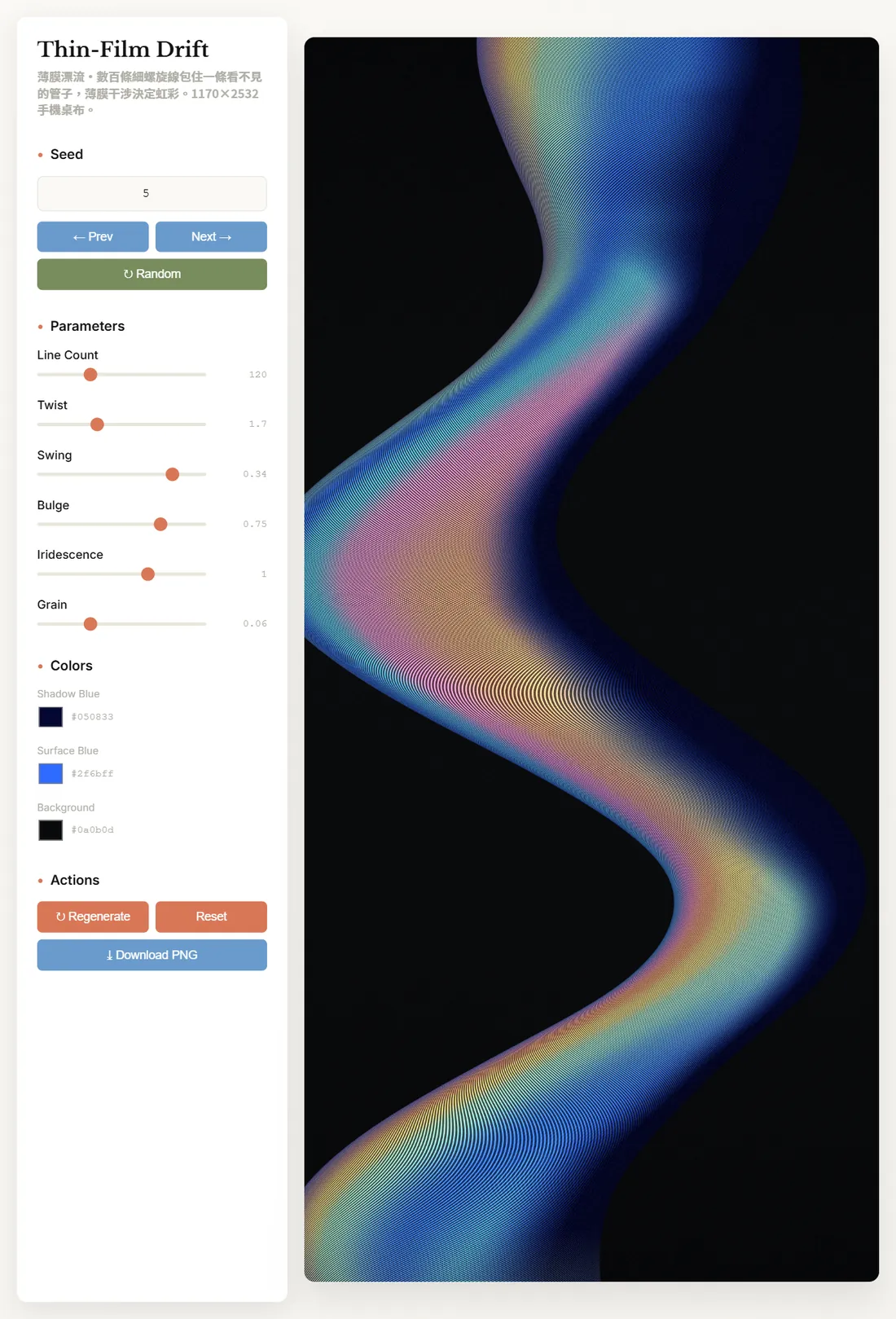
The four wallpapers use four completely different algorithms:
- Thin-Film Drift: 120 thin spiral lines wrap a winding tube; where they crowd at the edges, fine interference ripples appear on their own.
- Ribbed Refraction: a soft glow hides behind 38 vertical glass ribs, and each rib slices the light and shifts it up or down a little.
- Contour Silence: a map of terrain that doesn't exist, with contour lines in bands of 16 and wide stretches of white paper between the bands.
- Stochastic Glow: the two orbs aren't gradients but millions of ink dots, darkest where the orbs touch.
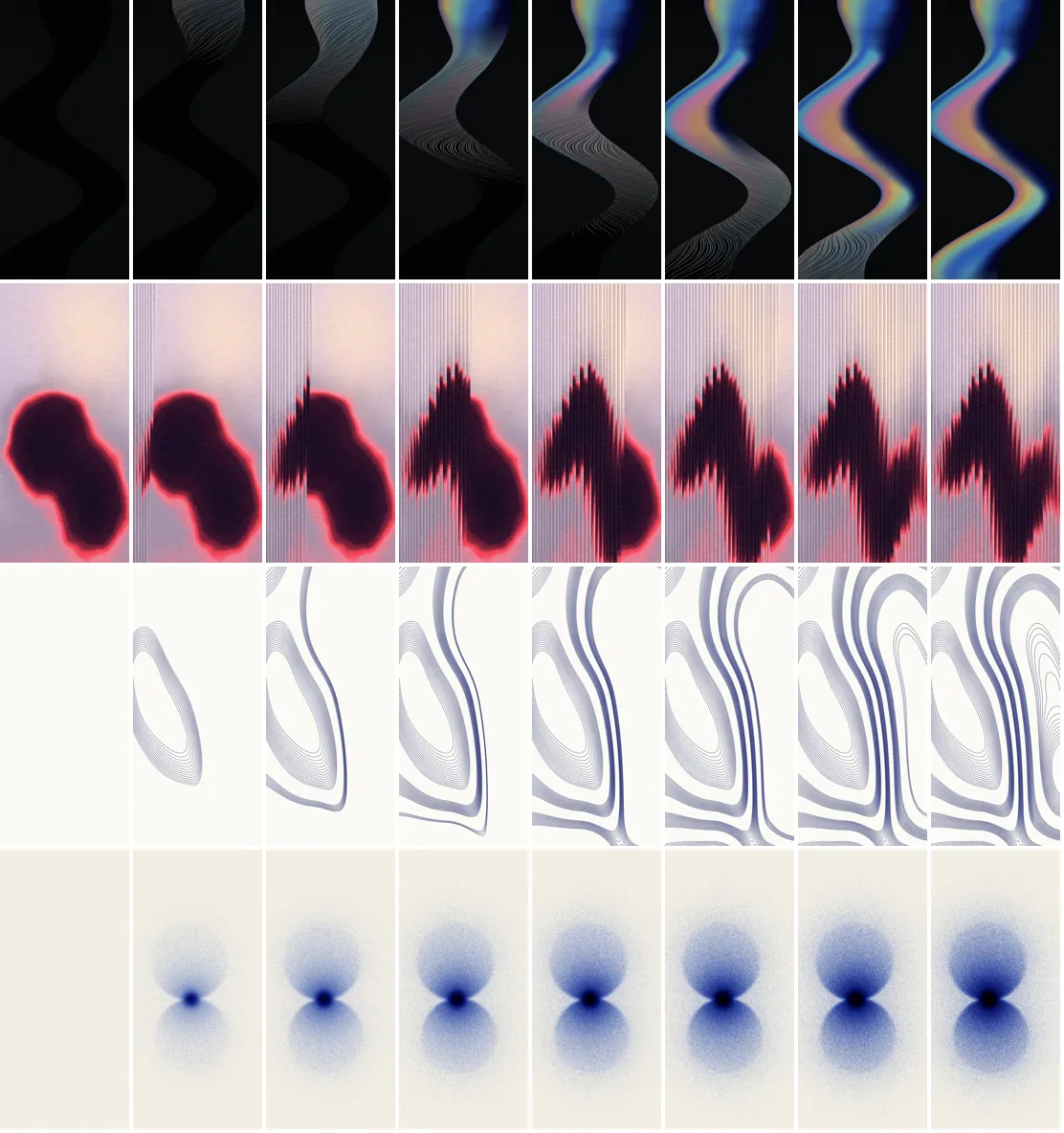
When you open a viewer, the algorithm draws the picture stroke by stroke: the lines lay down first and then the light sweeps across the band; contours appear layer by layer; ink dots fall batch by batch.
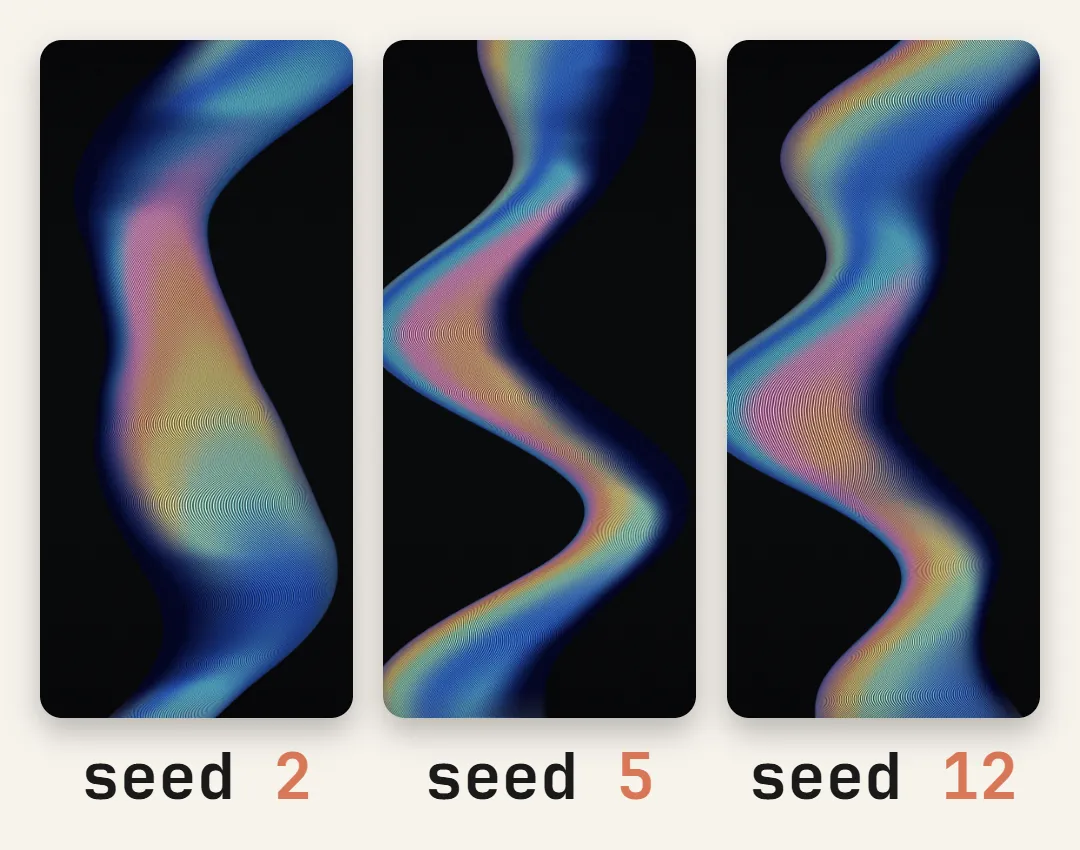
04Step 3: change the seed and pick your one (the fun step)
The skill requires a fixed seed: the same seed always draws exactly the same image, and a new seed draws a new one. In the viewer, step through with Prev / Next, jump with Random, or type a number into the box.
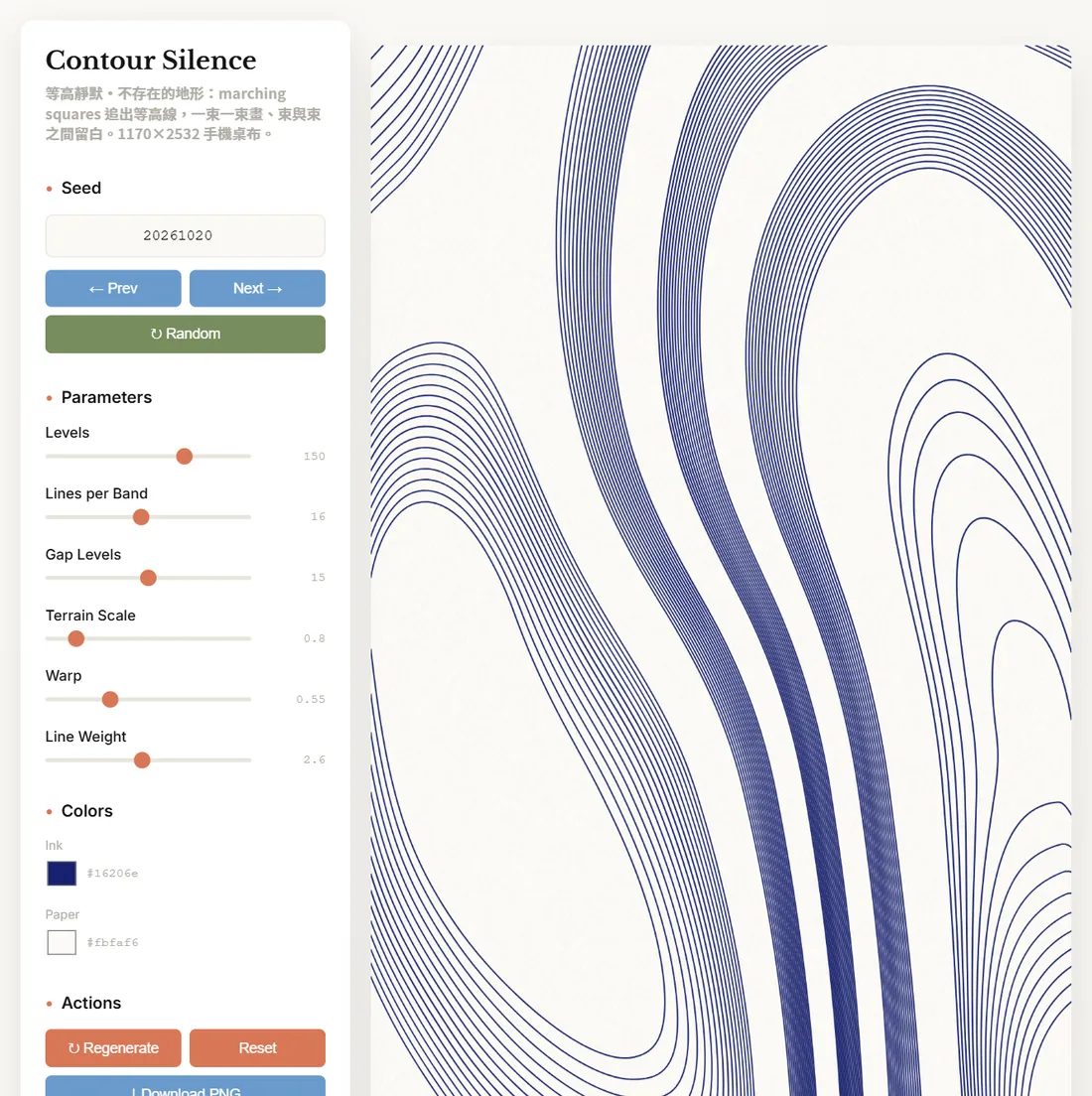
Once you like a composition, fine-tune it with the sliders. Every wallpaper has its own parameters; Contour Silence, for example, lets you set the number of levels, lines per band, the gap between bands, terrain scale and line weight, plus the ink and paper colours.
Following the algorithmic philosophy, change only [Ribbed Refraction]: [the glass ribs are too wide and the white edges too hard, so it looks like window blinds. Use 30 to 40 ribs, drop the white highlights, give each rib a soft light-to-dark gradient and add a pale peach glow near the top]. Don't touch the other three.
05Step 4: download the PNG and set it as your lock screen
- Wait until the canvas has finished drawing, then press Download PNG.
- Save the PNG to your phone's photo library.
- iPhone: open it in Photos, tap Share and choose "Use as Wallpaper". On Android it depends on the phone; it's usually "Set as wallpaper" in the gallery menu.
- Check it with the clock on top, and make sure the clock area isn't swallowed by the pattern.
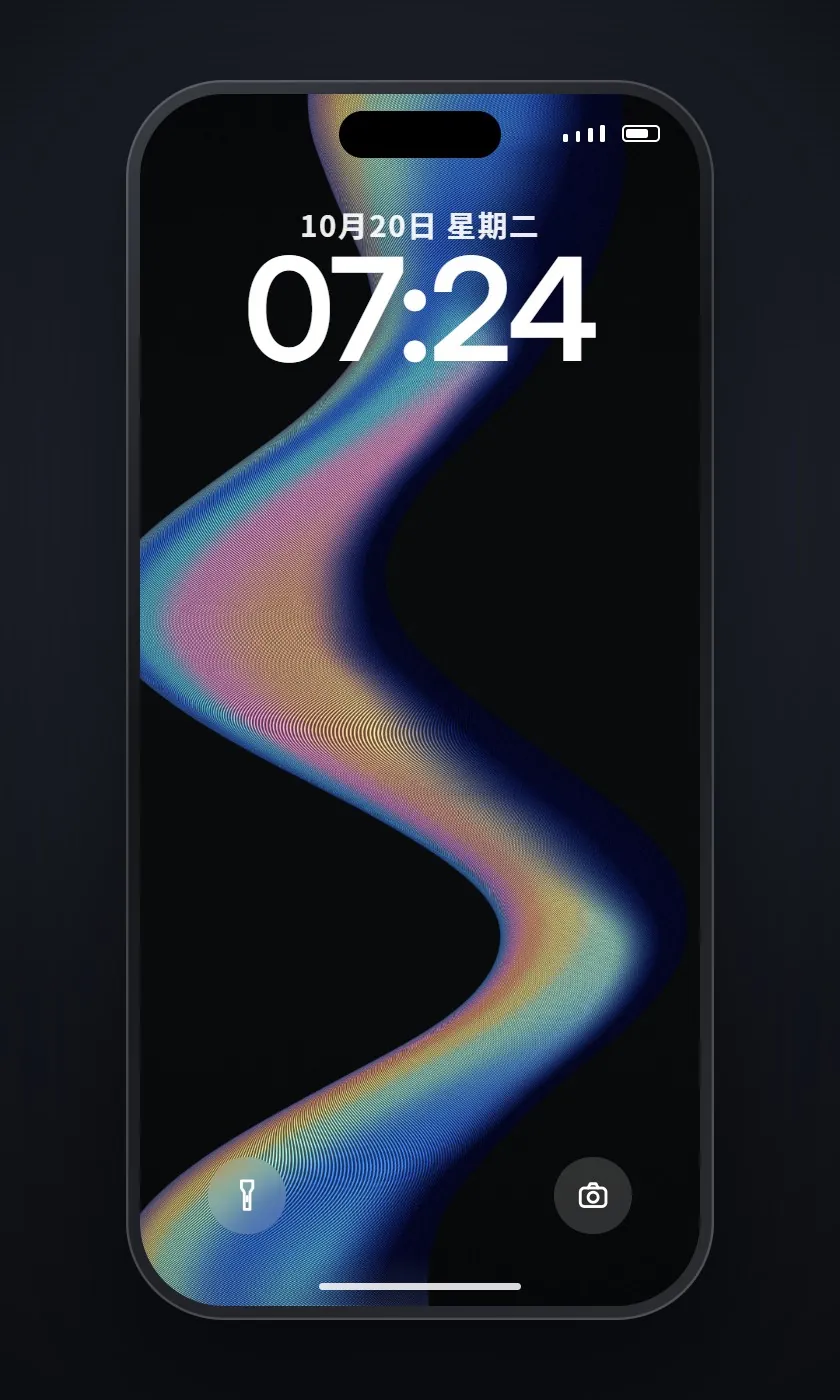
We hit this in the first round: the darkest part of Ribbed Refraction sat right behind the dark clock, and the time was barely readable. Once Claude moved that glow down and added a pale peach glow at the top, the clock read clearly.
06Good to know
- All four wallpapers were generated by code Claude wrote with the algorithmic-art skill. The phone frame and lock screen are our own HTML mock-ups, not Apple's.
- The wallpapers are still PNGs and don't move on your phone. What moves is the algorithm drawing the picture inside the viewer.
- 1170×2532 is the screen resolution of phones such as the iPhone 12 to 14. For another phone, put its resolution in the prompt.
- Algorithmic Art is an open-source skill under Apache 2.0 and requires original work. We used our references only to describe colour and mood; don't feed it someone else's artwork to copy.
- How example skills are enabled, and on which plans, may change; the Claude help centre is the reference.