Make your poster move to the beat: a 15-second motion poster with Claude Design's Animation template
No need for Claude Motion. Open an Animation project in Claude Design, write 4 scenes as 'seconds + one action', add a BPM, and every word lands on the beat.
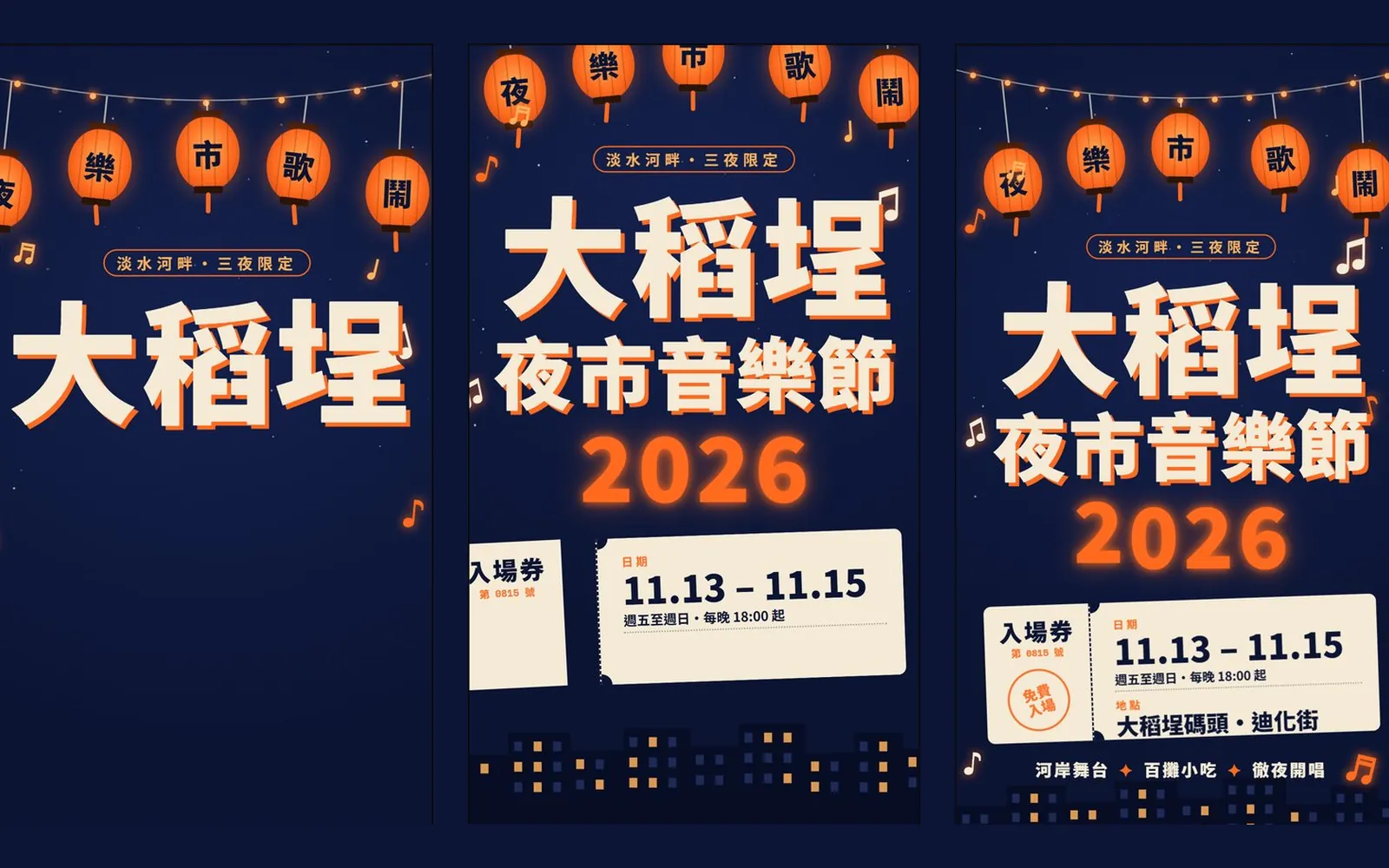
Why do other people's Claude posters move, and even move to the beat, while yours is a still image? You don't need Claude Motion. In this guide we used the "Animation" template in Claude Design to make a 15-second vertical motion poster for a fictional event, the Dadaocheng Night Market Music Festival 2026. Every image below is a frame taken straight from that animation's timeline. Nothing was redrawn.
01First: Claude Design and Claude Motion are different
Claude Motion is a separate Anthropic tool for animation, and the official page says it is in beta on Team and Enterprise plans only. Claude Design is out of beta, and Anthropic says it is available on every plan, including Free.
This poster was made in Claude Design. You open it at claude.ai/design. Anthropic also says Claude Design now works inside any Claude conversation, and the standalone claude.ai/design site stays open until 14 December 2026.
- Claude Design (official page) — Includes the Free plan
02Step 1: start an Animation project
- Open claude.ai/design (or bring up Claude Design in a Claude conversation).
- Create a new project and choose the "Animation" template.
- Decide three things first: total length, vertical or horizontal, and roughly how many BPM your music is. We used 15 seconds, vertical 1080×1920, 120 BPM.
03Step 2: write 4 scenes, each as "seconds + one action"
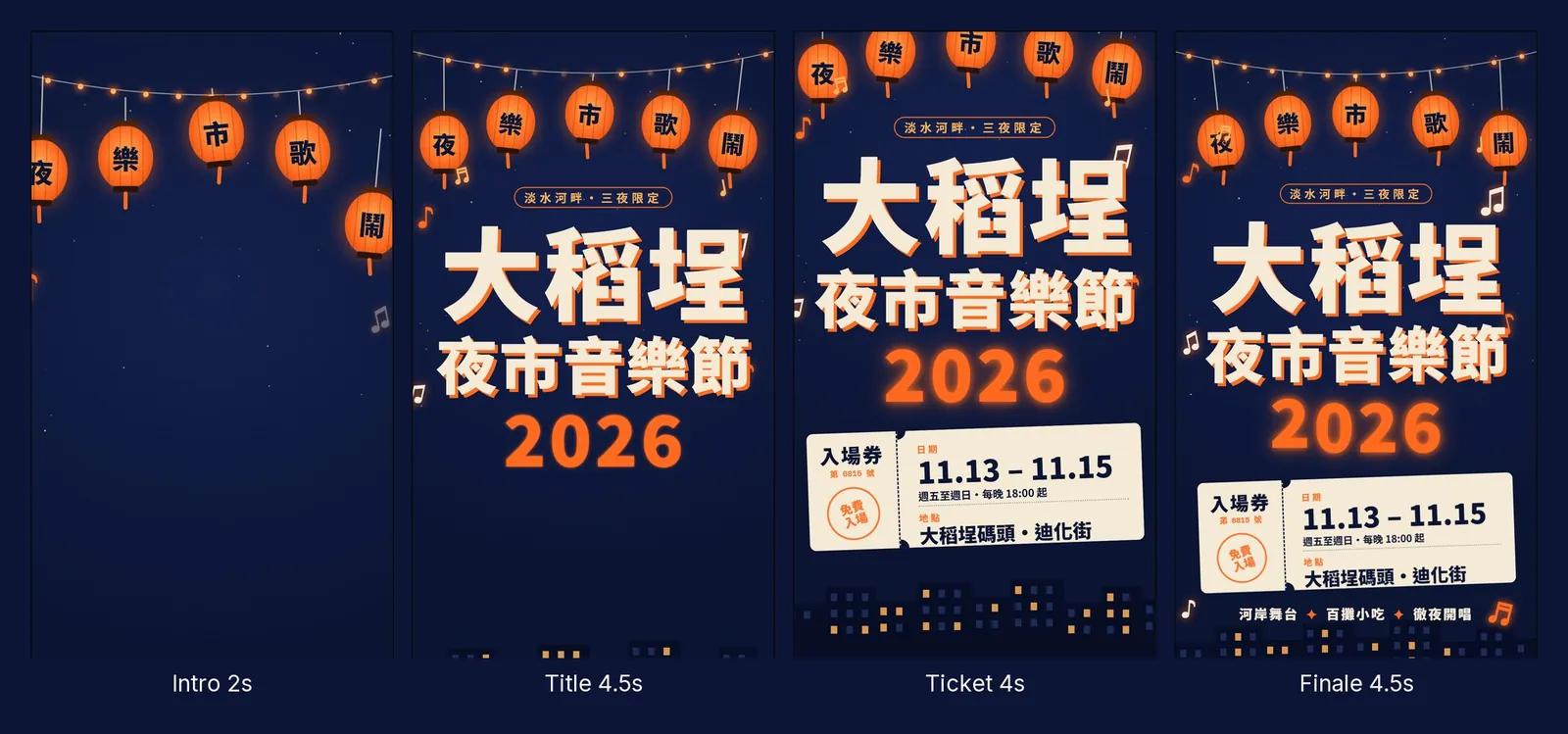
You don't drag a timeline yourself. Split the animation into 4 scenes, give each one a length and one action, and Claude lays out the timeline for you.
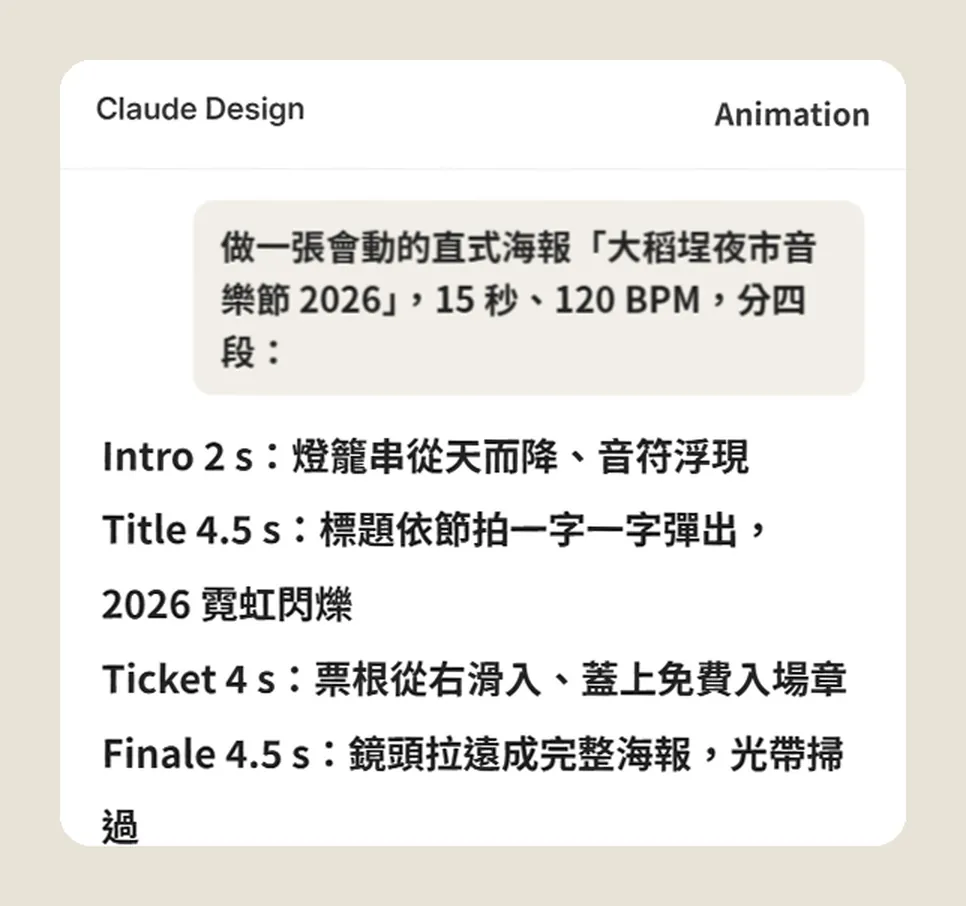
Make a 15-second vertical 1080×1920 motion poster for "[event name + year]" at 120 BPM, in 4 scenes:
Intro 2 s: [opening action, e.g. a string of lanterns drops from the sky]
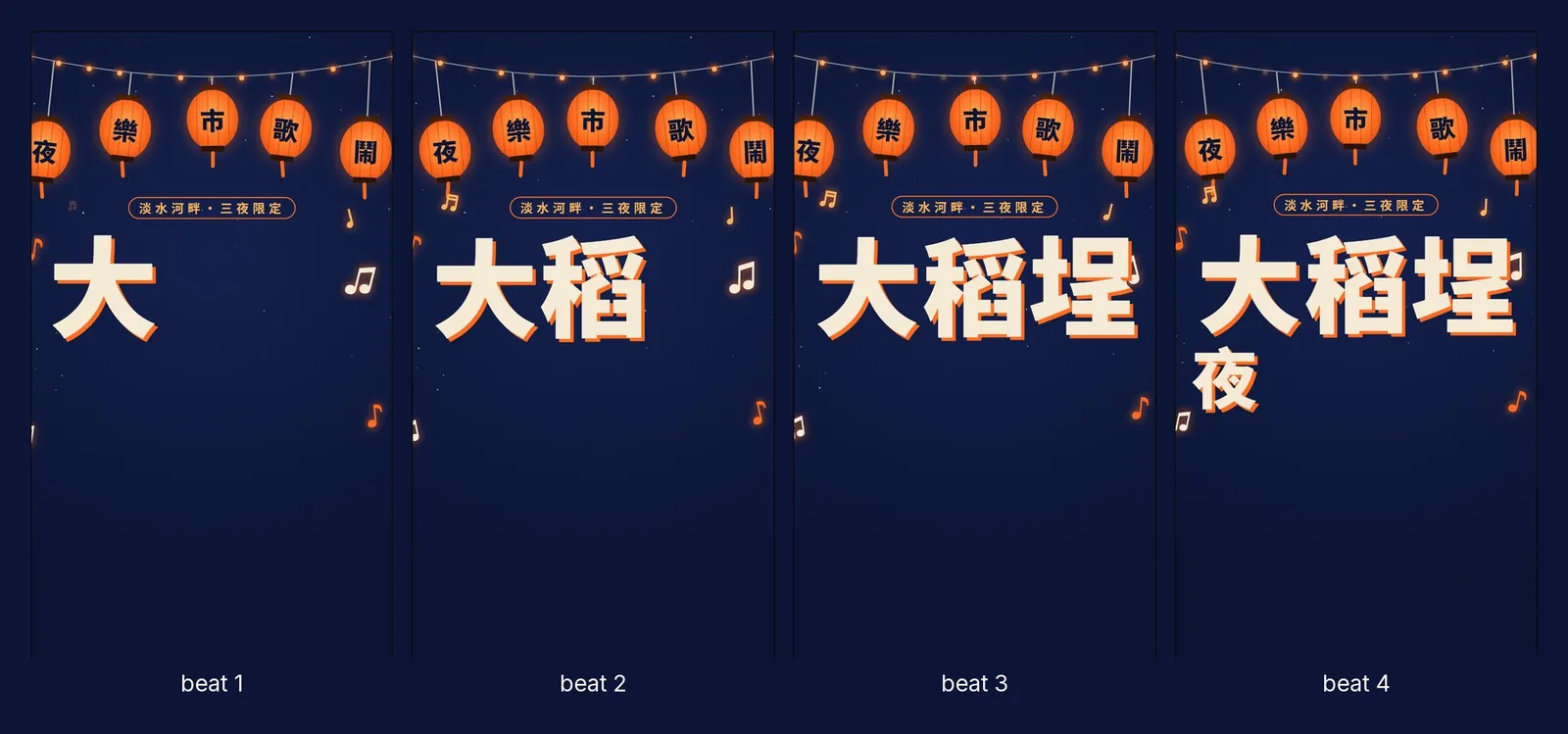
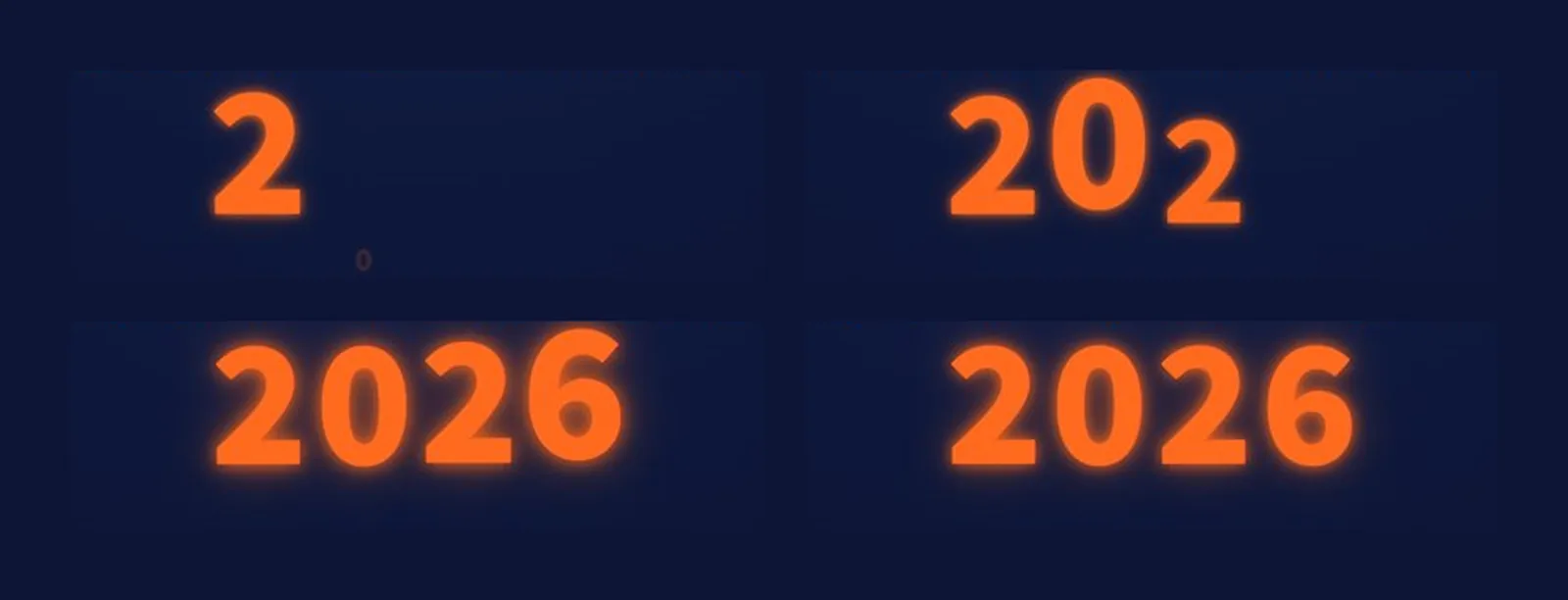
Title 4.5 s: the title pops in one character at a time, on the beat
Ticket 4 s: [an info card slides in from the right and gets stamped]
Finale 4.5 s: the camera pulls back to show the full poster
Colours: [main colour + accent + cream]. All text in [language].
04Step 3: give it a BPM and the motion lands on the beat
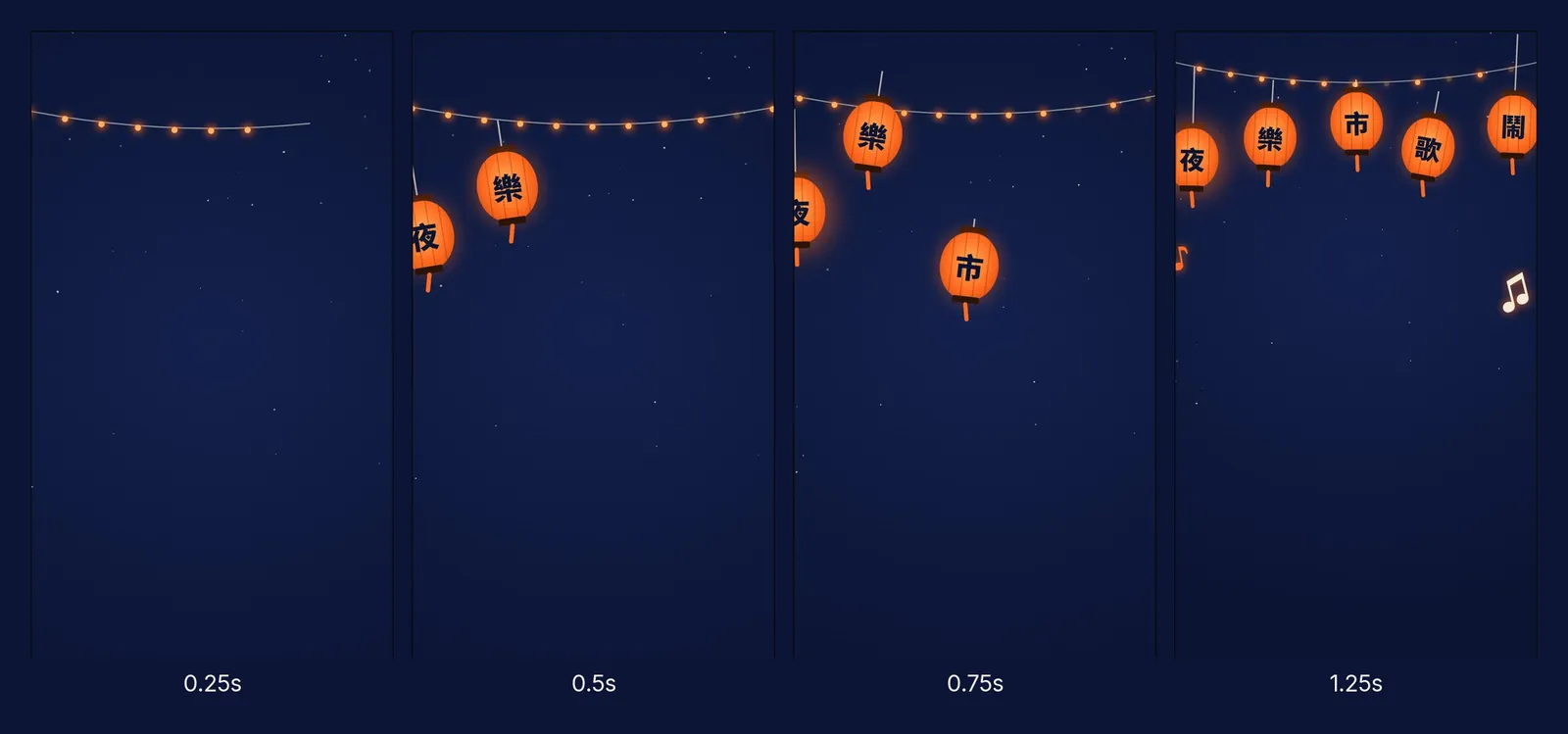
120 BPM means 120 beats a minute: 2 beats a second, one beat every 0.5 seconds. In our project Claude wrote a line "BPS = 2" (2 beats per second) into the code and timed every move to it.
05Step 4: let it add the details, then edit one line at a time
Our prompt didn't mention the city skyline, the "Tamsui riverside, three nights only" tag, the "riverside stage, 100 food stalls, music all night" line, or the dates and venue on the ticket. Claude added all of those itself.
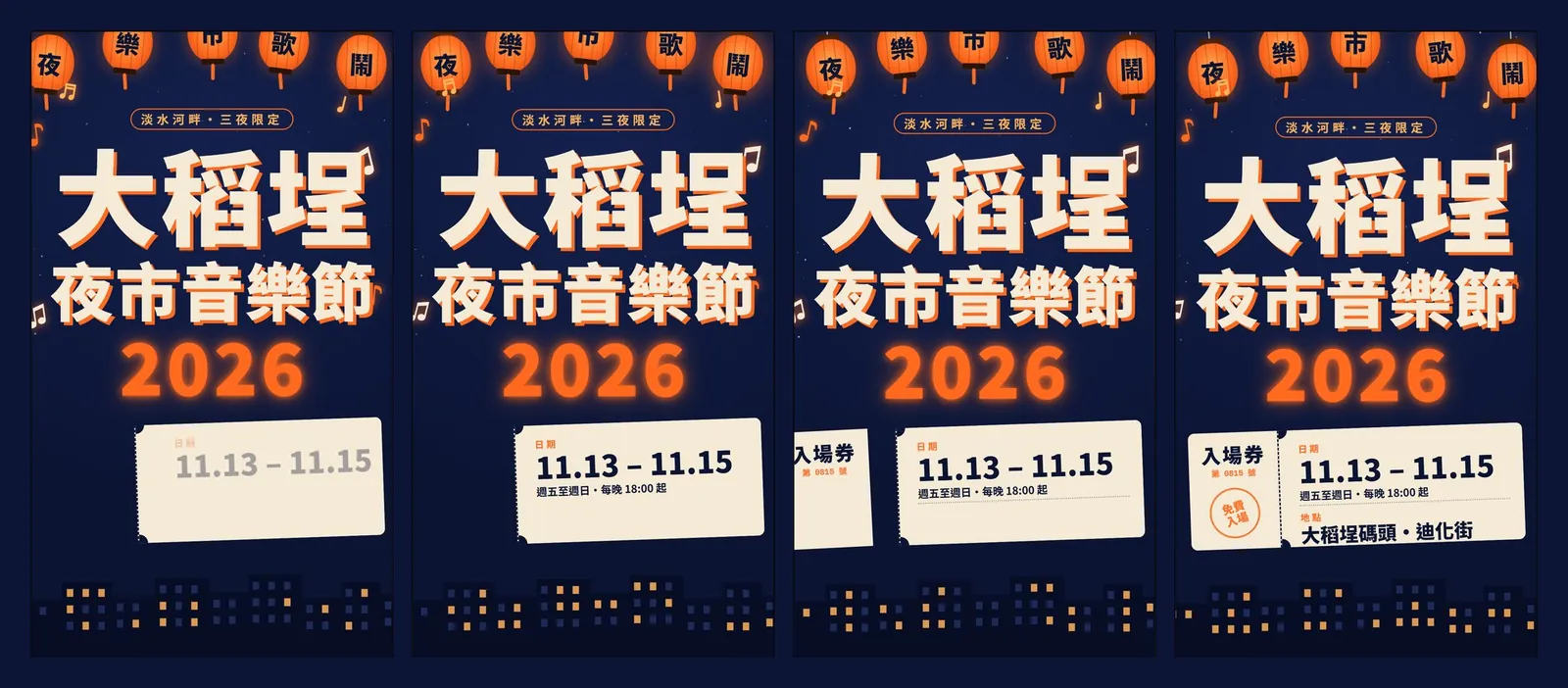
All of it is drawn with code, not generated as AI video. In our project the whole animation is one poster.jsx code file, so you can change any text, date or colour directly and it stays sharp.
06Step 5: play it through, then use it
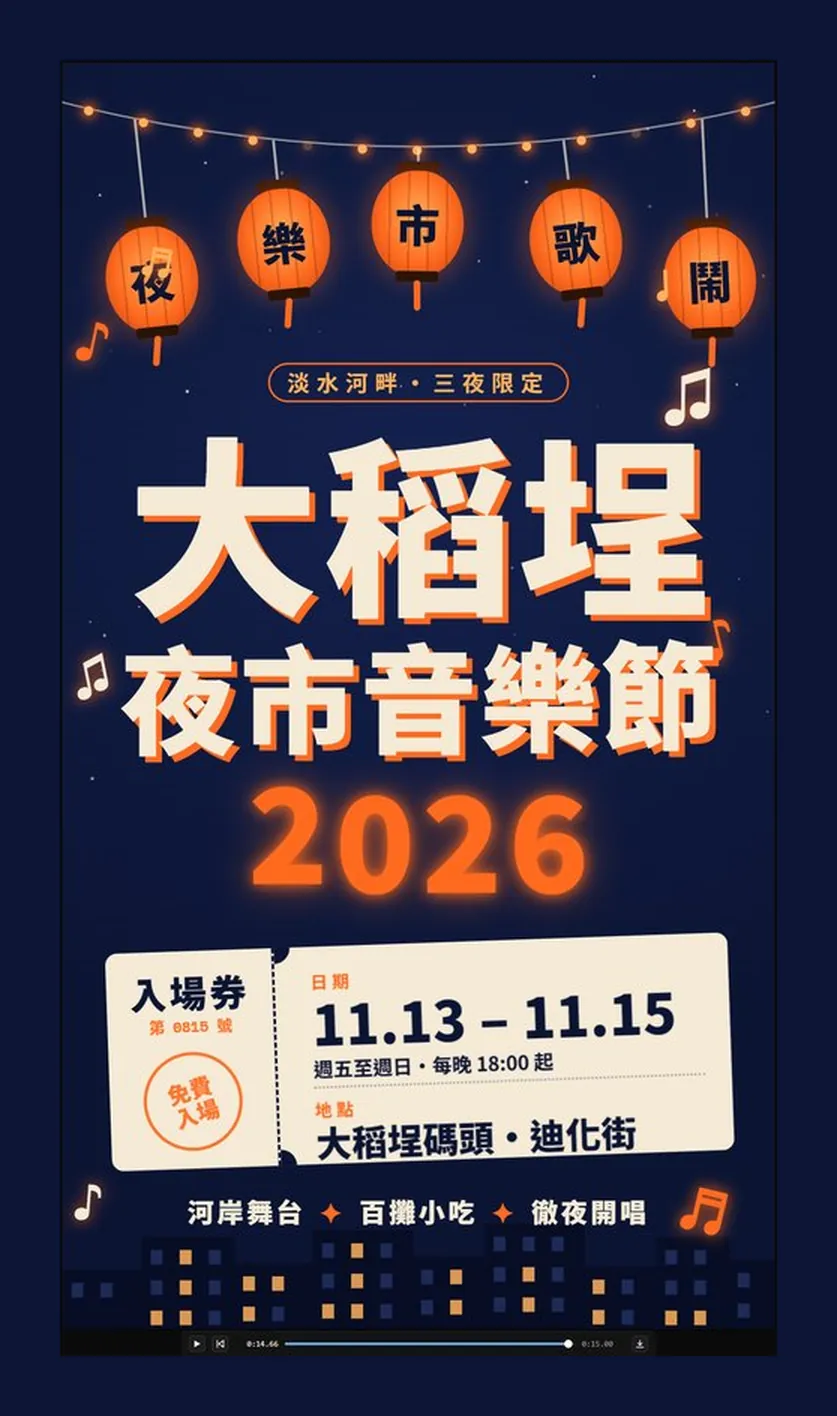
Under the preview there's a player bar you can scrub to check the animation frame by frame, with a download button on the right. The official page lists PPTX, PDF and HTML as export formats; if your download isn't a video file, screen-record one full 15-second playthrough. That works fine for Instagram Stories or Reels.
07Good to know
- The Dadaocheng Night Market Music Festival 2026 is a fictional event. The dates, venue and ticket on the poster are demo content generated by Claude. Replace them with real details before you use it.
- The animation itself has no sound. Use licensed music: Instagram's built-in music library, royalty-free tracks, or music you made yourself. Business accounts may have fewer songs available on Instagram.
- Claude Motion is currently in beta on Team and Enterprise only; check the official pages for current plans and features.
- The standalone claude.ai/design site stays open until 14 December 2026; after that you use Claude Design inside Claude conversations.
- If you print the poster or use it commercially, make sure its fonts are licensed for commercial use.