Give Claude one event poster, get a whole booking site: scroll animation, a drag game and a booking form
One event poster and one prompt: Claude builds the whole booking site, with a growing tree, a drag game, flip cards, a live-total form and a confirmation page.
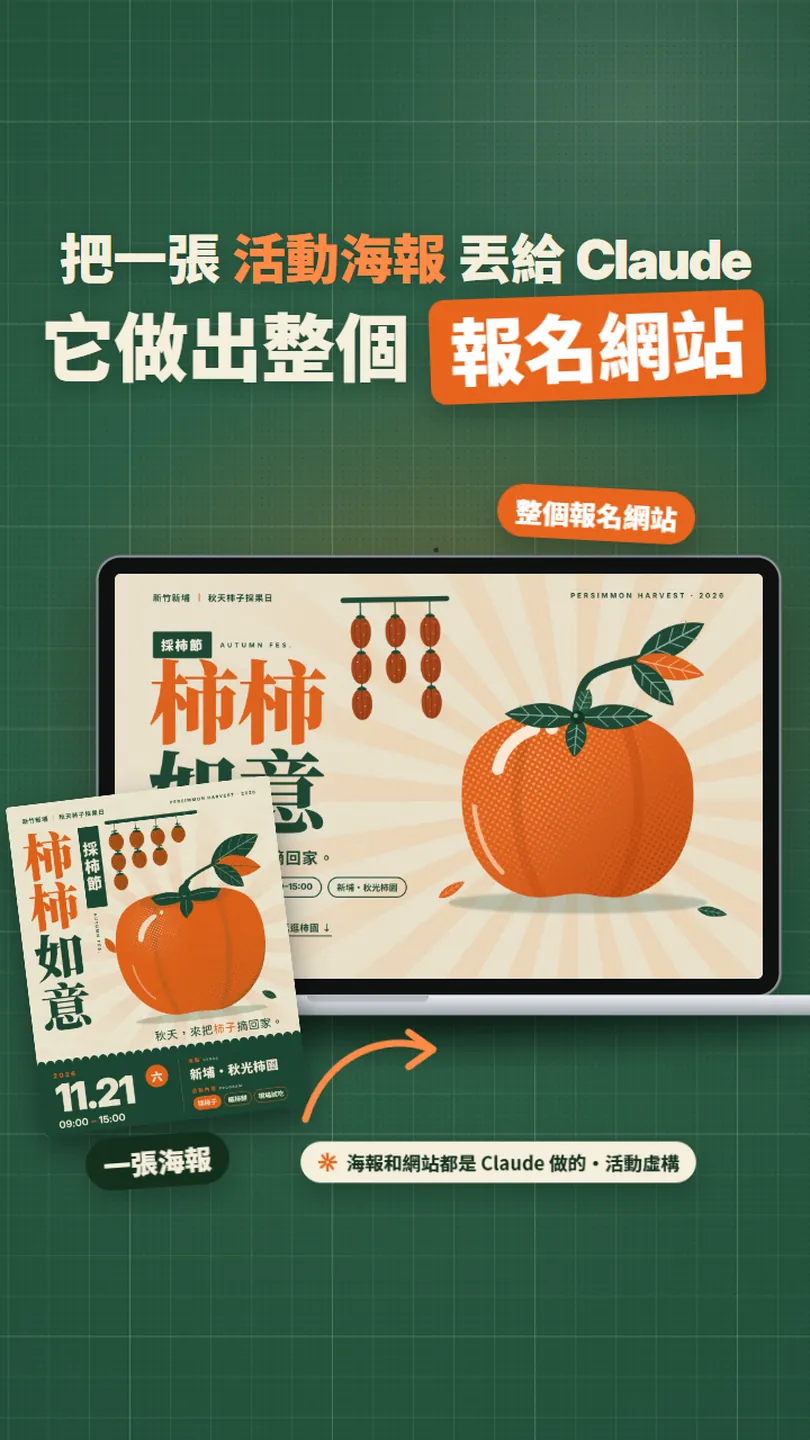
Finished the event poster, and now you need someone to build the booking site? This guide hands Claude one poster and one prompt, and it builds a whole working event site: the persimmon on the poster zooms into the hero, a persimmon tree grows as you scroll, you drag persimmons into a basket, three experience cards flip open, the booking form adds up the total, and a confirmation page closes it out.
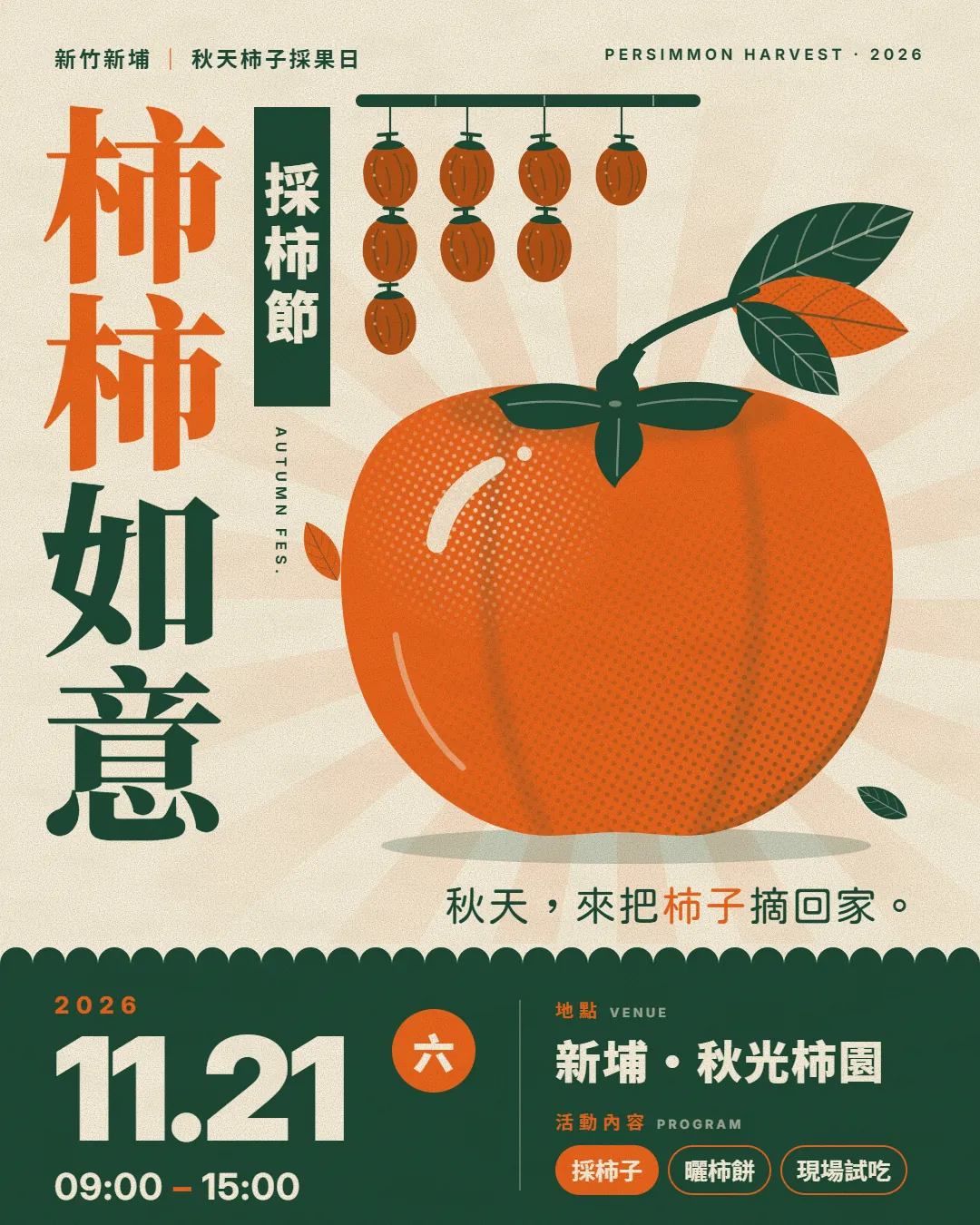
Claude made the poster too. Every image below is what Claude actually built. The "Persimmon Harvest Day" event (柿柿如意 採柿節) and the Xinpu orchard are fictional.
01The result: one poster becomes a whole booking site
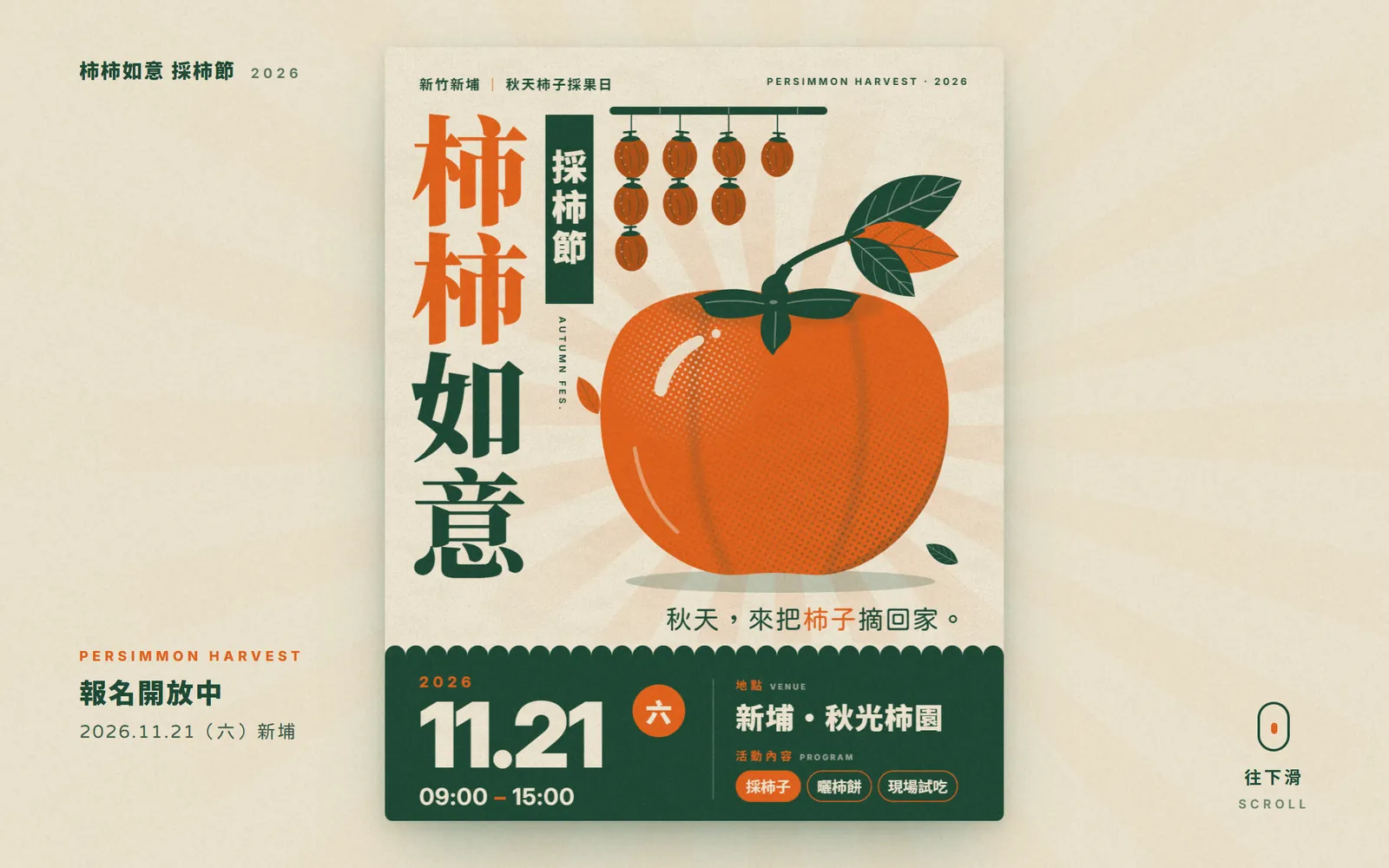
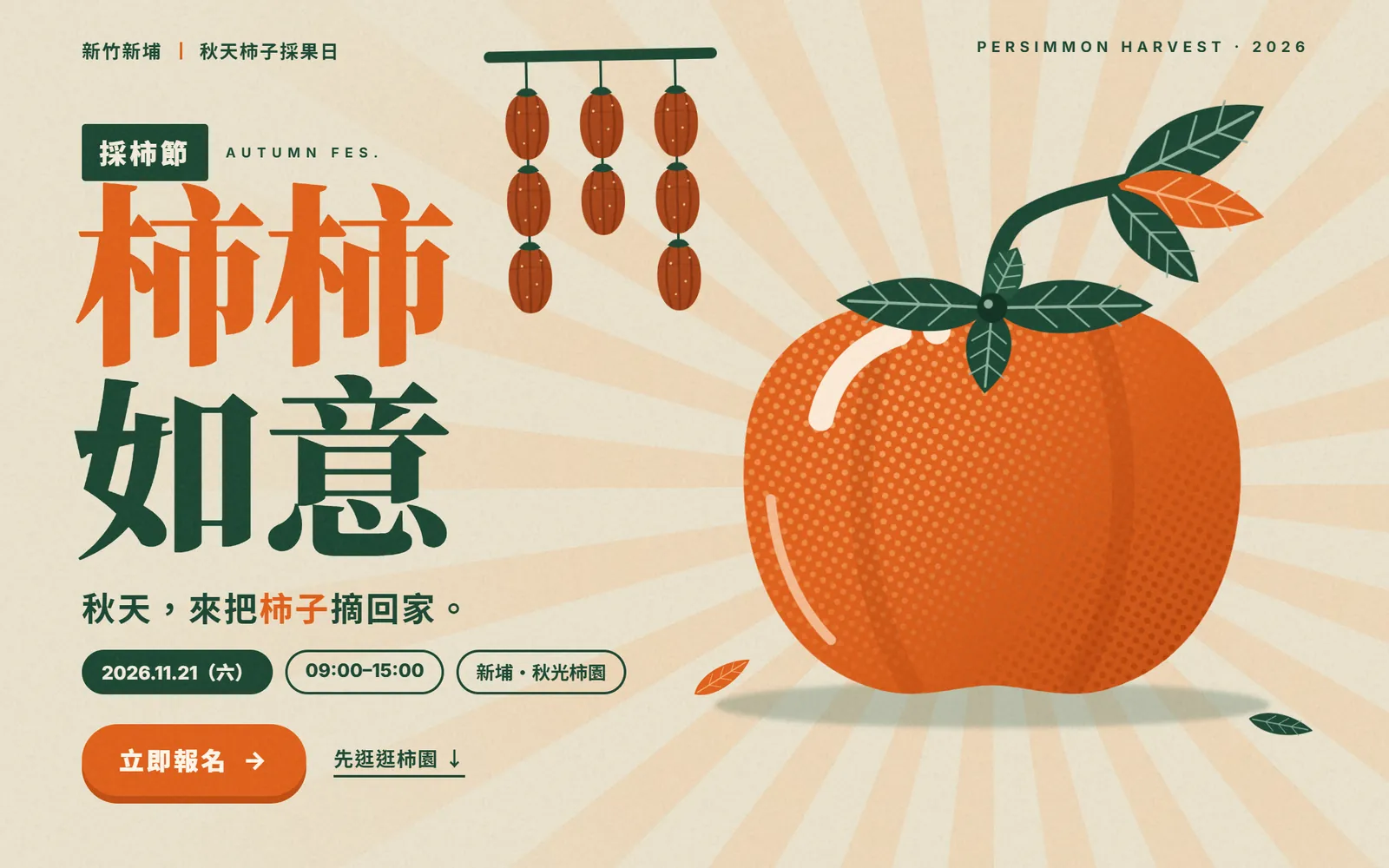
The whole site is one HTML file. The colours, fonts, halftone texture and strings of drying persimmons all carry over from the poster. That's the big win of handing Claude the poster: you don't have to describe the brand feel, because the poster is the design spec.
02Step 1: ask Claude for the poster (skip if you have one)
If you already have a poster from Canva or Illustrator, go to step 2. Our poster was made by Claude too: open a new chat, paste the prompt below and fill in the [ ] parts.
Design a poster for a [type of event, e.g. autumn fruit-picking day].

Event: [event name]
Date and time: [date] [time]
Place: [venue]
Activities: [activity 1], [activity 2], [activity 3]
Tagline: [one-line tagline]

Design direction:
- A big, bold title, weighty and playful like [reference style, e.g. a Japanese autumn festival poster]
- The hero is an illustrated [main subject, e.g. a big persimmon with leaves]
- Only two colours: [colour 1 + hex] and [colour 2 + hex] on a [paper colour + hex] background, with a light paper texture
- No photos, no real people, no brand logos
We filled in: 柿柿如意 採柿節 (Persimmon Harvest Day), Sat 21 Nov 2026 09:00–15:00, 秋光柿園 in Xinpu (fictional), picking / drying persimmons / tasting, persimmon orange #E8641C, deep pine green #1D4A36, off-white paper #F5EEDC. We asked Claude for a 1080×1350 HTML poster and saved it as an image.
03Step 2: give Claude the poster plus this prompt
Open a new Claude chat, attach the poster image and paste the prompt below. The 7 items are the site's 7 sections, in the order people scroll through them.
Attached is our event poster for "[event name]". Turn it into an interactive event booking website. The whole site should carry on the poster's world: its colours, fonts and illustration style.

The site needs:
1. Opening: the poster shows first; as you scroll, the [hero illustration] on the poster zooms in and becomes the site's main visual.
2. Scroll animation: a "[one-line tagline]" section where, as you scroll, [a scene tied to the event, e.g. a persimmon tree grows out of the soil, spreads its leaves and bears fruit].
3. Interaction: [things to drag, e.g. 3 persimmons hanging on the tree] can be dragged with the mouse into [a target, e.g. a bamboo basket]; when all are in, show "[done message]".
4. Three experience cards: [experience 1], [experience 2], [experience 3], each with an illustration and one line of text, flipping open one by one as you scroll to them.
5. Event info: date [date], time [time], place [venue], price [ticket types and prices]. Big, weighty type like the poster.
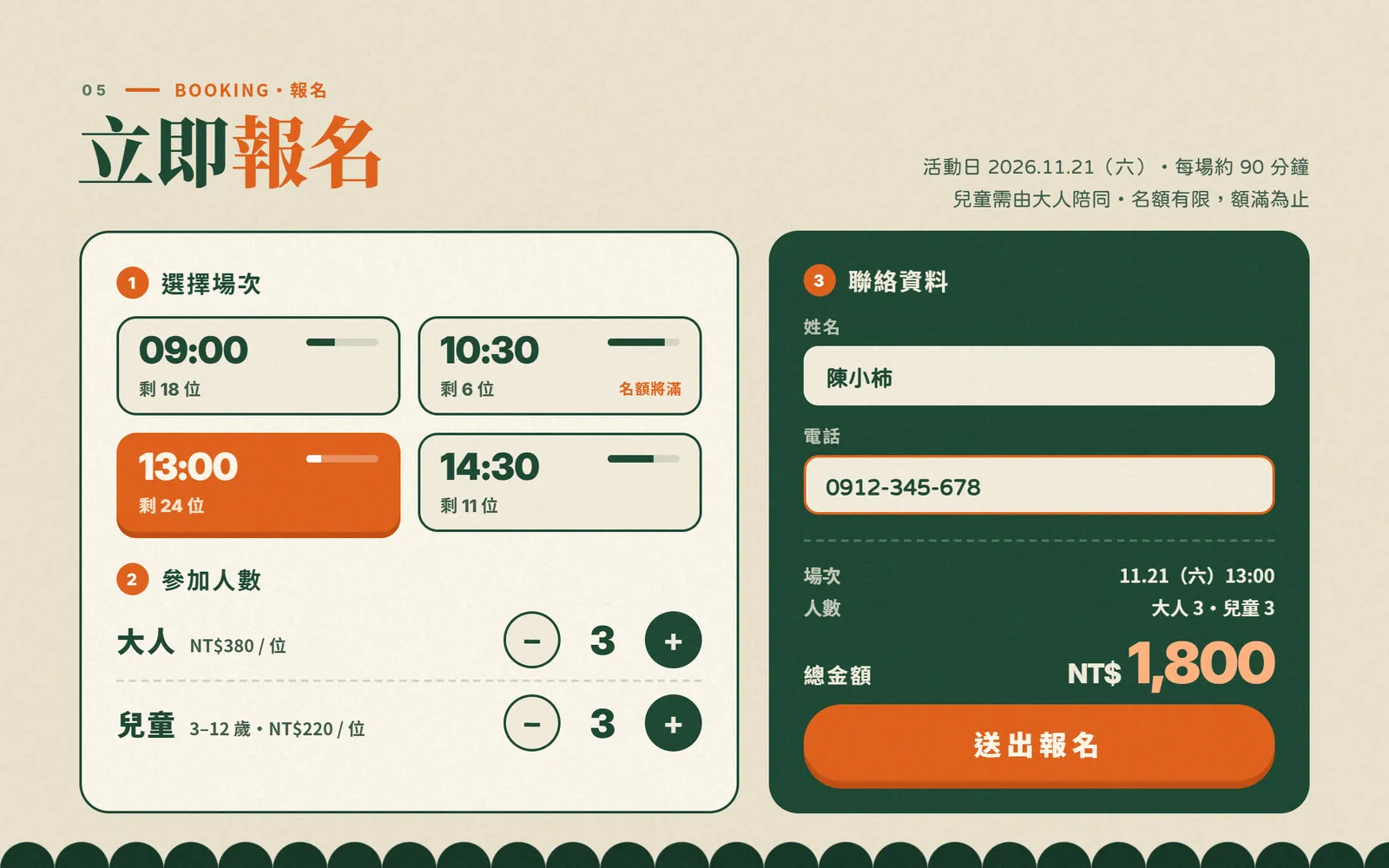
6. Booking form: pick a session ([session times], each showing seats left), +/− buttons for [ticket types], a live total (NT$), name and phone fields, and a submit button.
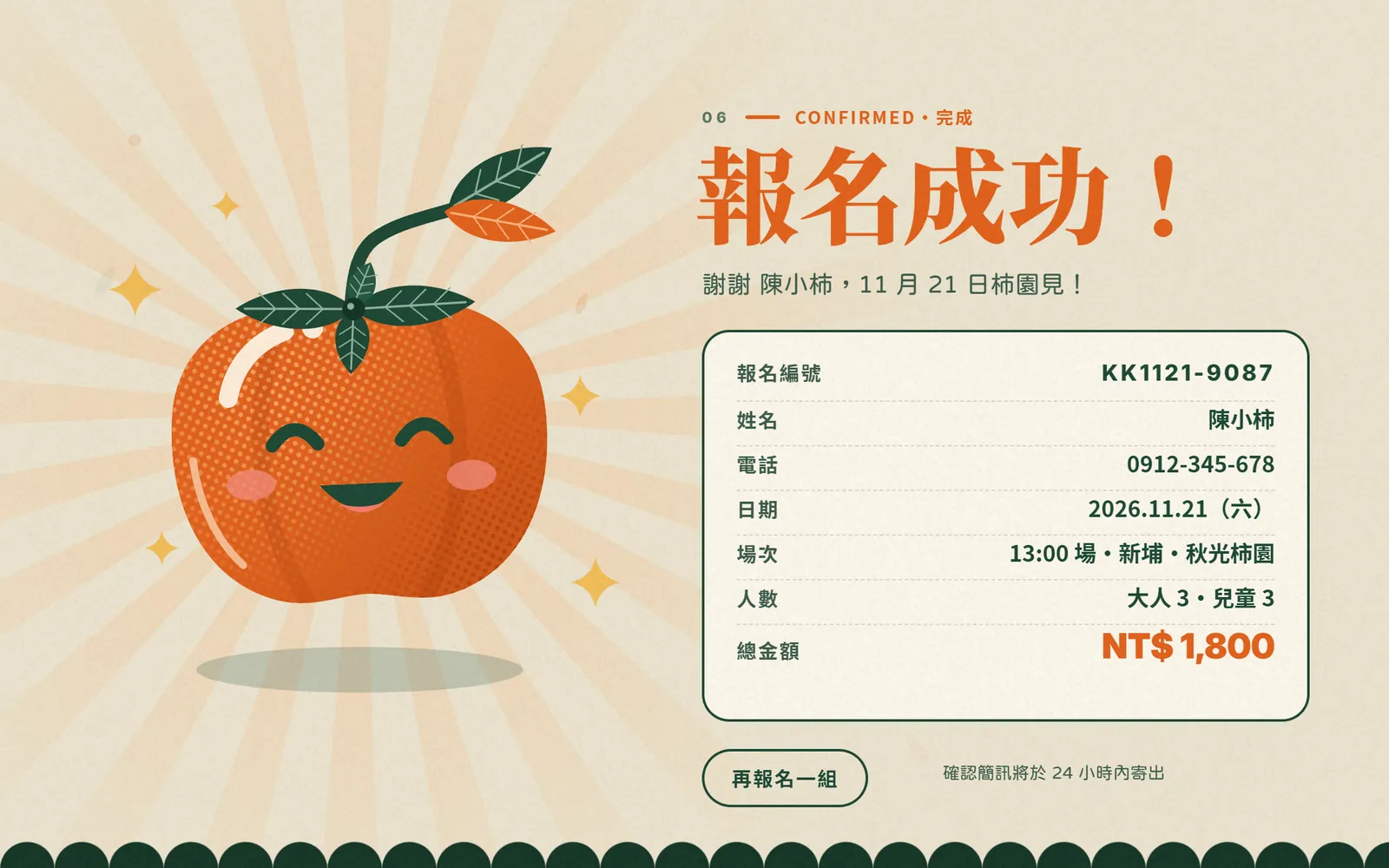
7. A confirmation screen after submitting: "Booked!", a summary of the booking, and a happy [hero illustration].
We added technical requirements because we recorded the site as a video: one HTML file, no network, all animation driven by code. If you just want a working page you can leave them out; add them for steadier animation that's easy to record.
Technical requirements:
- One single index.html; the poster image and font files sit in the same folder and load by relative path. No network requests (no CDNs, no Google Fonts).
- Design for a 1120×700 desktop screen first; it must look complete and polished at that size.
- Drive everything that moves with JavaScript requestAnimationFrame; compute scroll effects from window.scrollY on every frame. No CSS transitions or @keyframes for movement.
- After submitting, show the confirmation on the same page: no page jump, no pop-up dialog.
04The 7 sections Claude built
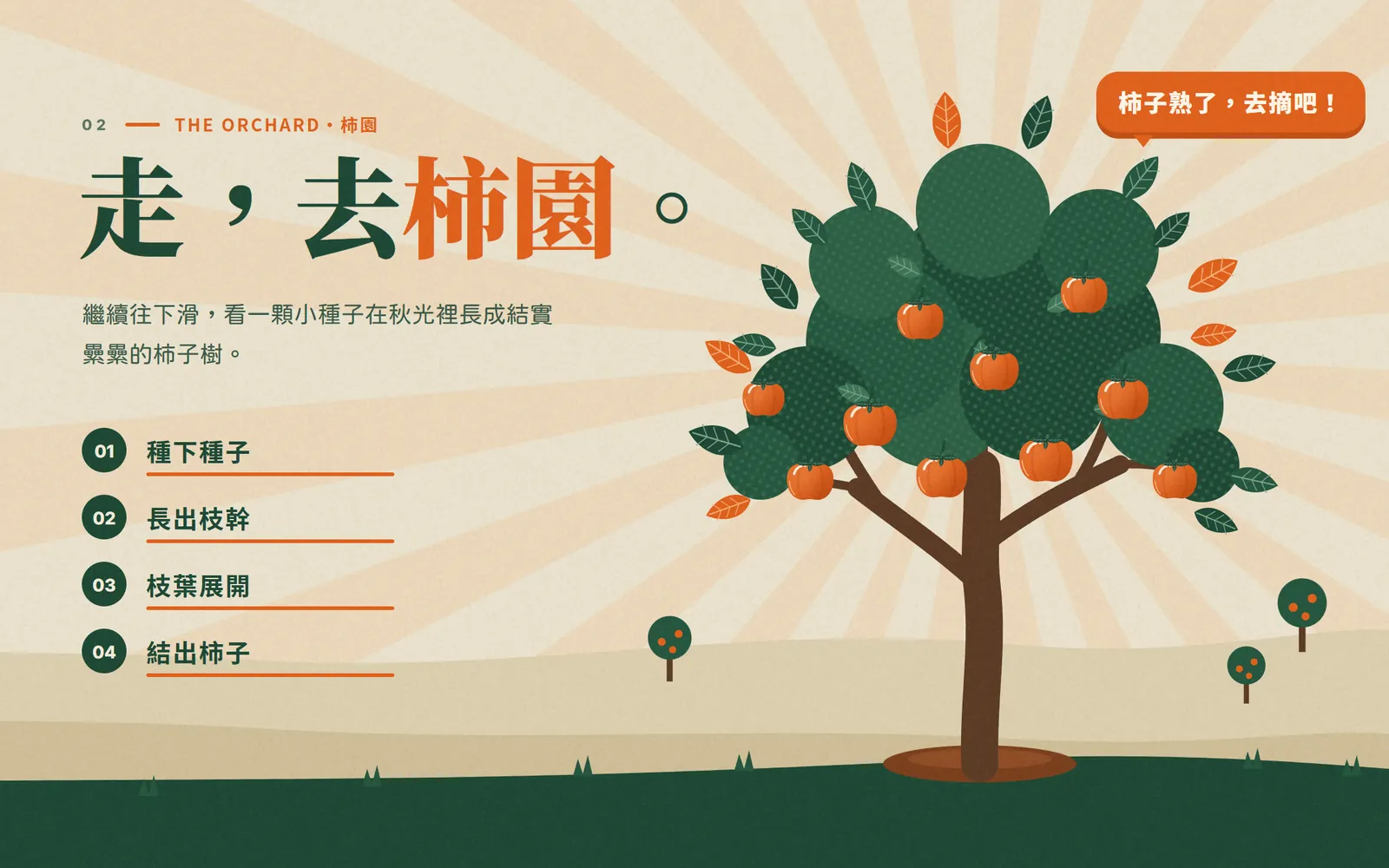
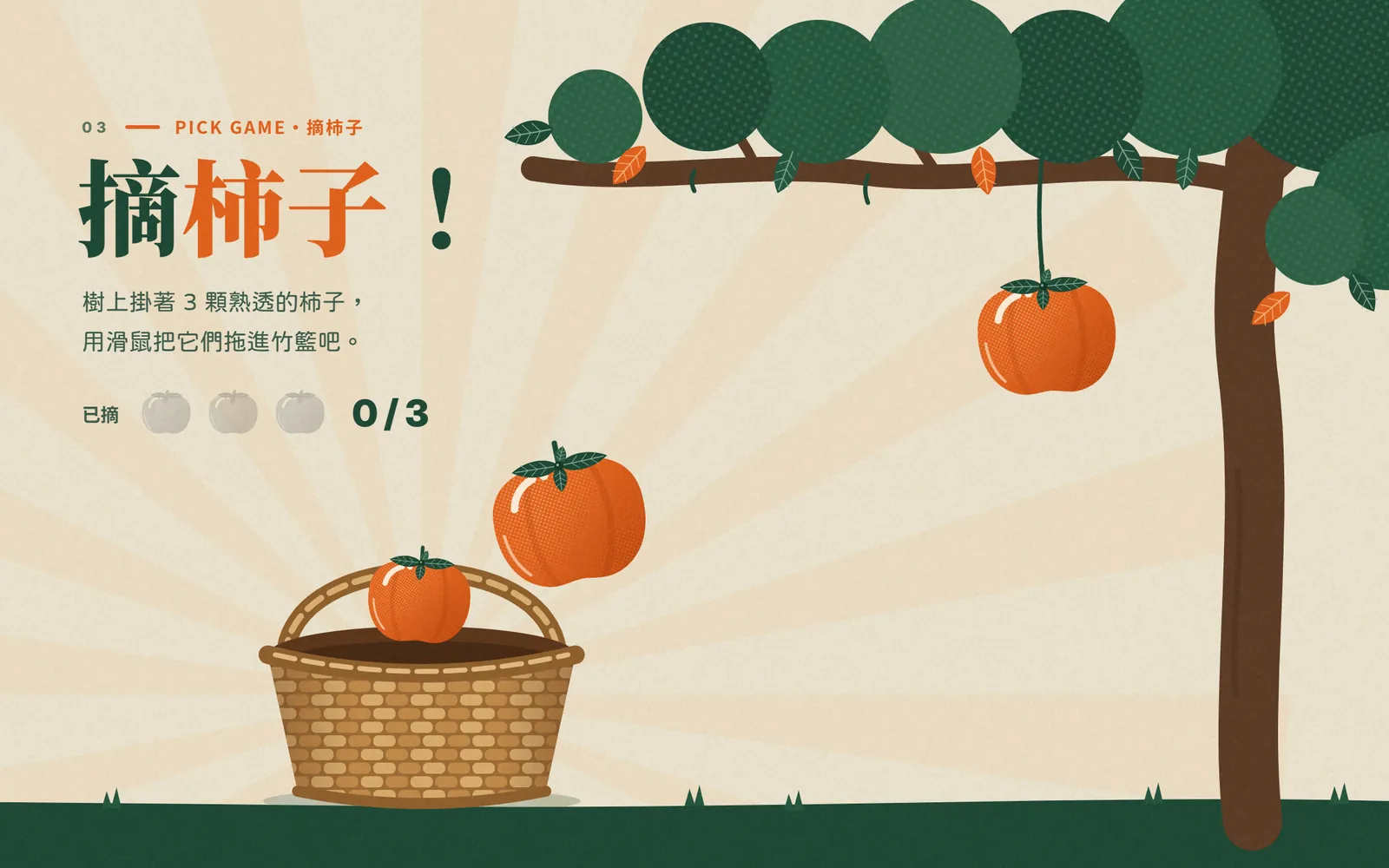
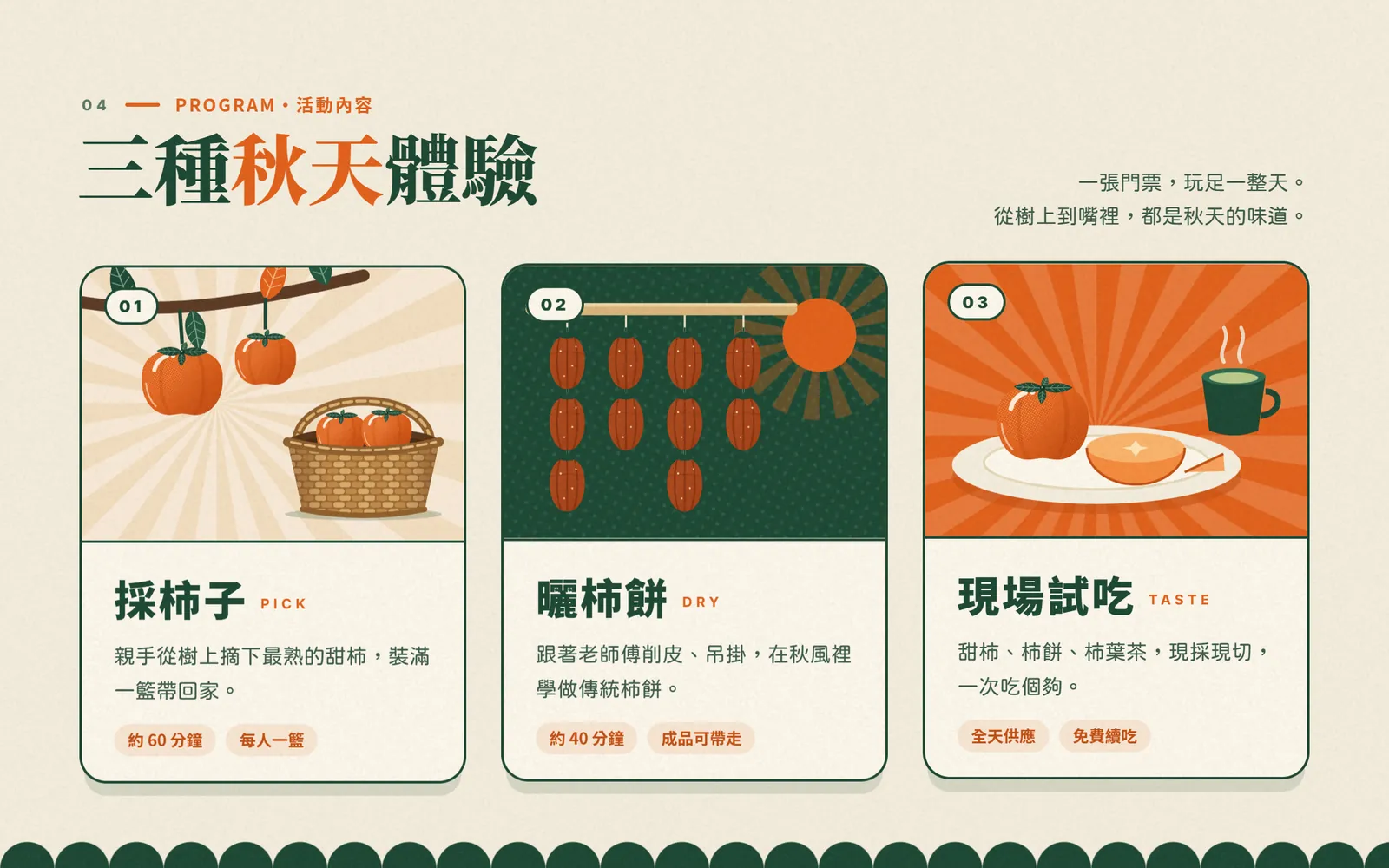
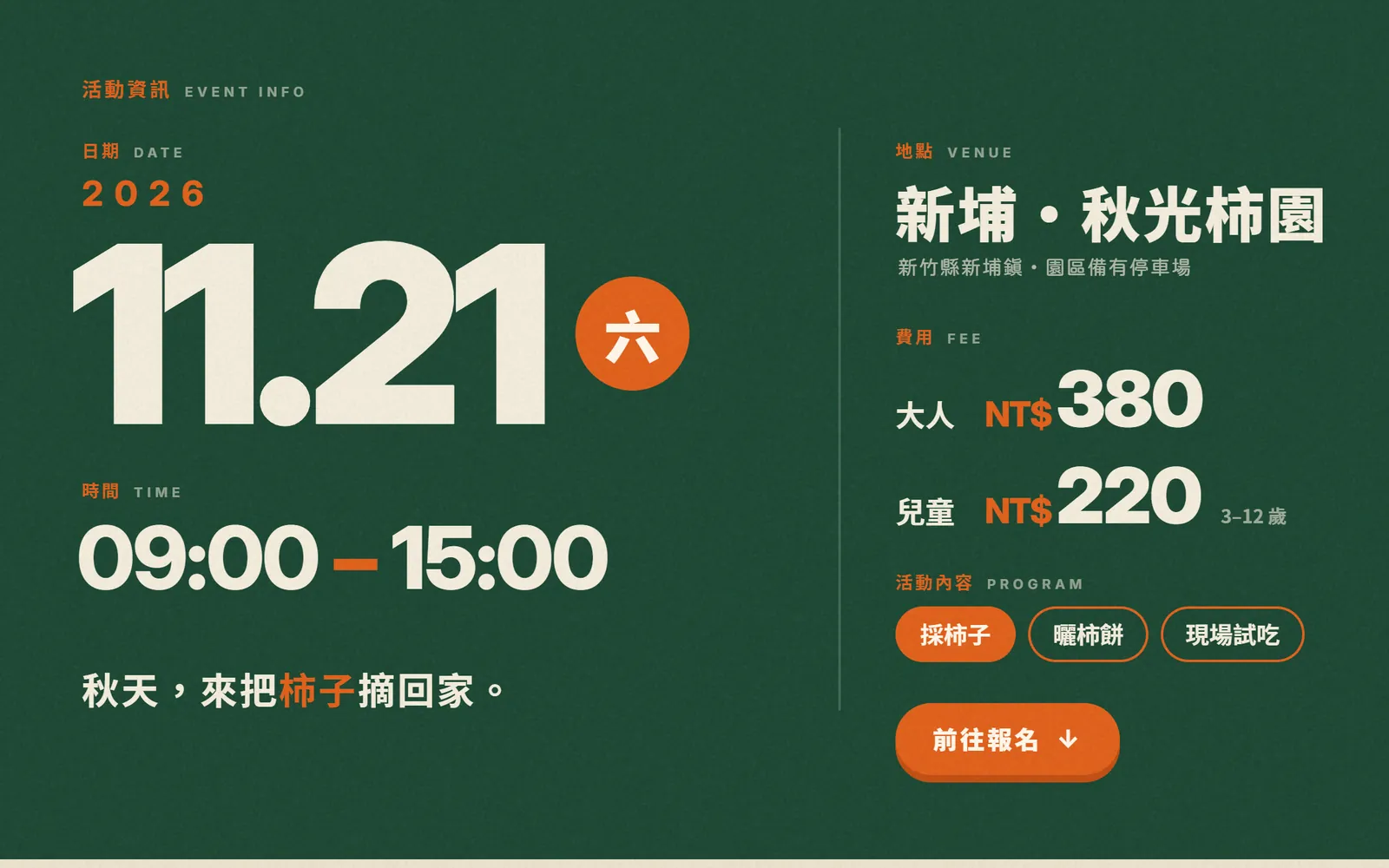
- Opening: poster → persimmon zooms into the hero.
- Scroll animation: the persimmon tree grows and bears fruit.
- Drag interaction: pick 3 persimmons into the basket.
- Three experience cards flip open one by one.
- Event info: date, time, place, price.
- Booking form: session, people, live total.
- Confirmation: booked + summary.
05Good to know
- The event and the orchard are fictional; the dates and prices are our demo content. Details such as seats left, 90-minute sessions and booking numbers were filled in by Claude. Replace all of them with real ones before using the site.
- The form only shows a confirmation on the page; it doesn't store or send anything. To take real bookings, ask Claude to connect it to Google Forms, Google Sheets or your booking system, and tell people how their details are used.
- We built it in fresh Claude Code chats, giving only the poster, the prompt above and the technical requirements, with no follow-up edits. The same prompt in claude.ai will not produce an identical layout.
- Check it on a phone. We designed for a 1120×700 desktop screen; ask for a mobile layout in the prompt if you need one.
- Make sure your fonts are licensed for commercial use. We used Noto Sans TC, Noto Serif TC, jf open huninn and Inter.