Turn a static poster into a motion video: one Claude Design prompt, or Claude Code + HyperFrames to MP4
One poster, two ways: one "animate this" prompt in Claude Design is fastest; for frame-level control, Claude Code + HyperFrames renders HTML to MP4.
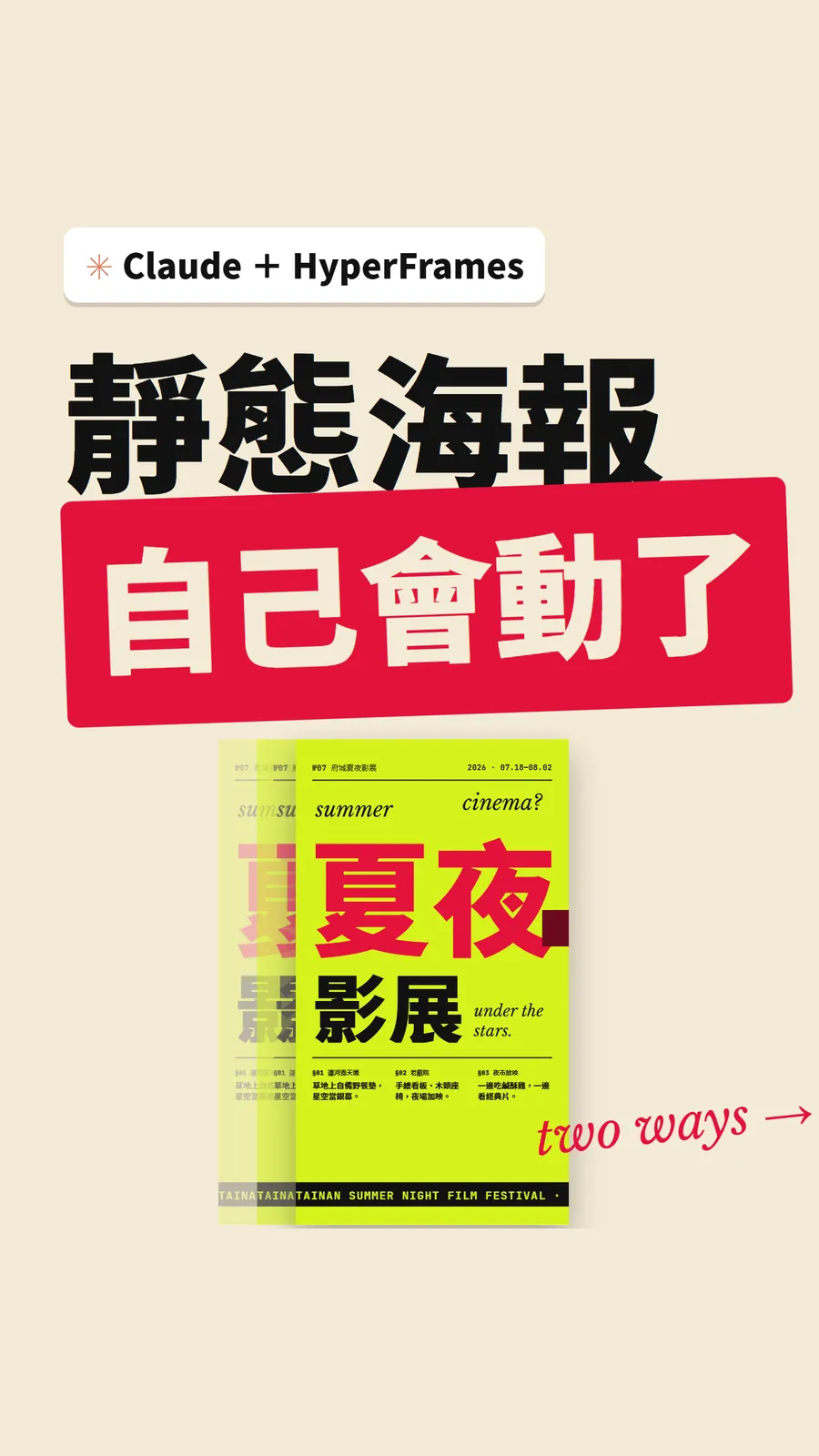
Your poster is done and you want it as a Reel or a Story, without opening After Effects. This guide uses a fictional poster, "Fucheng Summer Night Film Festival №07", to show two ways: way one is a single prompt to Claude Design, way two is Claude Code plus HeyGen's open-source HyperFrames, which turns HTML into an MP4. Every image below is a frame from animations Claude built in HTML, and every prompt is included: swap the [ ] parts for your own.
01Pick a way: fast, or control over every frame
- Way 1 | Claude Design: lay out the poster and type "animate this". Fastest, but there is little room for fine-tuning. Good for Stories and quick teasers.
- Way 2 | Claude Code + HyperFrames: the animation is written as HTML, so you can change who enters when and how, second by second, then render an MP4. Good for real promo videos and jobs with many revision rounds.
- Both start in the same place: a finished static poster.
02Step 1: make the static poster
Paste this into Claude Design or a normal Claude chat. Spell out the colours, where the type sits and what goes in each block, so that later Claude knows which elements it can animate.
Design a 9:16 [event type] poster for "[event name]" ([city], [dates]).
Style: [background colour] background, huge [main colour] bold type "[two-word headline]" filling the top half, with a [dark colour] square beside it as a full stop;
below it, "[subtitle]" in black, with italic serif English ([2 to 3 short English phrases]) as accents;
at the top, one line of small monospace text ([number / event name / dates]) and a thin rule;
at the bottom, three columns of small text about [three venues or highlights], and a black marquee strip at the very bottom.
Like a printed poster: flat, no gradients, no shadows, no photos.
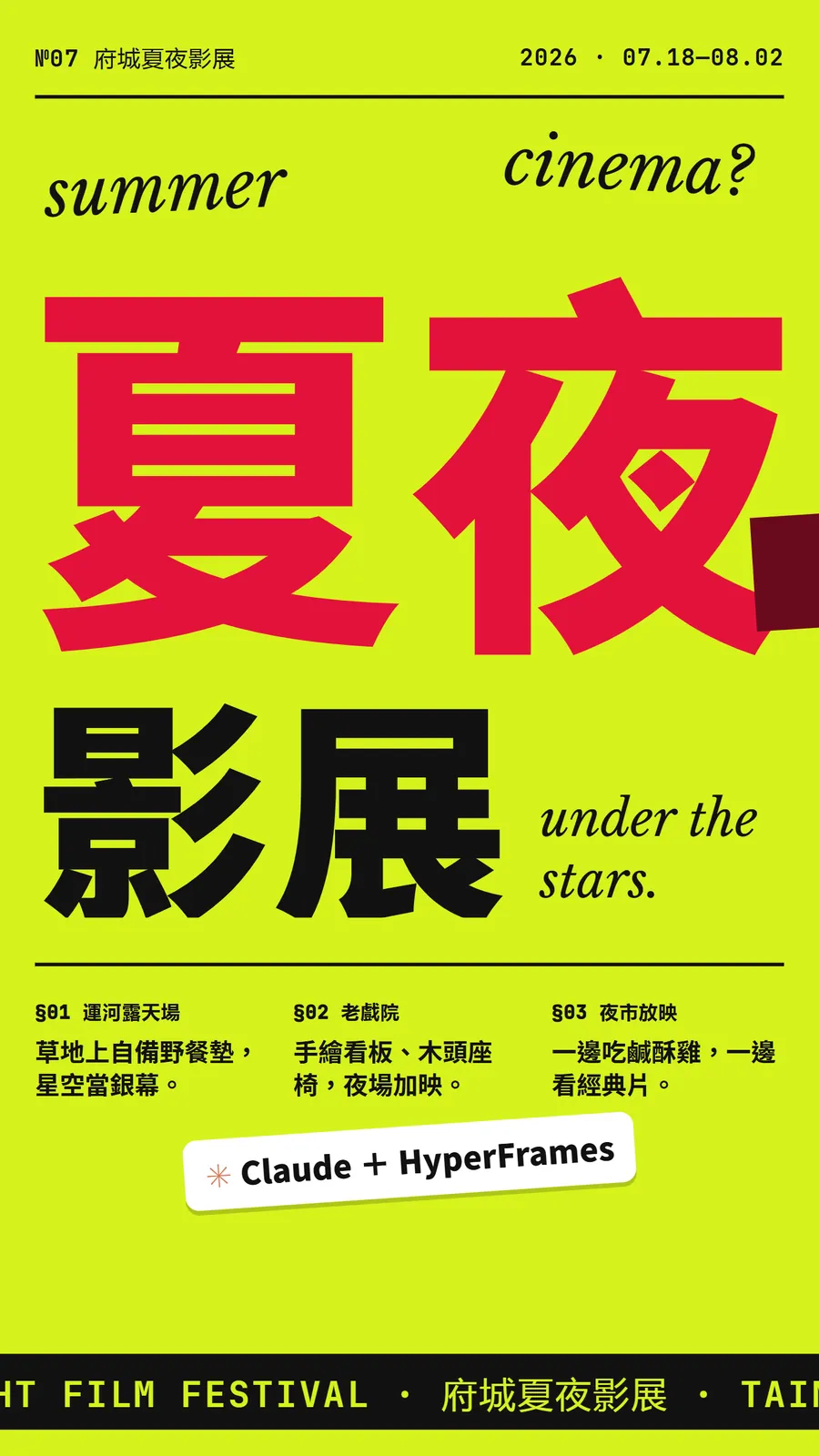
Our fill-in: the fictional "Fucheng Summer Night Film Festival №07" (Tainan, 2026.07.18–08.02), neon lime background, bright red 夏夜 ("summer night"), a deep wine square, and three columns for a canal open-air screen, an old cinema and a night-market screening.
03Way 1: one prompt in Claude Design
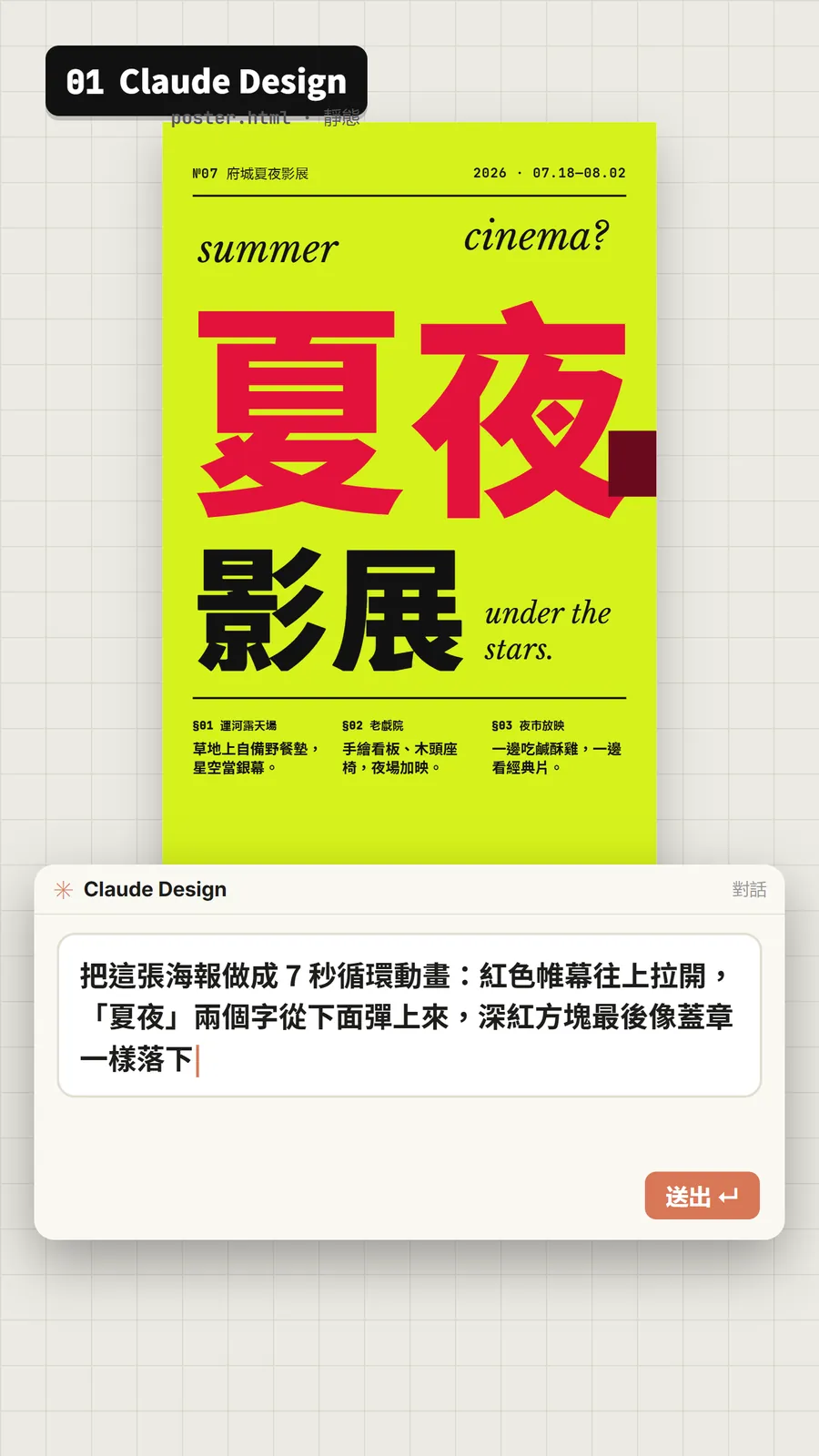
Once the poster is done, type the line below in the same conversation. Don't just write "animate this": say what enters first, where it comes from and how long the loop is.
Turn this poster into a [seconds]-second looping animation: [first move, e.g. a red curtain lifts up], the headline "[headline]" bounces up from below, [the square or shape] drops in last like a stamp, and [the English or small text] flies in from both sides.
- Pro: fast. One sentence and the whole poster moves, no code.
- Con: little fine-tuning. Making one word land 0.2 s later, or changing the bounce curve, is hard to ask for precisely.
- Claude Design needs a claude.ai login. Its menus and export options change, so go by what you see on your screen.
04Way 2: Claude Code + HyperFrames, install first
HyperFrames is an open-source (Apache-2.0) tool from HeyGen. Its GitHub tagline is "Write HTML. Render video. Built for agents.": you write the frames with HTML, CSS and animation, and it renders them into a deterministic MP4.
- Have Node.js 22 or later and FFmpeg installed (the README's requirements).
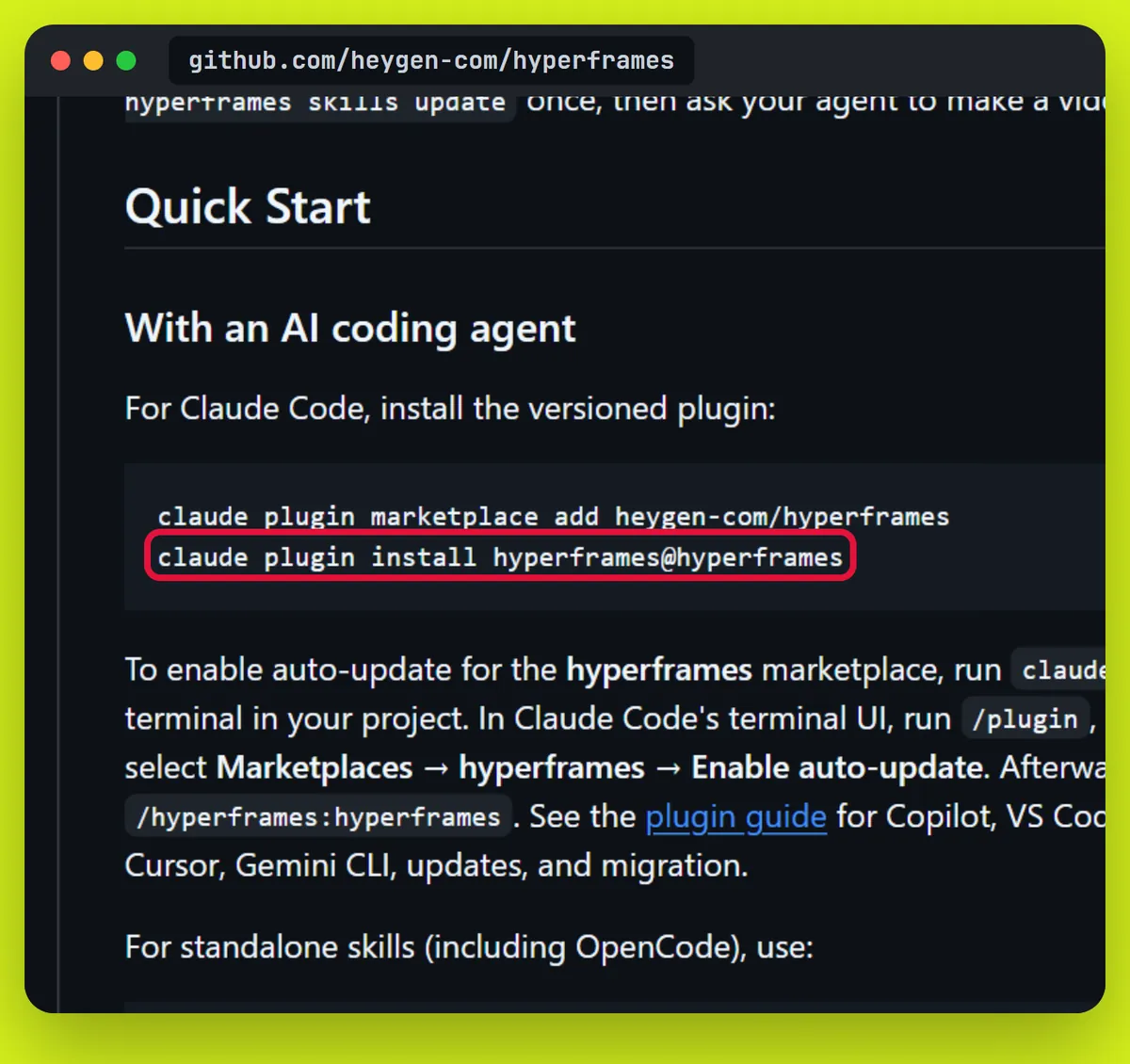
- In a terminal, run: claude plugin marketplace add heygen-com/hyperframes
- Then run: claude plugin install hyperframes@hyperframes
- Afterwards, call it in Claude Code with /hyperframes:hyperframes. Without the plugin, the docs also offer npx skills add heygen-com/hyperframes (run it in your project folder and choose Core Skills); the command is then /hyperframes.
- HyperFrames (GitHub) — Open source from HeyGen, Apache-2.0
- HyperFrames Quickstart — Official install and preview guide
05Way 2: hand the design files to Claude Code and get an MP4
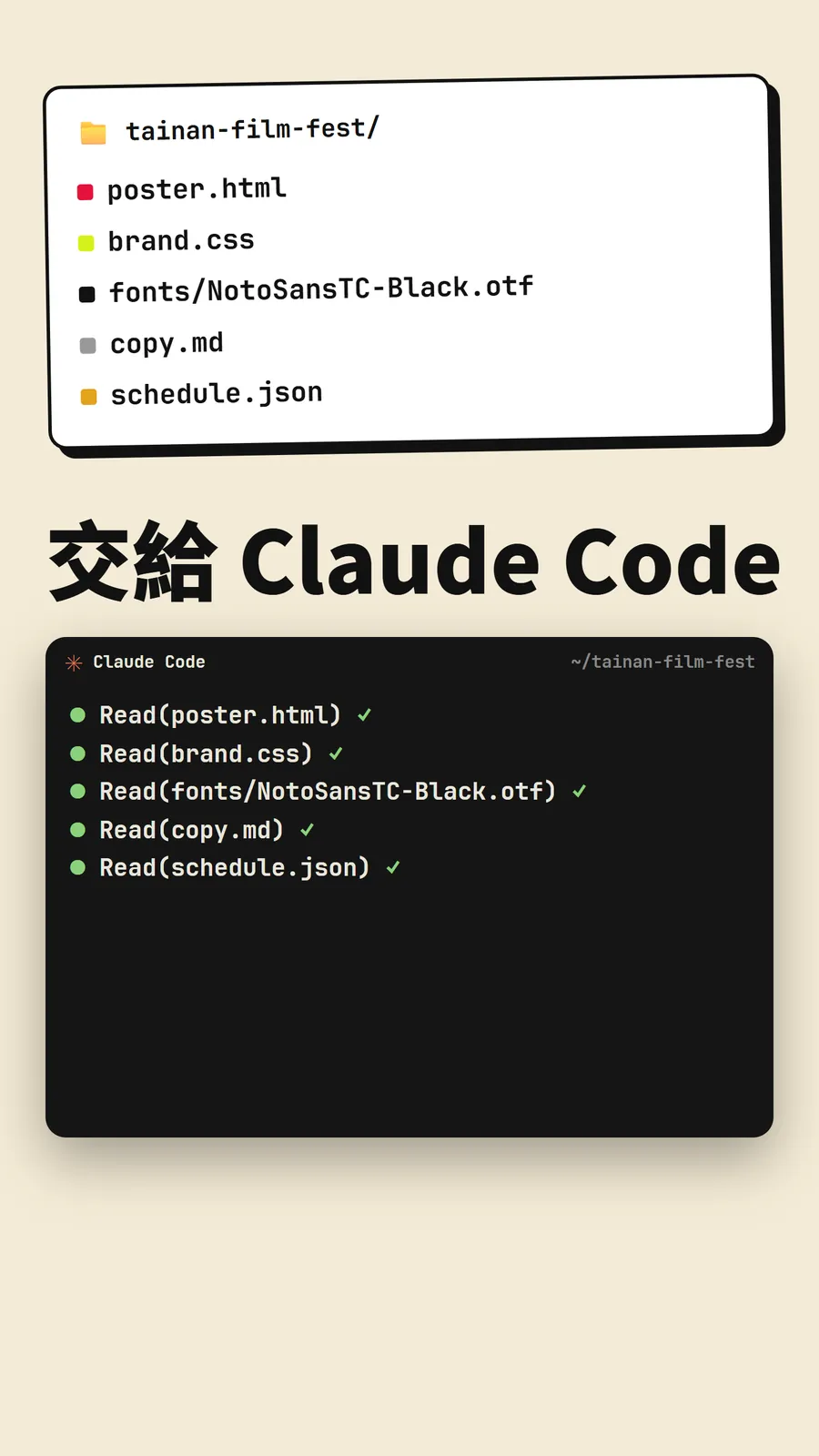
- Make a folder with everything the poster uses: poster.html (the poster itself), brand.css (colours and type sizes), the font files, copy.md for the text, and a schedule.json if there are showtimes.
- Open Claude Code in that folder.
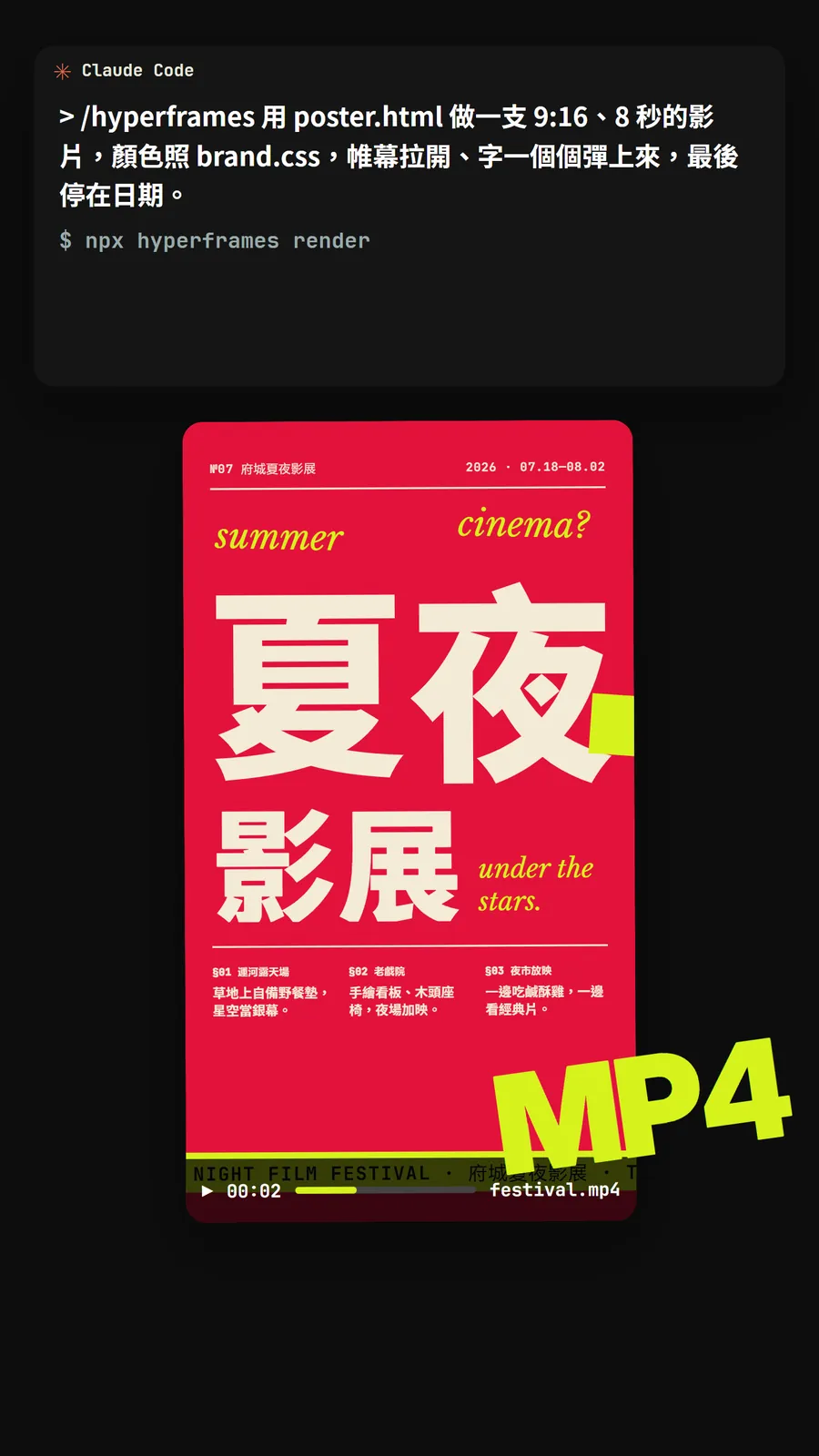
- Paste the prompt below. Again, give the length, the ratio, how each element enters and where it ends.
- Preview in the browser with npx hyperframes preview; when you're happy, run npx hyperframes render to export the MP4.
/hyperframes:hyperframes Use [poster.html] to make a [9:16], [8]-second video, colours from [brand.css]: [the curtain opens], [the characters bounce up one by one], and it ends on [the dates].
If the poster was made in Claude Design, HyperFrames' own "Design tools" page has a "Start from Claude Design" section: give the tool the HyperFrames instruction file and your brand material, ask for "a working project, not loose mockups", save it to disk, then open that folder with a coding agent such as Claude Code to check timing, motion, captions and rendering.
- HyperFrames: Design tools — Includes the Start from Claude Design section
06One set of files, plus a programme, a ticket page and opening titles
Because the animation is HTML, you can reuse it. Ask Claude for a programme, a ticket page or a countdown title with the same brand.css and fonts, and the colours and type stay consistent without re-matching anything.
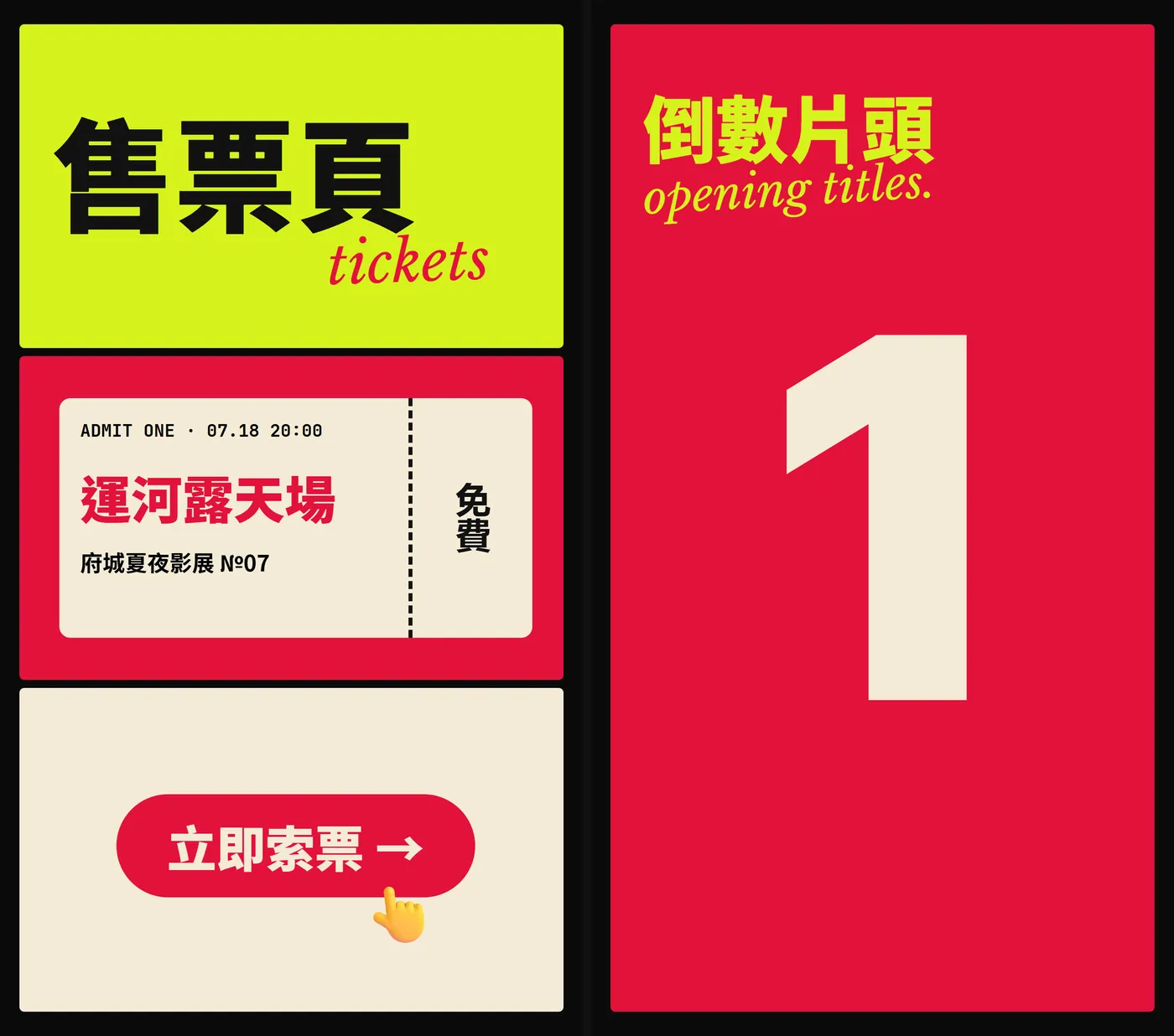
Using the same [brand.css] and fonts, make another [9:16], [6]-second [countdown title / ticket page / programme]: [what's on screen, e.g. big numbers 3, 2, 1 slam down in turn, then "Showtime" appears]. Same rhythm as the poster video, hold the last frame for 1 second.
07Revisions: talk to it like a video editor
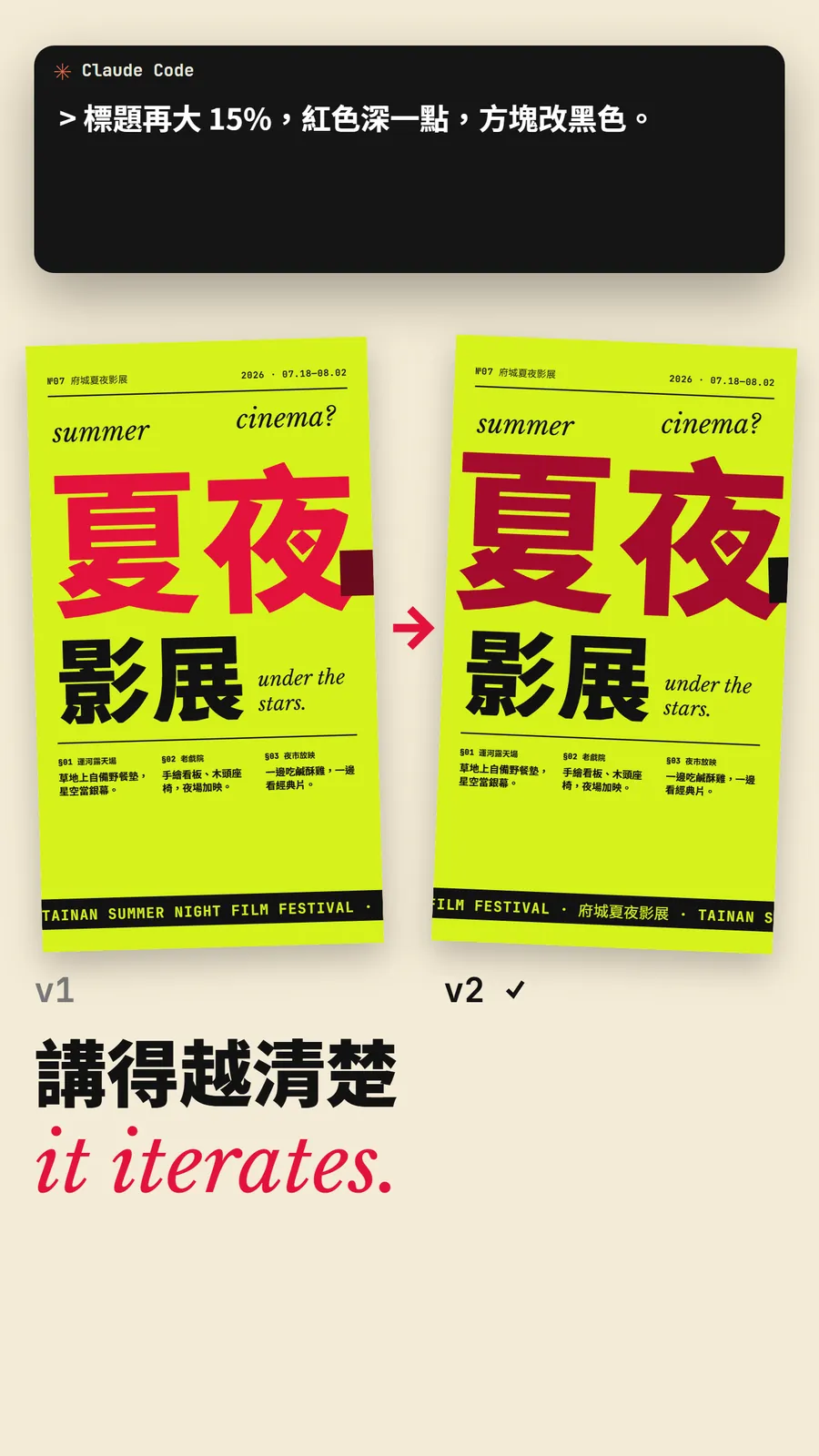
When the first version comes back, don't say "make it nicer". Say exactly what to change and by how much, and Claude will hit it.
Make the [headline] [15]% bigger, the [red] a little darker, and the [square] [black]. Leave everything else as it is.
08Good to know
- The "Fucheng Summer Night Film Festival №07" is fictional; the poster and every animation are demos Claude built in HTML.
- Claude Design needs a claude.ai login. We did not open it for this test, so we only give the prompt and can't promise it follows every detail.
- We did not run HyperFrames ourselves. The video clips in the Reel and in this guide came from our own script, which screenshots a headless browser frame by frame and turns the frames into an MP4; the install commands and usage come from the official HyperFrames README and docs.
- HyperFrames needs Node.js 22+ and FFmpeg. Command names follow the official README and may change between versions.
- For commercial promos, check that your fonts allow commercial use, for example Noto Sans TC (SIL OFL).
- Make your poster move: 10 motion effects with AI-written HTML + CSS — For a single effect recorded from the screen
- Write a 15-second product ad with Claude Code + Remotion — Another code-to-video tool