One image, one looping GIF: ChatGPT draws a 6-frame sprite sheet, Claude makes it loop
A waving mascot, a spinning product, a reaction sticker: ChatGPT draws six frames at once, Claude cuts them into a looping GIF and web embed.

No animation software needed for a waving mascot. This is the exact flow we used for the reel: ChatGPT draws a six-frame sprite sheet in one go, Claude writes the code that cuts it, loops it into a seamless GIF and gives you a snippet that plays on any web page.
01What you get: one image → a looping GIF
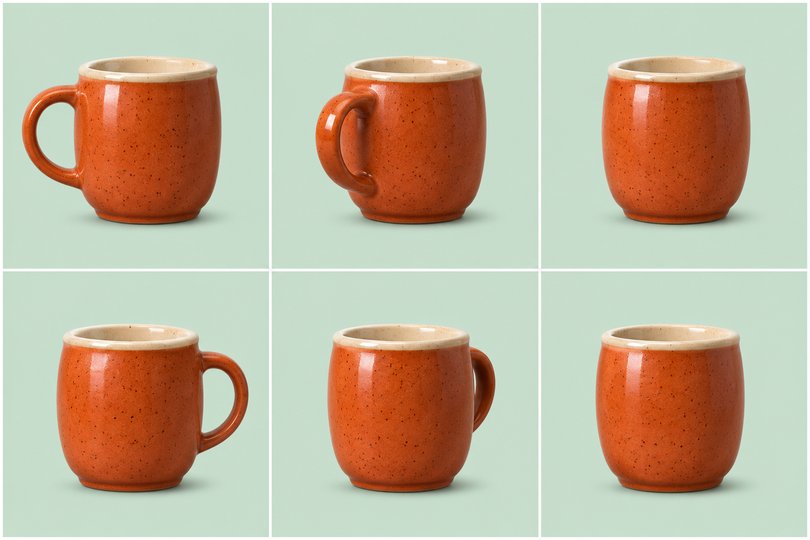
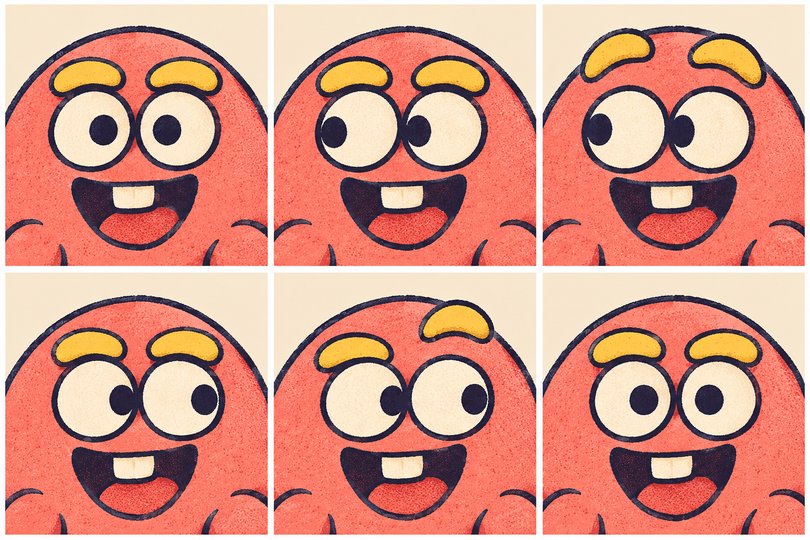
A mascot that waves, a product that spins, a reaction sticker with darting eyes: these used to be small motion-design jobs. Now ChatGPT draws all six frames in one image, and Claude cuts them apart, orders them and turns them into a seamless looping GIF, plus a snippet you can paste into a web page.
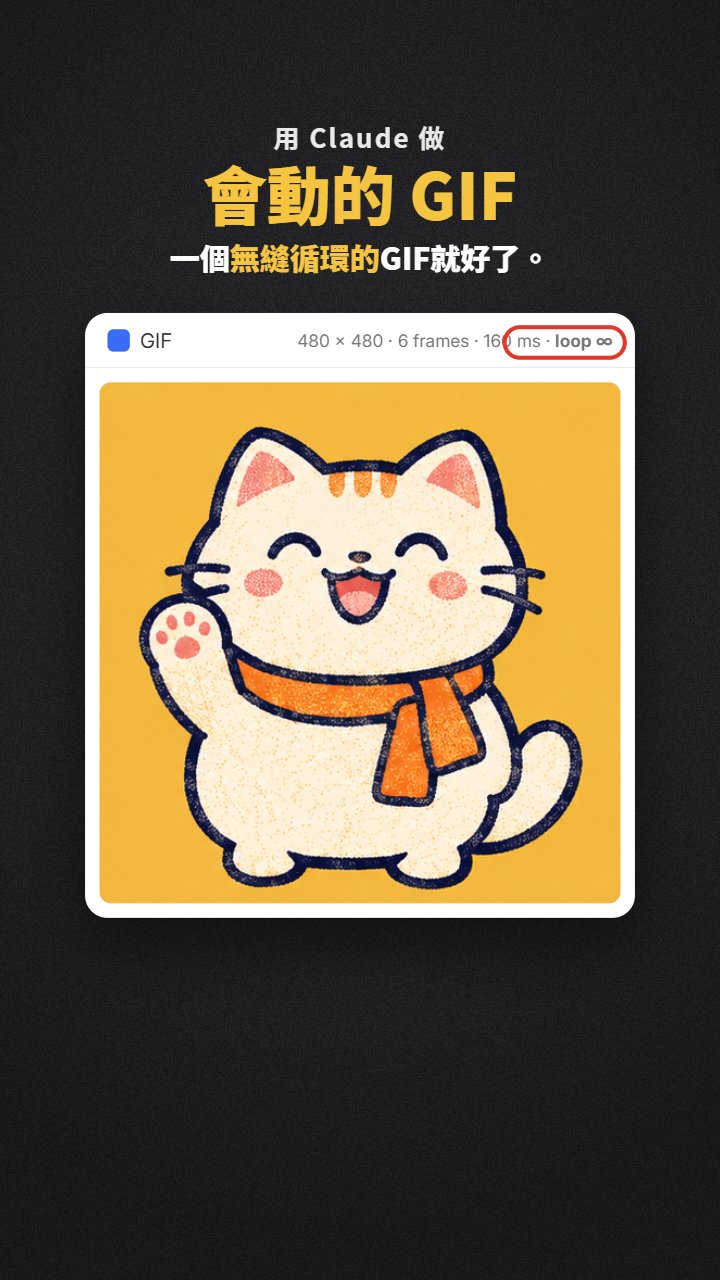
Two copy-ready prompts below: one for ChatGPT to draw the sprite sheet, one for Claude to build the GIF. All example images are AI-generated; the code was written by Claude.
02Step 1: draw all six frames in one go
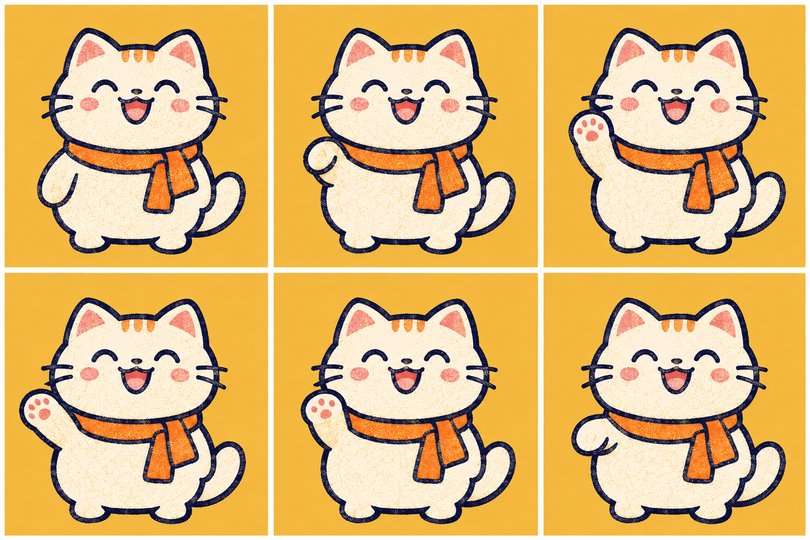
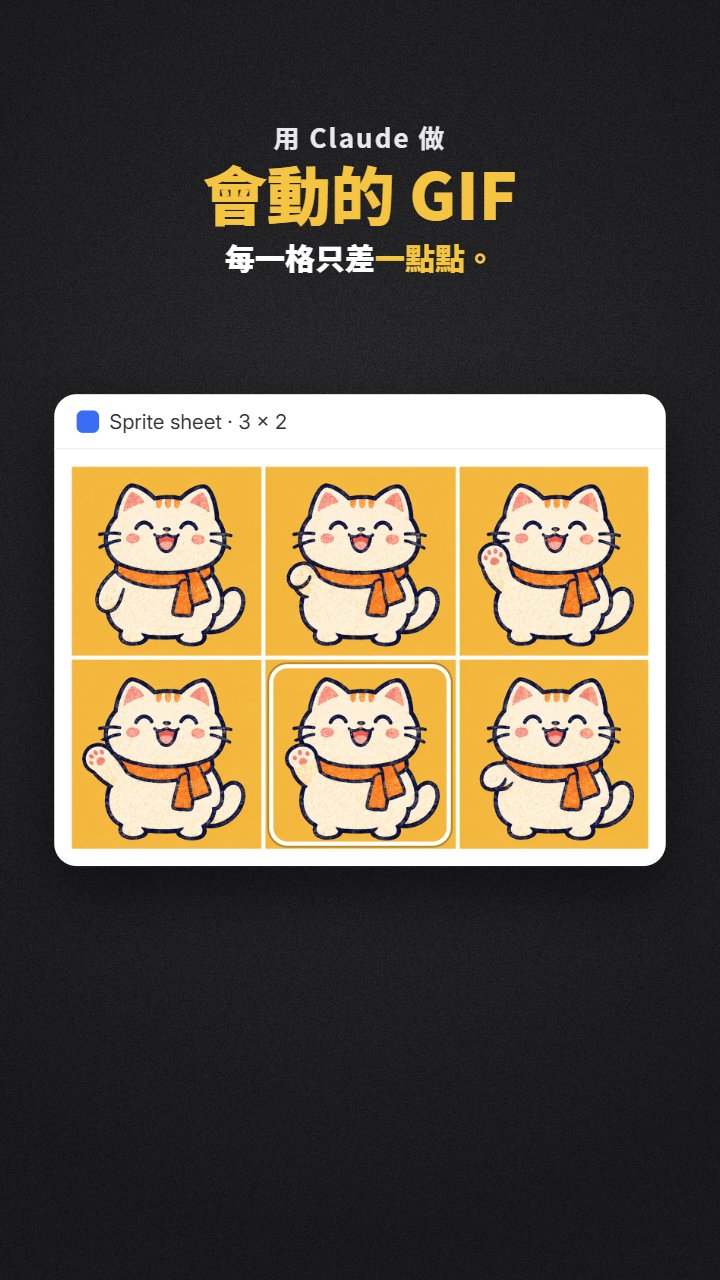
The trick is to get every frame in a single generation, not one by one. That keeps the character, light and background identical, so only the movement changes.
Create an image: a sprite sheet for a looping waving animation, 6 frames arranged in a clean 3 by 2 grid of equal square cells, read left to right, top row then bottom row. The same character in every cell at identical scale and position: [你的角色:外型、顏色、畫風]. Only [會動的部位] moves: frame 1 [動作 1], frame 2 [動作 2], frame 3 [動作 3], frame 4 [動作 4], frame 5 [動作 5], frame 6 [動作 6], ready to loop back to frame 1. Same camera, same light, flat [背景色] background identical in every cell, thin even white gutters between cells. No text, no numbers, no logos.
- Six equal cells in a 3×2 grid with white gutters (Claude uses the gutters to cut).
- Say "same character, same camera, same background".
- The last frame must lead back into the first, or the loop jumps.
- Move one thing only: a paw, the eyes, or the whole object turning 60°.
03Step 2: let Claude cut it and loop it
Six images don't move yet. Upload the sprite sheet to Claude (Claude Code or claude.ai) and paste this:
Attached is a 3×2 sprite sheet with white gutters between the six cells.
Please:
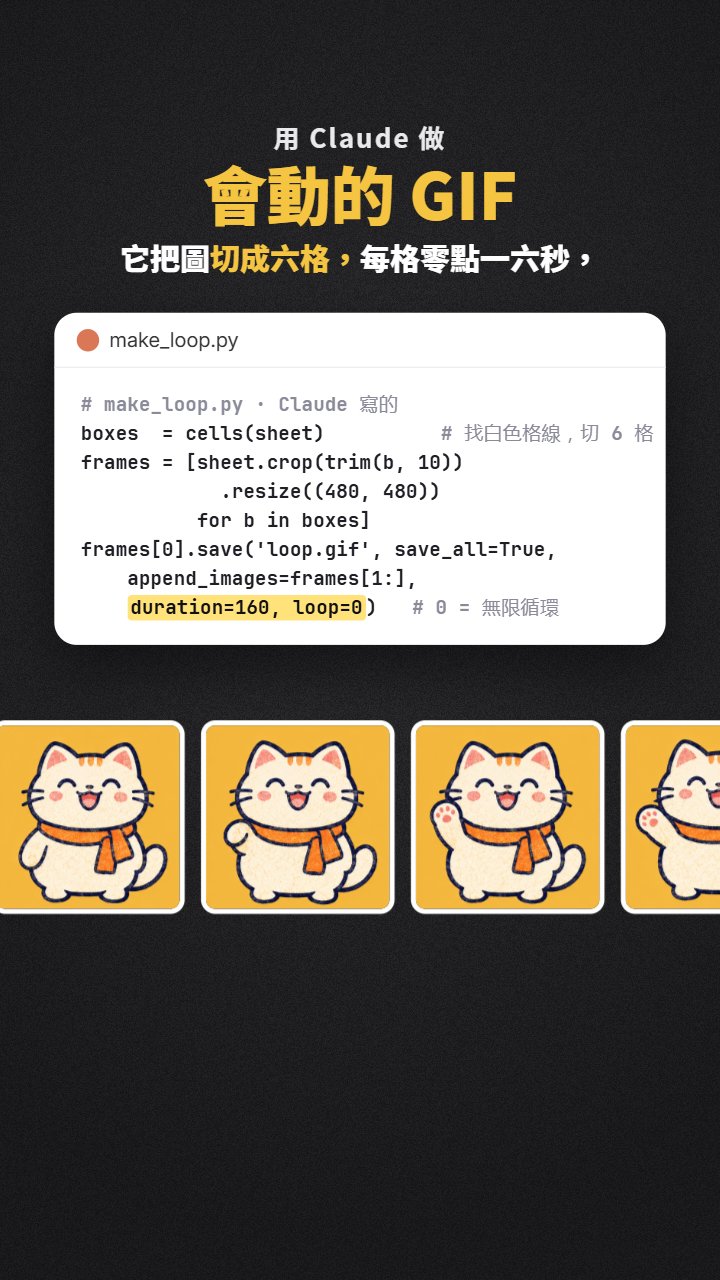
1. Write a Python script (Pillow) that finds the white gutters and cuts the sheet into 6 equal square frames, left to right, top row then bottom row.
2. Resize each to 480×480 and save frame1.png to frame6.png.
3. Make a looping GIF: 160 ms per frame, loop=0 (forever).
4. Also lay the 6 frames out as one strip.png and give me an HTML + CSS snippet (steps(6) animation) I can paste into a page, with prefers-reduced-motion support.
5. Run the script and tell me the GIF's file size.

04What else the same trick makes
- Newsletter mascot: waving, nodding, blinking.
- Spinning product: 60° more per frame, six frames make one turn.
- Reaction sticker: only the eyes and brows move.
05Watch out for
- Some older Outlook versions for Windows (commonly cited: 2007–2016) show only the first frame of a GIF, so frame one must work as a still on its own.
- GIFs aren't small (ours are about 0.8–1.3 MB at 480×480). For email, scale to 320×320 or ask Claude to cut the colour count.
- On a web page, strip.png + CSS is sharper and lighter than a GIF, and it can stop for people who turn on reduced motion.
- AI sprite sheets sometimes shift the character in one cell. Check the cut frames and ask ChatGPT to redraw that one.