Why do big-brand websites look expensive? Copy their design system in 3 steps and write it up as DESIGN.md
Read a site's real fonts, sizes, colors and radius with F12, let Claude turn them into DESIGN.md, and build your site. Copy the system, not the text or logo.
Watch the reel on InstagramComment #系統 to get this guide
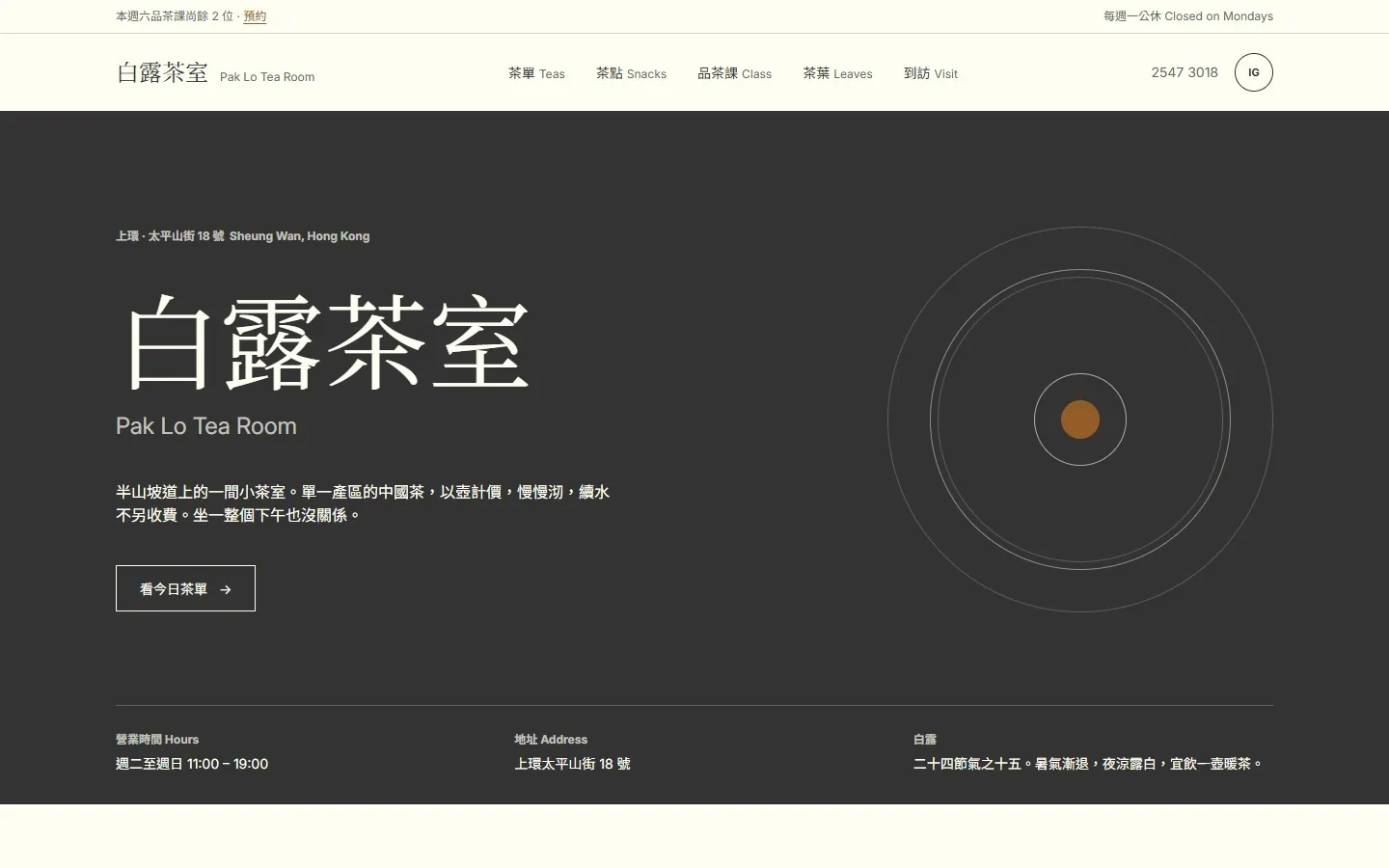
Big-brand websites look expensive because of a small, strict "design system" behind them: a few fixed colors, a few type sizes and one corner radius, used across the whole site.
In the Reel, I used code to open 5 official sites and read their real values directly. This post shows you how to copy any site's system the same way, write it up as a DESIGN.md, and then have Claude build your site from it.
01Why a screenshot isn't enough
Give AI a screenshot and all it can do is guess: "about 32px", "some dark gray". Your browser's developer tools give you the values the site really uses: font weight 300, color #061B31, button radius 4px. Be a little off, and the result looks a lot cheaper.
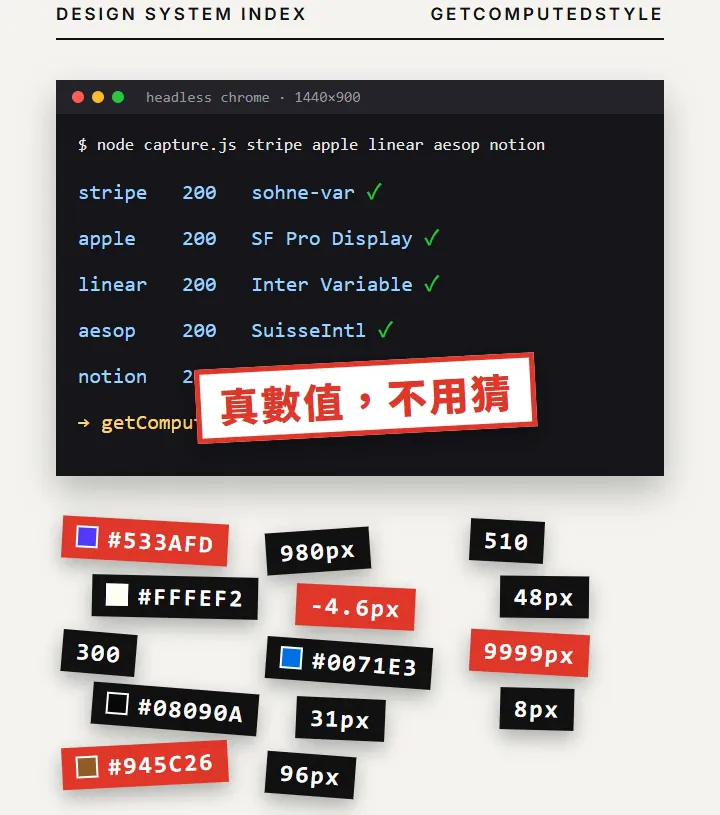
021. Get the real values (on a computer)
- Open the site you want to reference in Chrome on a computer.
- Press F12 to open the developer tools and switch to the Console tab.
- The first time you paste code, Chrome blocks it. Type allow pasting, press Enter, then paste.
- Paste the code below and press Enter. It collects the font, font size, font weight, color, background color and corner radius of the headings, body text, links and buttons on the page, and copies the result to your clipboard.
copy([...new Set([...document.querySelectorAll('h1,h2,p,a,button')].map(e=>{const s=getComputedStyle(e);return [e.tagName,s.fontFamily.split(',')[0],s.fontSize,s.fontWeight,s.color,s.backgroundColor,s.borderRadius].join(' ')}))].join('\n'))
What it does: it finds every h1, h2, p, a and button on the page, uses getComputedStyle to read the styles the browser actually calculated, removes duplicates, puts one element per line, and finally copies it all with the Console's copy(). You'll see results like this: H1 sohne-var 48px 300 rgb(6, 27, 49) rgba(0, 0, 0, 0) 0px.
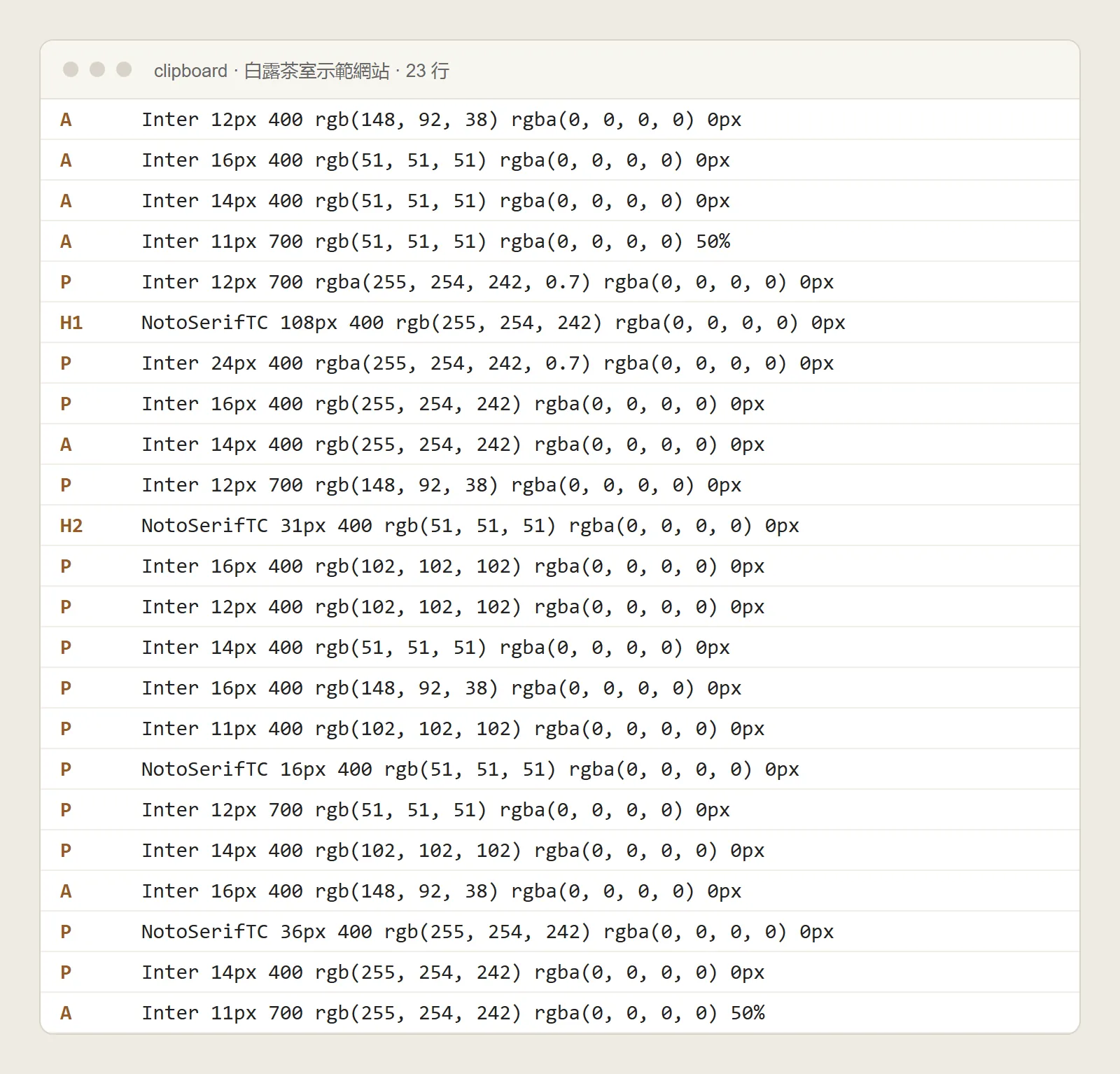
032. Have Claude turn it into DESIGN.md
- Open claude.ai and paste the result you just copied.
- Also upload a screenshot of the site's homepage, so it can see the layout and white space.
- Paste the prompt below.
Based on the values and screenshot above, write a DESIGN.md: color hex codes, fonts, font sizes, font weights, spacing unit, corner radius, button/card rules, and 3 Dos and 3 Don'ts. Extract only the system. Don't copy the text or the logo.
DESIGN.md is a design spec written in plain text. From then on, whether you make a website, a slide deck or an IG post, give this file to the AI and the style stays consistent.
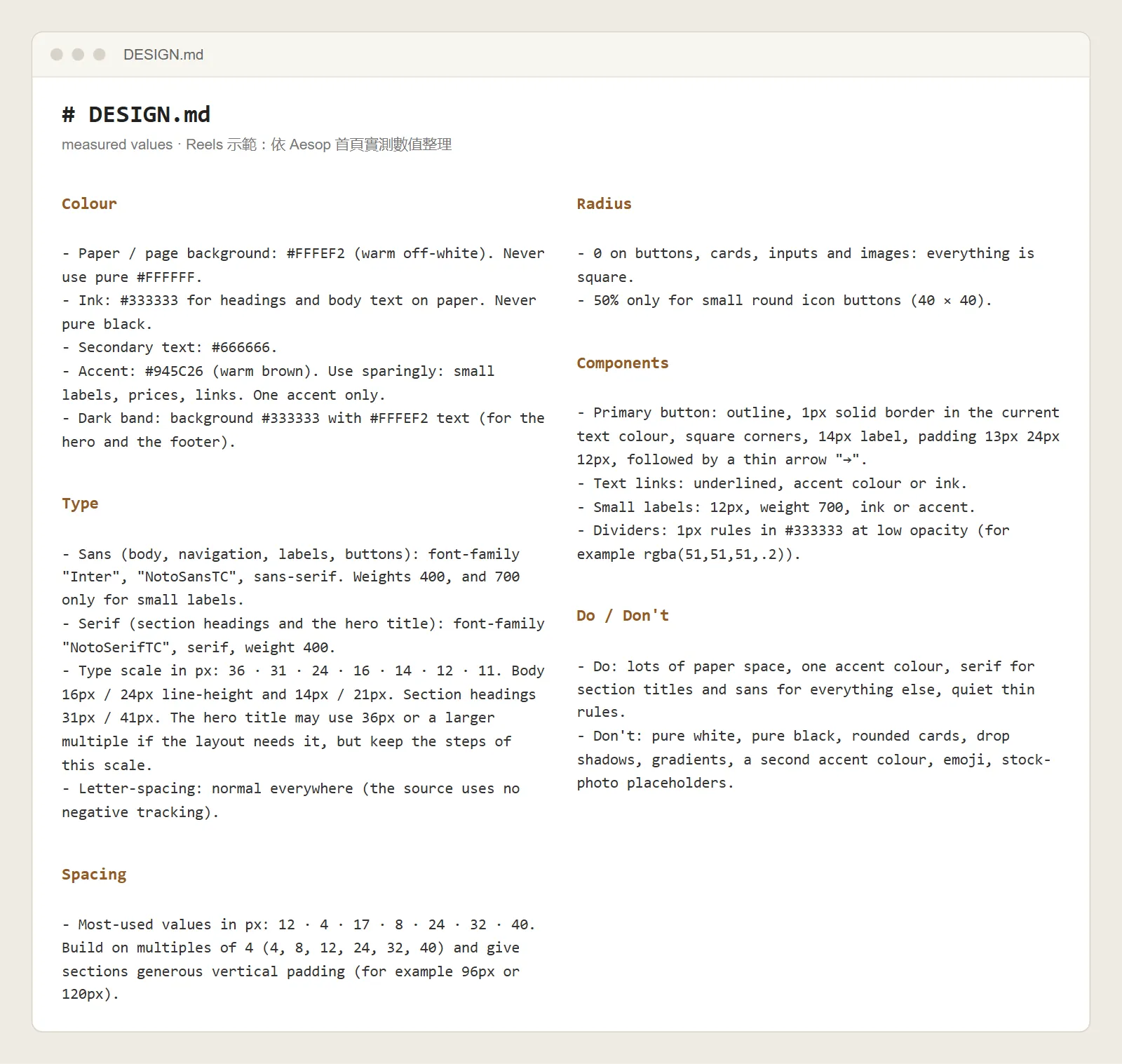
043. Build your site with this system
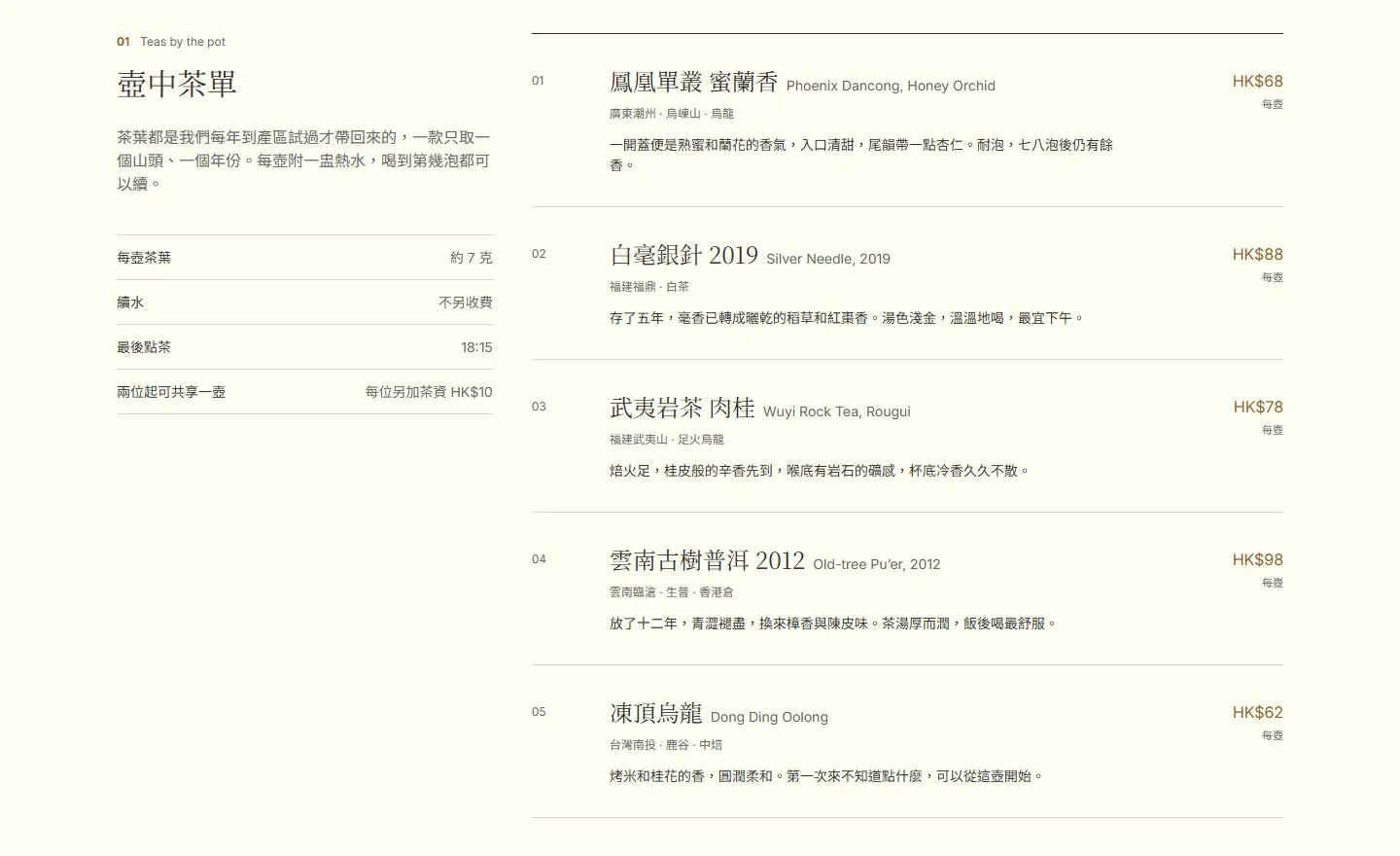
Use this DESIGN.md to build a website for [your shop]
- Say it in the same chat, so Claude remembers what's in DESIGN.md.
- Use your own content, layout and photos. Only the "system" (colors, type sizes, spacing, corner radius) is copied.
- When it's done, check it against DESIGN.md again: is the button radius right, is the heading weight right? If not, say "change the button radius to the 4px in DESIGN.md".
05Watch out for
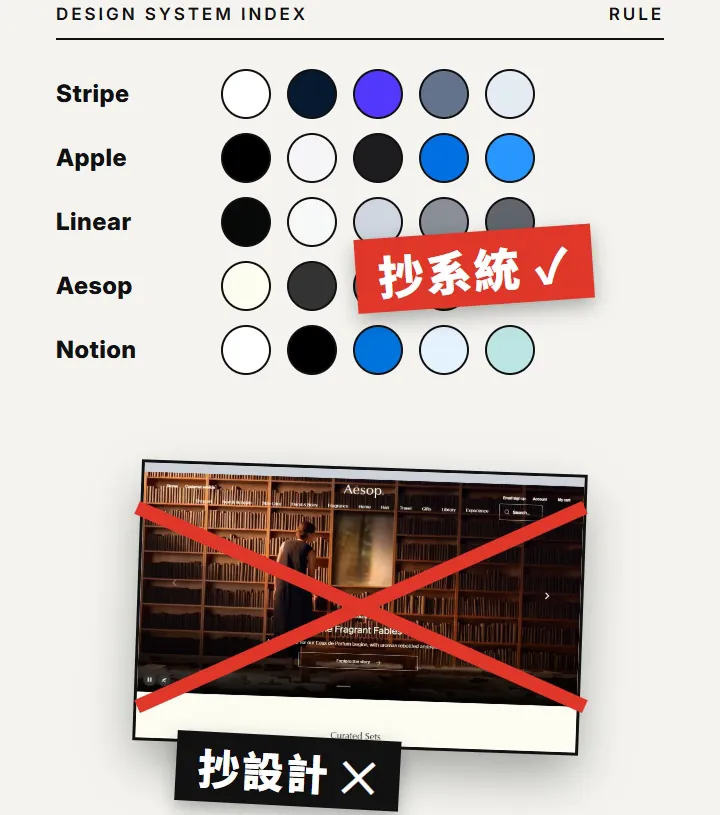
- Switch to licensed fonts. Big brands often use their own custom fonts (for example Stripe's Sohne). You can replace them with free fonts like Inter or Noto Sans TC and keep only the sizes and weights.
- Reference only one site at a time. Mix two sites' systems and it won't look like either.
- Save DESIGN.md in your project folder, and show it to the AI first every time you ask for a new page.