A paper world that builds itself layer by layer: Claude writes the prompts, Google Flow turns one image into an ad
Claude writes the direction, Nano Banana 2.1 makes one image with every paper layer, and the Omni 1.1 Flash video prompt lists only the order. 4 real prompts.
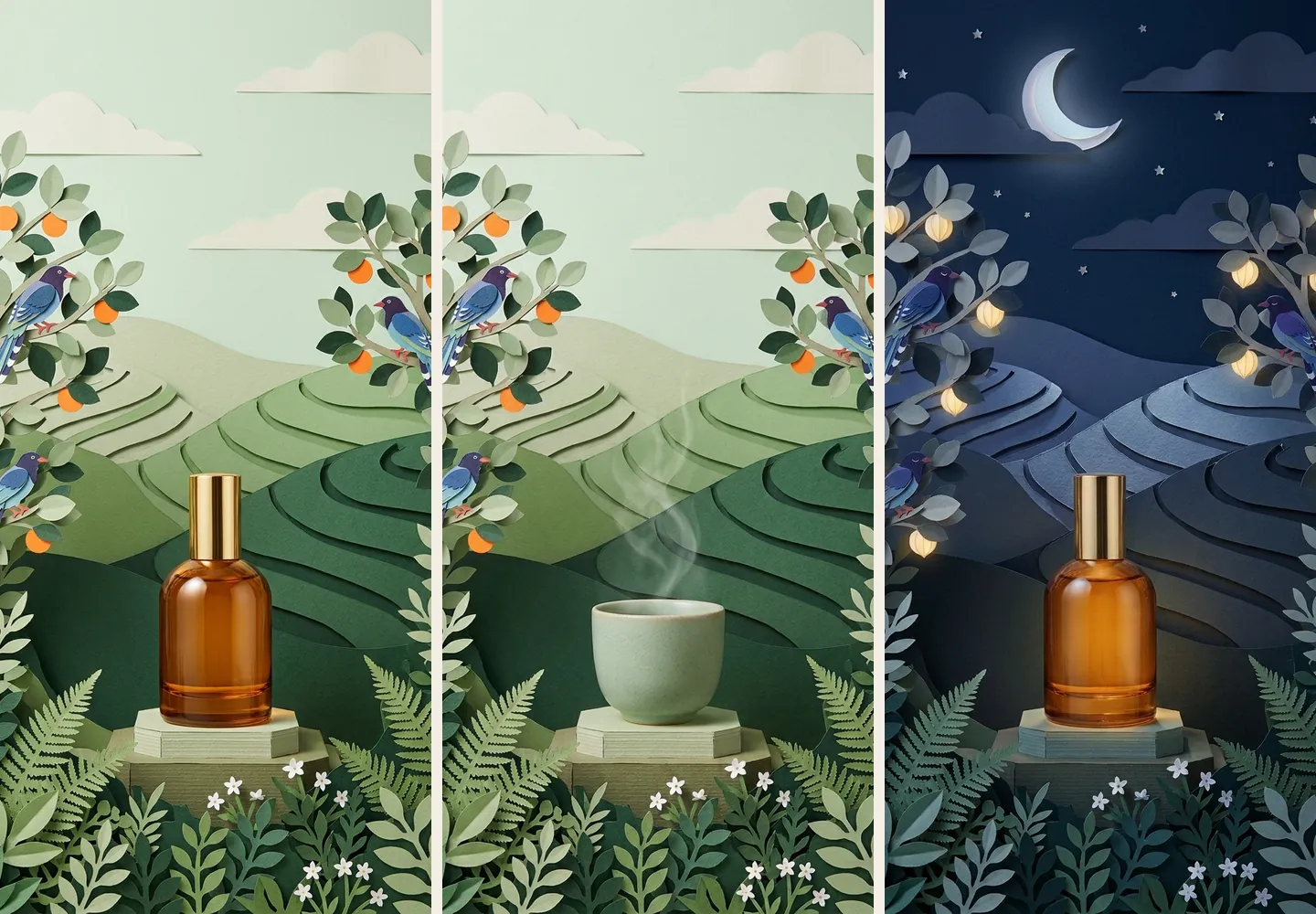
Have you seen ads like this? A paper-craft landscape where the sky slides in first, hills drop in layer by layer, then trees, plants and birds arrive, and finally the product appears in the middle. It isn't paper cutting and it isn't stop motion. We made one in Google Flow with a fictional, unbranded amber perfume: one image, one generation, two 10-second videos, 30 credits. Claude wrote the prompts; Flow's Nano Banana 2.1 and Omni 1.1 Flash made the image and the video. Every picture below is our own result.
01Who does what: Claude writes the prompts, Google Flow draws and animates
This guide uses two tools. Claude doesn't generate images or video. Its job is to think the scene through and write the prompts in English. Google Flow is Google's AI video workspace (you sign in with a Google account). It has Nano Banana 2.1 for images and Omni 1.1 Flash for video.
- Open Claude and ask it for the direction and the two prompts (step 1).
- Open flow.google.com and create a new project. Ours was called "Oct 23 - 11:58", the name Flow gives it from the time.
- Check your credits. Our images showed 0 credits; one round of two videos used 30.
- Google Flow — Sign in with Google; credits depend on your plan
- Claude — Writes the direction and prompts
02Step 1: ask Claude for the direction: back to front, layer by layer
Whether this kind of video works is decided before you write any prompt: the scene has to be stacked paper layers, and the video has to build them back to front. Give Claude that direction and ask it to write both prompts at once. Below is our tidied-up template; replace the [ ] parts with your product and scene.
I want to make a 9:16 layered paper-craft ad video.
Product: [product, e.g. an unbranded amber glass perfume bottle]
Scene: [scene, e.g. Taiwanese tea terraces, citrus trees, Taiwan blue magpies]
Main colours: [colours, e.g. sage and deep green]
Direction: paper world assembly. The whole scene builds itself layer by layer, back to front, and the product arrives last.
Please write two prompts in English:
1. An image prompt for Nano Banana: one finished layered paper-cut diorama, shot straight on, 9:16. List the layers back to front (sky, hills, trees, small animals, foreground plants). The product stands on a small paper plinth in the centre and is the only non-paper object. Show the paper thickness and the shadows between layers. No text, no logo.
2. A video prompt for Omni 1.1 Flash: use that image as the ingredient, start from blank cream paper and build it layer by layer in the same order, with the product last. Each layer lands with a small bounce and a soft shadow. Locked camera, end on the finished image. No text.
We picked Taiwanese tea terraces, citrus trees, Taiwan blue magpies, ferns and small white flowers, with a fictional amber perfume in the middle. The image prompt and video prompt Claude wrote are the two prompts in steps 2 and 3.
03Step 2: make one image with Nano Banana 2.1, with every layer in it
- In Flow, switch to image mode and pick Nano Banana 2.1.
- Set the ratio to 9:16 (vertical, ready for Reels).
- Paste the prompt below and generate. It showed 0 credits for us.
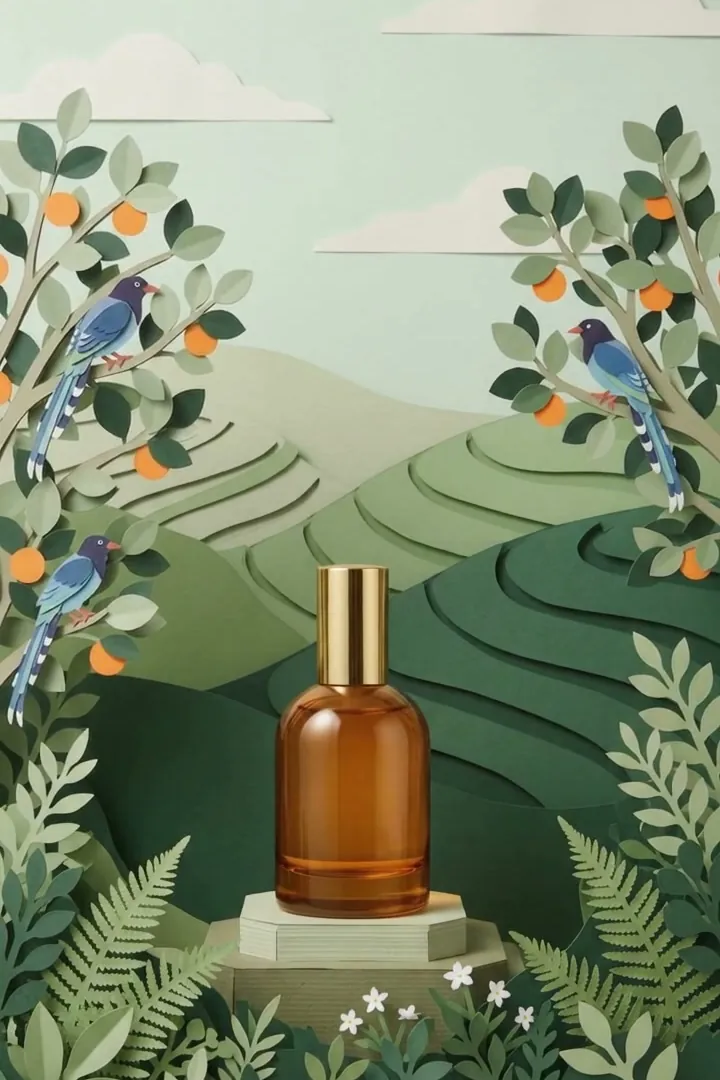
A handcrafted layered paper-cut diorama, photographed straight on, 9:16. Lush [sage and deep green] palette. Back to front: [a pale mint paper sky with two soft cut-paper clouds]; [rolling layered paper tea-terrace hills in three greens]; [two citrus trees with round cut-paper leaves and bright orange paper fruit] framing the left and right edges; [Formosan blue magpies] made of cut paper perched in the branches; a foreground of [cut-paper ferns and small white flowers]. In the centre, standing on a small paper plinth, [a real glossy amber glass perfume bottle with a gold cap] — the only non-paper object. Visible paper thickness, soft shadows between every layer, gentle warm studio light, subtle paper fibre texture, high detail, product photography, no text, no logo.
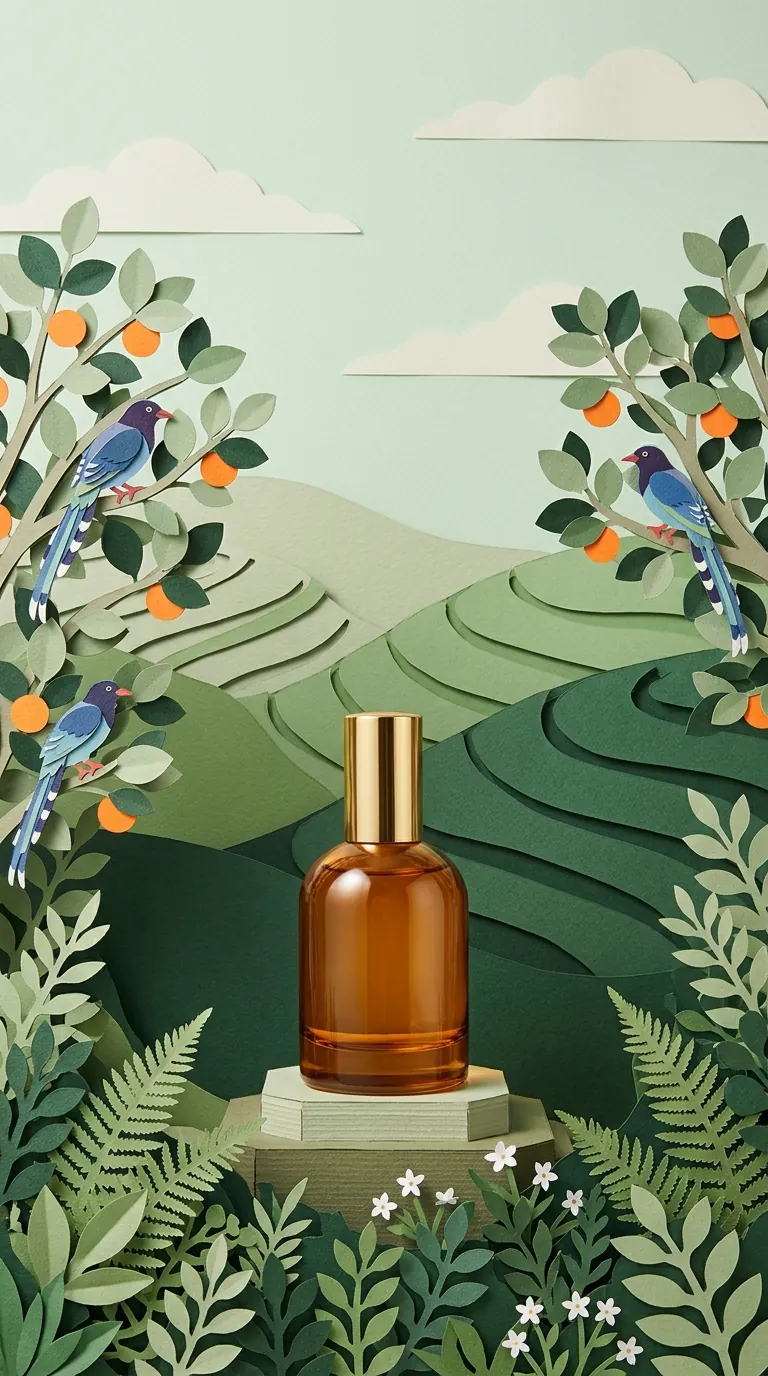
This image is the finished frame of the whole video. The video model won't invent new things. It takes this image apart and puts it back together in the order you write. So every layer has to be in this image first.
04Step 3: the video prompt says one thing: the order
Many people think you upload an image and press animate. The point here isn't one-click animation, it's the order: which layer comes first and which comes last, all written out.
- Above the prompt box, switch to Video, then Ingredients.
- Add the image from step 2 to the prompt. It becomes @image 1.
- Pick the Omni 1.1 Flash model.
- Ratio 9:16, quality 720p, length 10 seconds.
- Count x2, so you get two videos per run. This round used 30 credits.
@image 1 = the finished paper world. Build it layer by layer, back to front, on a plain cream paper background: [the pale mint paper sky] slides in first, then [the terraced paper hills] drop in one by one, then [the two citrus trees with orange paper fruit], then [the ferns and white paper flowers], then [the blue magpies land on the branches], and last [the amber perfume bottle] rises onto the paper plinth. Each layer arrives with a small paper bounce and a soft shadow. Locked camera, straight on, no zoom. End on the exact finished image. No text.
The lines that do the work: "back to front", "on a plain cream paper background" (start from blank paper), each layer joined with "then", "Locked camera, straight on, no zoom", and "End on the exact finished image".
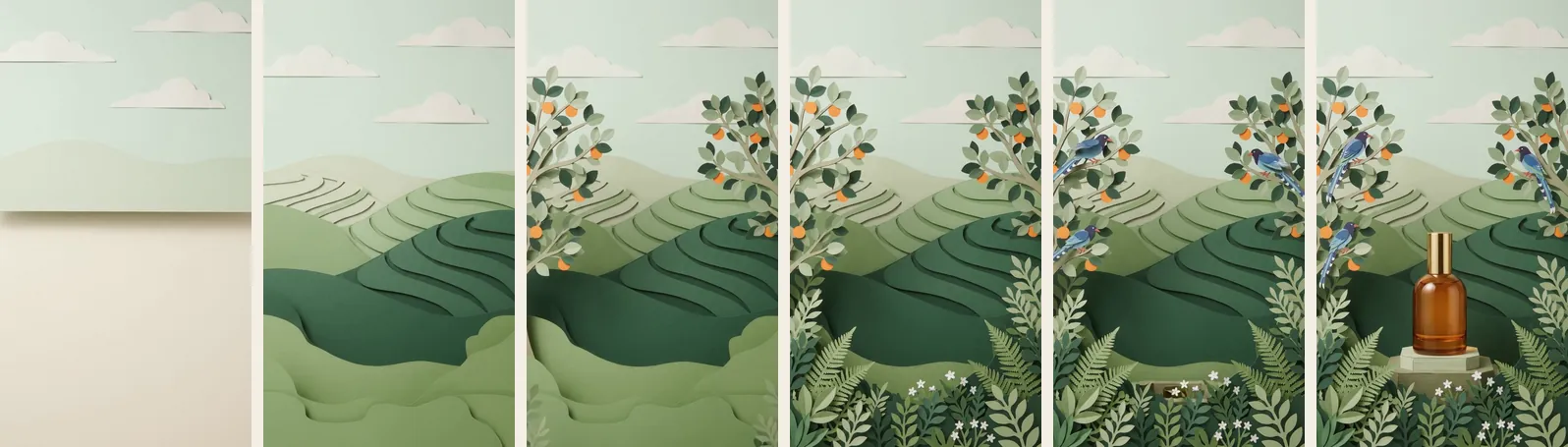
05The result: both videos built it in order
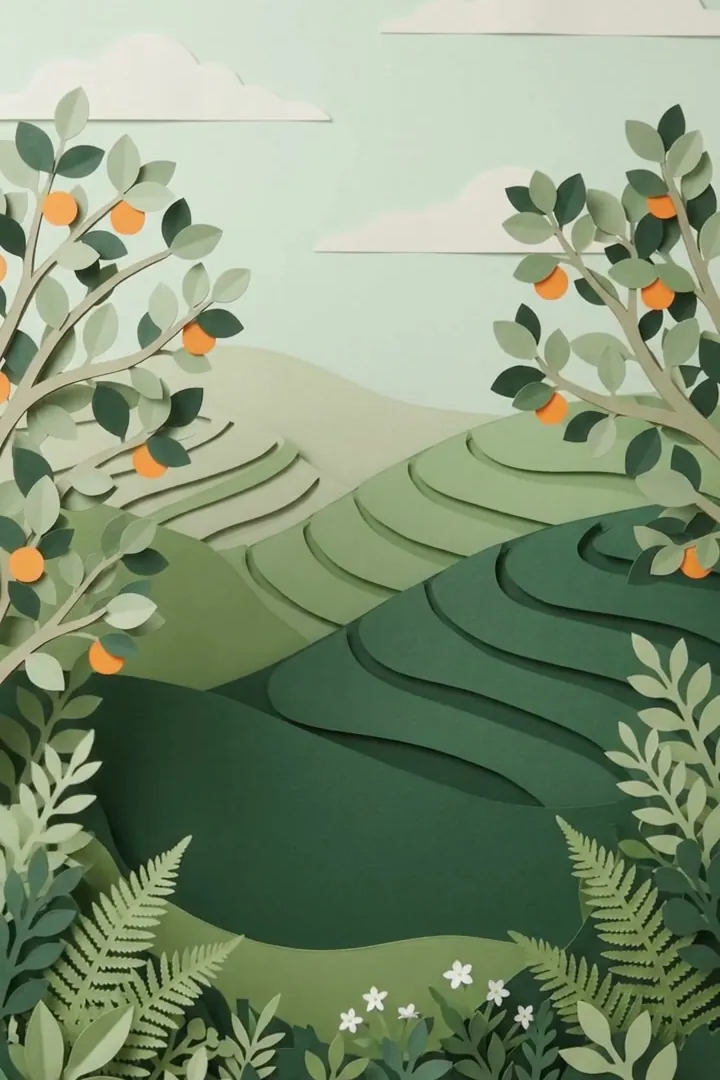
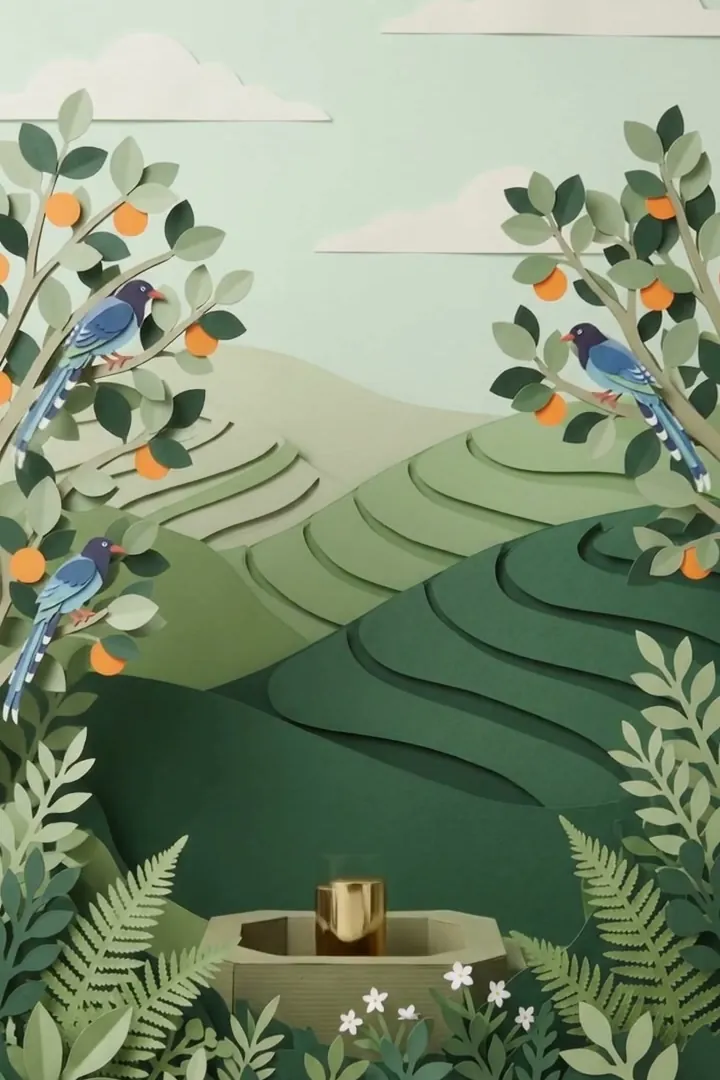
Both videos grew in the order sky → hills → trees → plants → magpies → perfume. In the second one the perfume rises slowly out of the paper plinth, so we used it to open the reel; the first one carries the layer labels.
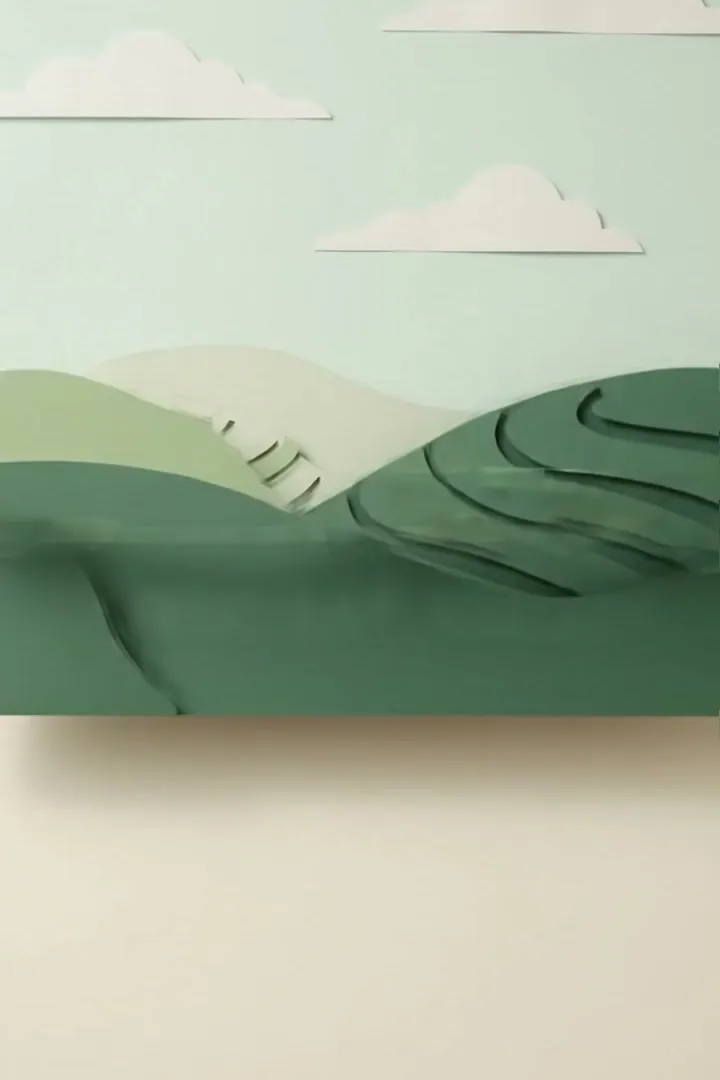
06Sound: skip the music, use the tap of paper landing
Half the feel of a paper-craft video is the sound. In our reel the music is kept very low while the scene builds, each layer gets a soft paper tap as it lands, and in one beat the music is off completely. We added those paper sounds in the edit; Flow didn't generate them.
07Step 4: same image, new product or a night version, and you have a new ad
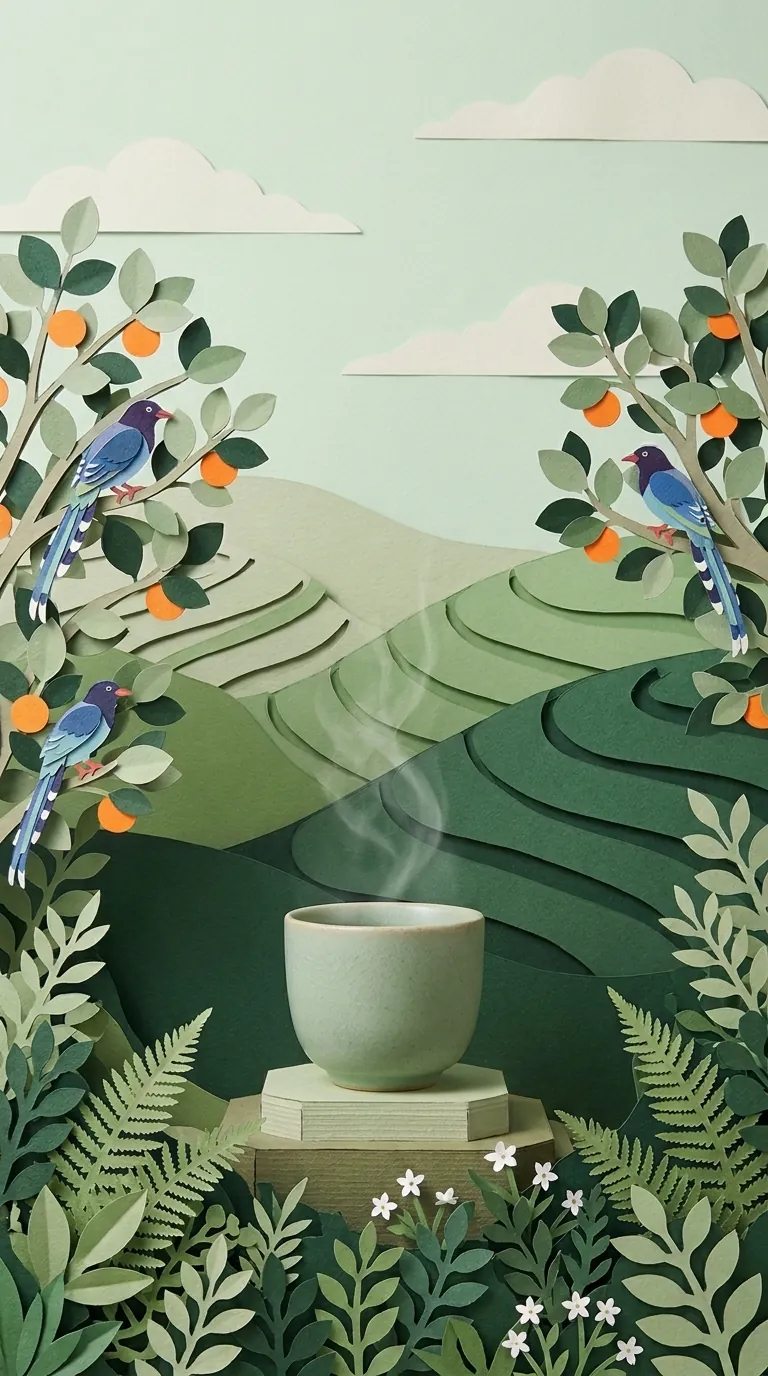
Once the scene exists, you don't start over. Use the first image as the reference, change one thing, and you get a new version. We made two: a new product and a night mood.
Same layered paper-cut diorama as image 1, identical scene, layers and light, but the product in the centre is [a real ceramic matte green tea cup with steam], on the same paper plinth. No text.
The same layered paper-cut diorama composition, re-coloured for a night mood: [deep navy paper sky with a cut-paper crescent moon and stars, indigo hills, silver-grey trees with pale lantern fruit, the blue magpies asleep], [the amber perfume bottle] glowing softly on the plinth. No text.
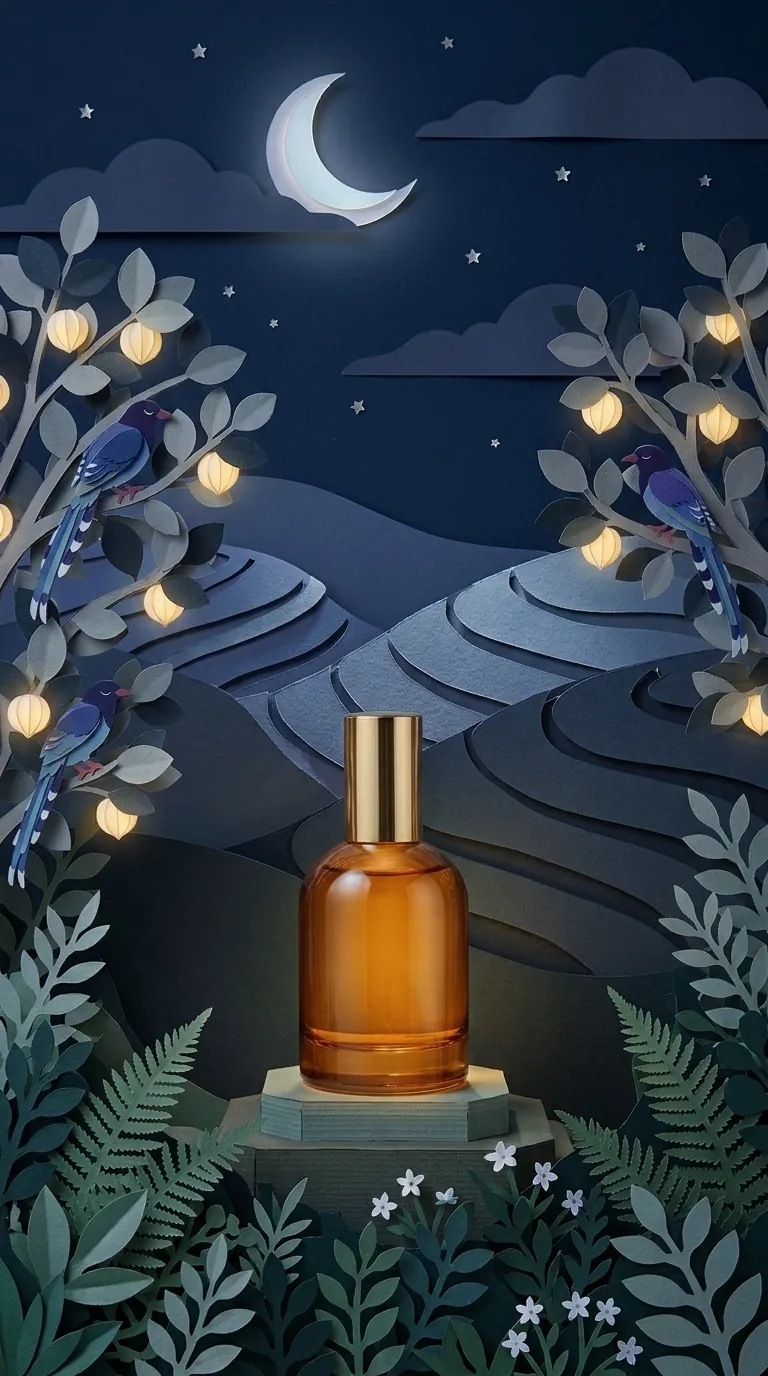
These two were also made with Nano Banana 2.1 and also showed 0 credits. We tried swapping the whole scene too, but that one didn't work in Flow, so we only show the product and mood swaps here. You can take either new image back to step 3 and build it again with the same video prompt.
08Keep in mind
- The perfume and the tea cup are fictional, unbranded products, and the scene is AI-generated.
- The images and videos were generated by Nano Banana 2.1 and Omni 1.1 Flash in Google Flow; Claude wrote the prompts. Claude didn't generate any image or video.
- We made this in Flow on 23 October 2026. Model names, settings and credits (0 for the images, 30 for two videos this time) follow what your account shows, and they may change.
- If you use a real product or brand, you need the rights to its photos, logo and packaging.
- It looks handmade but it is AI-generated. Label it as AI-generated when you post so nobody thinks it is handcrafted.