3D line illustrations that follow the cursor: 33 free Hairline figures, plus a skill to draw your own
Hairline: 33 free MIT isometric line figures, one npm install, no dependencies. Its hairline-create skill lets AI agents draw your own. Plus dark-site theming.
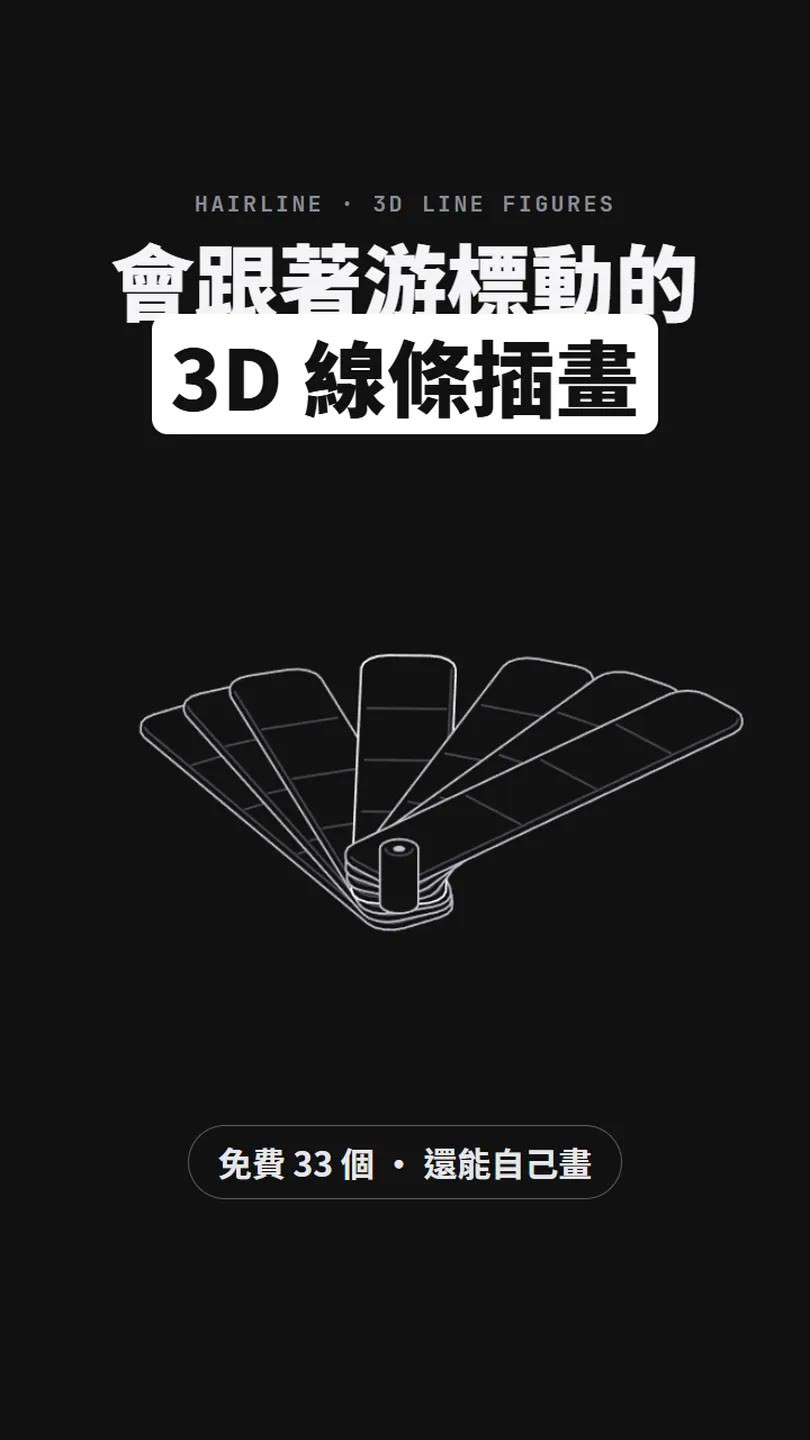
Lots of homepages now carry thin 3D line illustrations that move when your mouse passes over them. You don't have to build them from scratch: designer Lucas Marques made Hairline, 33 of these line figures, free and open source (MIT), installed with one npm command.
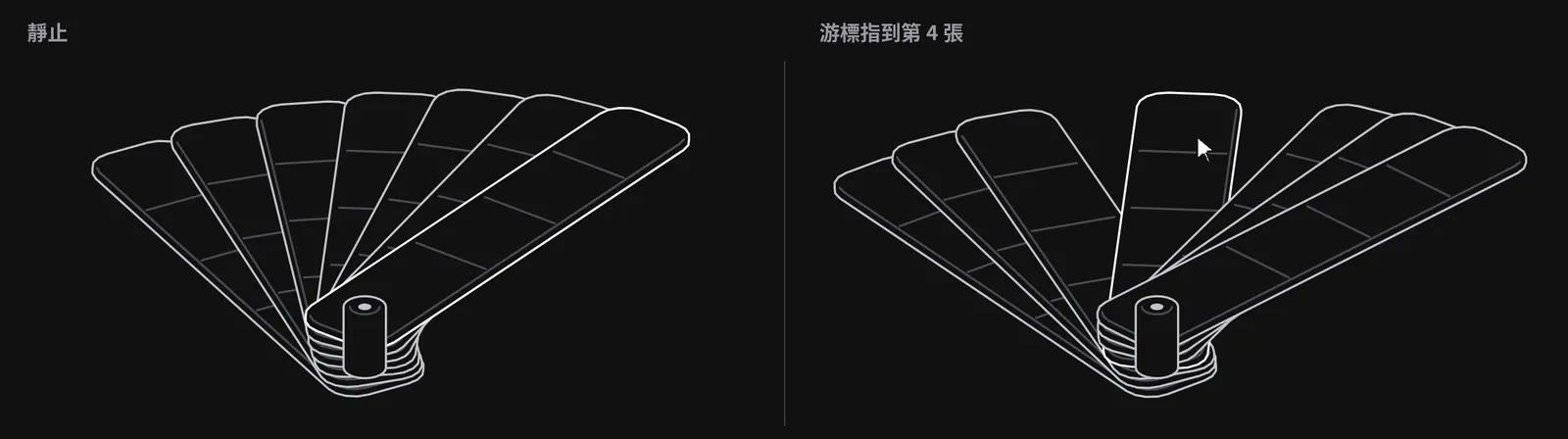
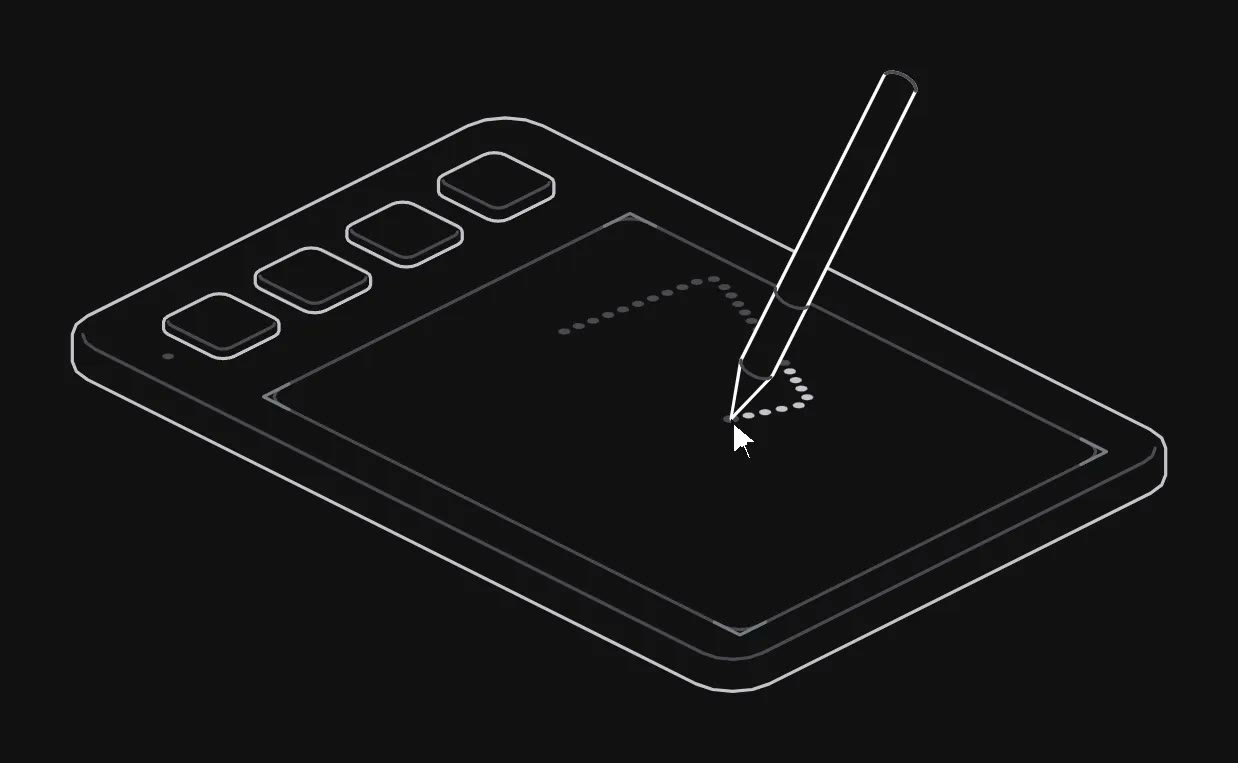
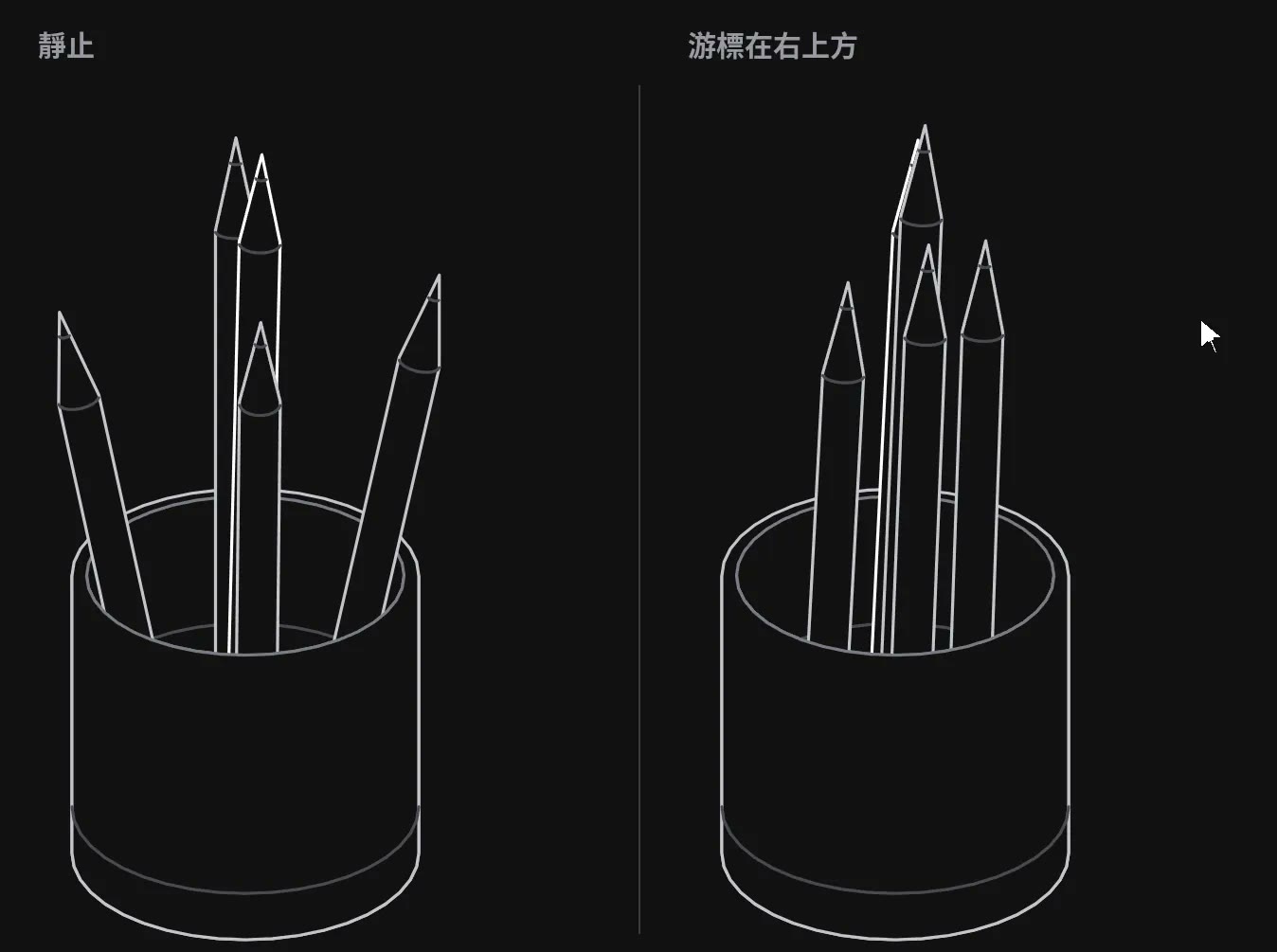
Better still, he ships a skill so AI agents such as Claude Code, Cursor and Codex can draw new figures to his rules. This is the full version of our Reel: we followed the hairline-create skill's process to make three things from a designer's desk (a swatch fan, a drawing tablet and a pencil cup) and put them on a demo site, LINEA. Every image below is our own work.
01The result: three line figures we made ourselves
Hairline figures are isometric line drawings: solid objects with real depth, drawn in a single thin stroke, with no colour and no shading. The point is the interaction: wherever the pointer goes, part of the figure answers.
02Step 1: use the 33 ready-made figures (npm)
If a ready-made figure does the job, say the terrain, keyboard, laptop, phone or vault door, just install the package. It has no dependencies, all 33 figures come to about 63.5 kB gzipped, and a bundle that imports one figure carries only that one.
- Browse all 33 figures at hairline.lucasmarkes.com/figures and pick one.
- In your project folder, run: npm i @lucasmarkes/hairline
- React: import { Terrain } from "@lucasmarkes/hairline/react"; then render <Terrain />. It fills its parent's width at a fixed 5:4 ratio.
- Without React: import { terrain } from "@lucasmarkes/hairline"; then call terrain(document.getElementById("figure"), { play: true }).
- A static page with no bundler: import from https://esm.sh/@lucasmarkes/hairline inside a <script type="module">; the usage is the same.
Every figure takes the same five options: intensity (0 to 1, how strongly it answers, default 0.5), theme (auto, light, dark), label (the accessible description), onRead (tells you when the figure's read-out changes) and play (walks through its answer on its own when nobody is using it).
- Hairline website (all 33 figures, live) — By Lucas Marques, MIT licence
- npm: @lucasmarkes/hairline — Currently version 0.5.1
- GitHub: lucasmarkes/hairline — Source, README and the skill files
03Step 2: want your own figure? Install hairline-create
The 33 figures are mostly software and tech objects. For something tied to your brand, like a café's pour-over kettle or a florist's bouquet, use the author's skill. One command installs two skills: hairline-create (draws a new figure from one line) and hairline-adopt (turns an SVG you already have into a line figure).
- Open an AI agent that reads skills, such as Claude Code, Cursor or Codex.
- In your project folder, run: npx skills add lucasmarkes/hairline
- In the agent, type /hairline-create followed by your idea, e.g. /hairline-create a swatch fan.
- It offers 2 or 3 concepts, one line each: the object, what the pointer does, what the read-out says. Pick one.
- It writes only the figure; the engine and the page are the author's, pasted in as they are. It checks the file against the rules with a script, then looks at it in a browser.
- You get hairline-<name>.html: one file, no dependencies, opens straight from disk, with an intensity slider, a theme switch and a play button.
- Ask for changes, e.g. "fan the cards out a bit more". It edits only the figure and checks again.
Already have an icon or logo as SVG? Type /hairline-adopt icons/your-file.svg. It measures the drawing's shapes and parts first, then proposes what the pointer should do to it.
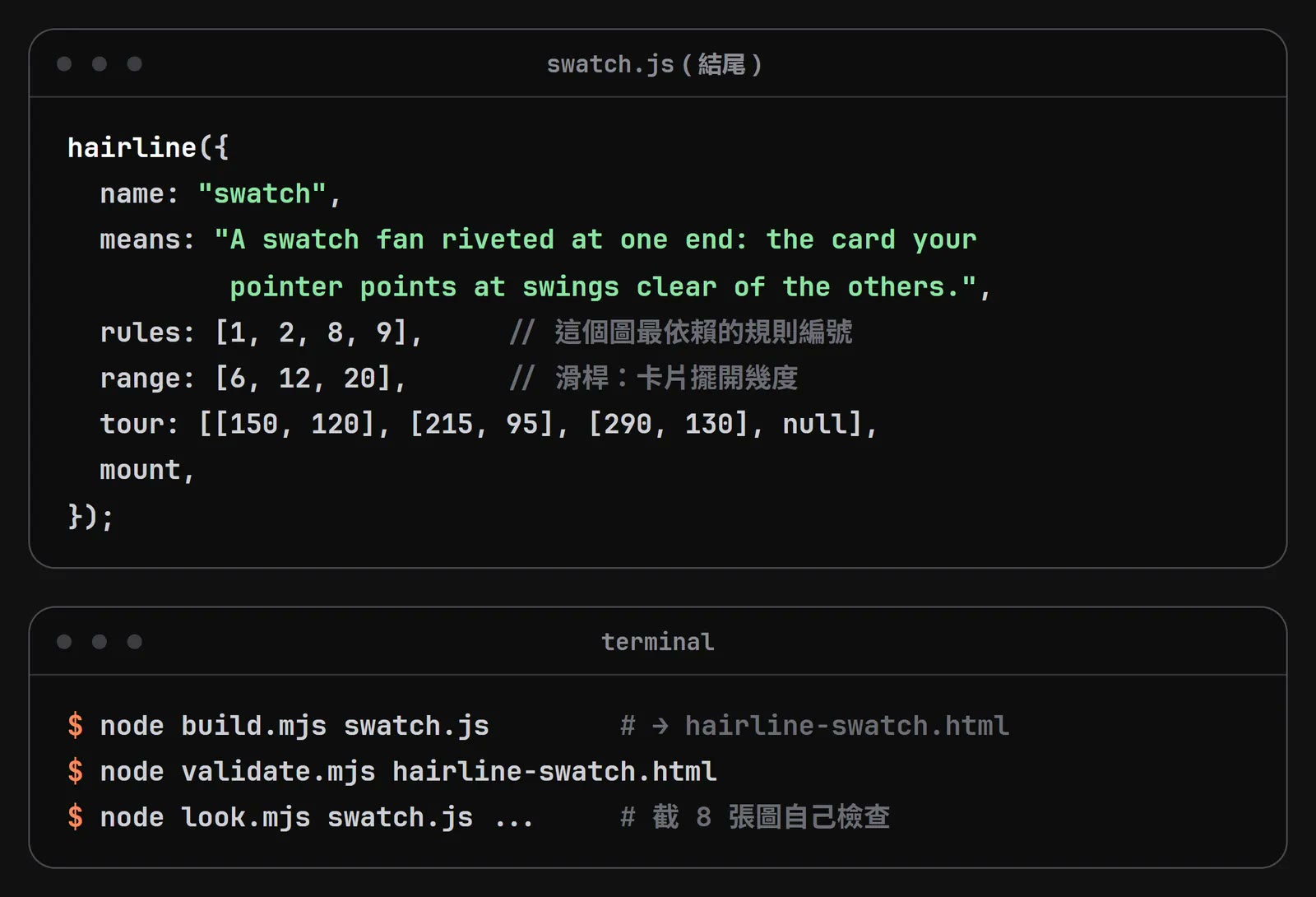
To get it right first time, don't give the agent just a noun. Spell out the object, what the pointer does and how it looks at rest, and it can skip the concepts step. Replace the [ ] parts:
/hairline-create [object, e.g. a pour-over kettle and dripper]
This figure is for [brand or site, e.g. the homepage of a small coffee shop].
What the pointer does: [e.g. as the pointer nears the spout, the kettle tilts toward the dripper and the stream grows]
At rest: [e.g. the kettle sits beside the dripper, slightly tilted, never flat]
Read-out: [e.g. the pour angle, 0°–40°]
Auto-play: visit 3 points, then the pointer leaves.
Follow Hairline's ten rules, with no text or colour inside the figure. Run the checks first, then tell me anything you could not verify.
04Step 3: put them on a site that looks studio-made
We put the three figures on a demo site, LINEA (a fictional line-art component library, demo only). The page is black, white and grey: one large moving figure in the hero, smaller ones in a bento grid and on the pricing cards.
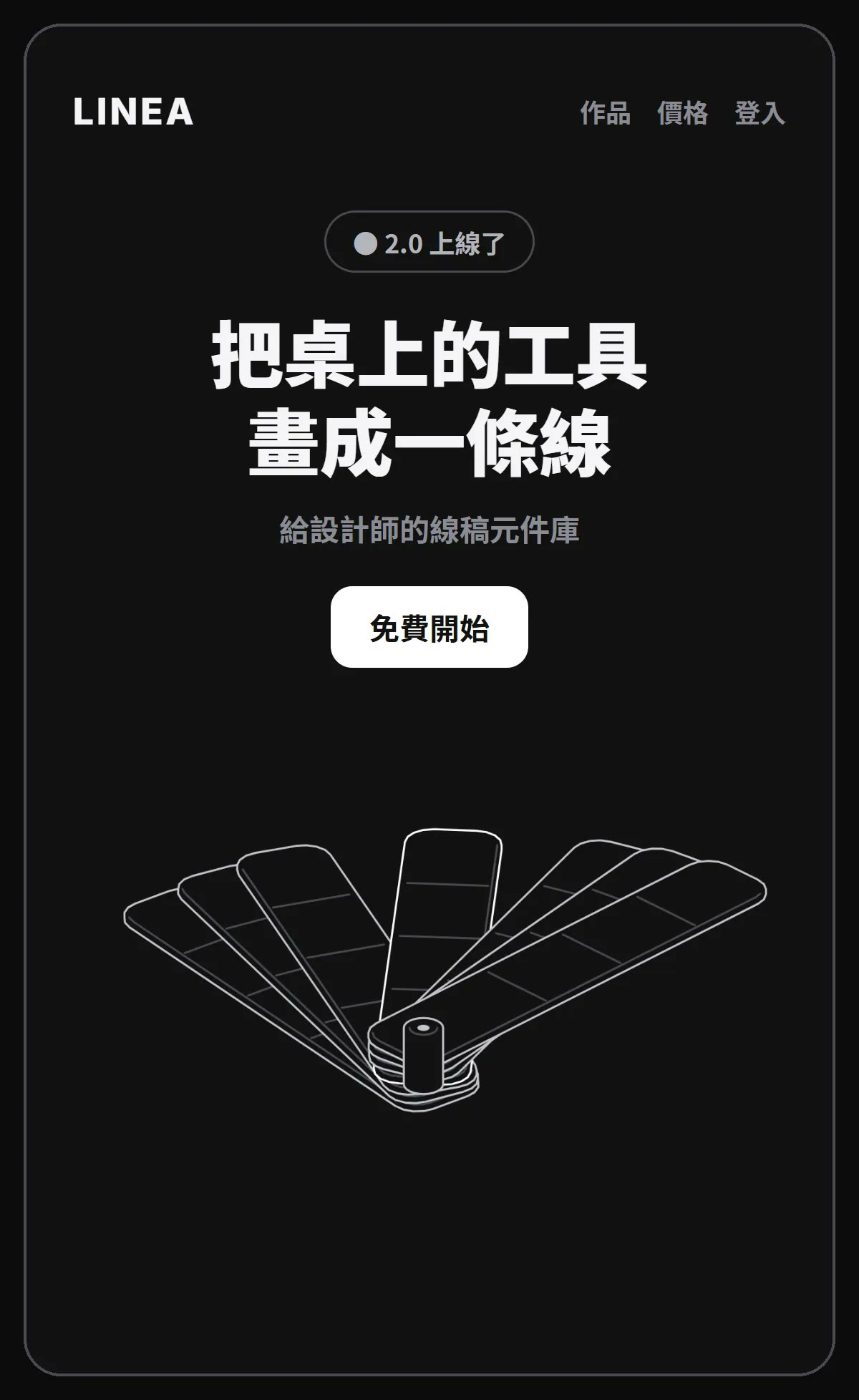
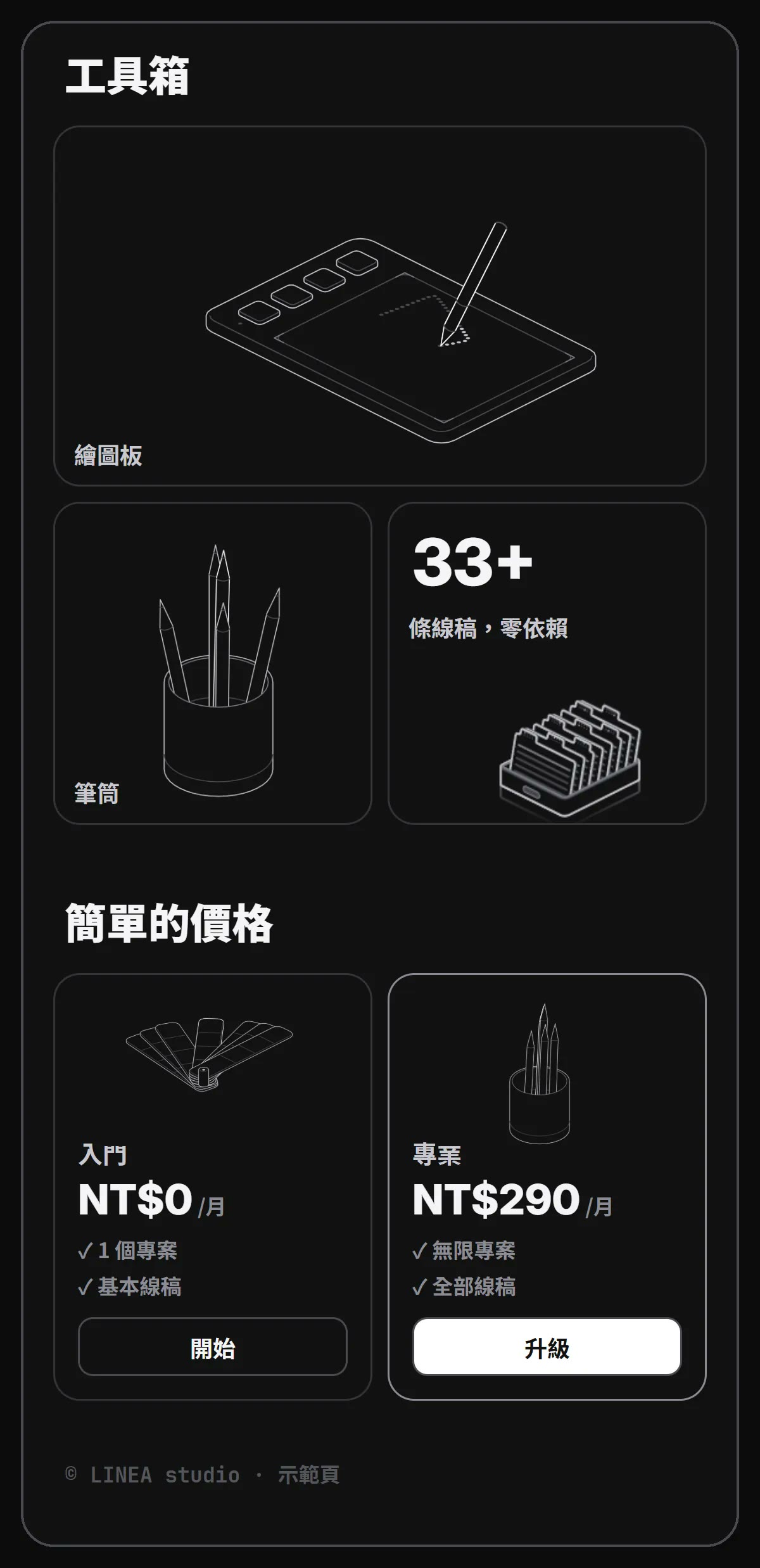
- Use only one or two large moving figures per page and keep the rest small. If everything moves, the eye has nowhere to land.
- Give frames and card borders 1px lines so they match the weight of the illustrations.
- Keep words out of the figures; put names in a card corner, small and grey.
- The 33+ tile uses the package's ready-made Riffle (a tray of cards): you can mix your own figures with the stock ones.
05Step 4: the two variables every dark site needs
Every plate in a Hairline figure is filled, not transparent, so plates in front can hide the lines behind them. The catch: the default dark fill is #08090a, so on any other dark background, navy for example, you see black slabs.
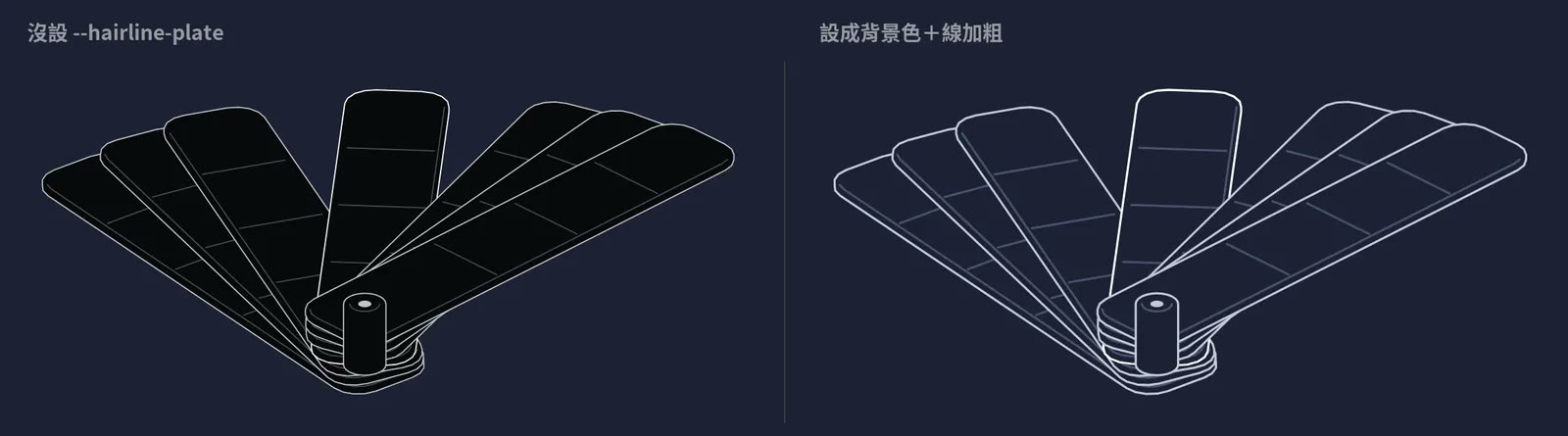
The fix is a few CSS custom properties on a wrapper. The README lists six; set them on the figure or anything above it:
.figures {
  --hairline-plate: #1c2133;  /* your site background */
  --hairline-hi: #ffffff;     /* what is lit */
  --hairline-edge: #c4c8d8;   /* silhouettes */
  --hairline-mid: #7f86a0;    /* every other stroke */
  --hairline-lo: #4a5170;     /* what recedes */
  --hairline-stroke: 1.6;     /* stroke width, CSS px */
}
- --hairline-plate matters most: whenever the background is neither white nor #08090a, set it to your background colour.
- --hairline-stroke is the stroke width in CSS pixels, the same at any size. On phones, go a little thicker than the default.
- The other four set the line tones: hi is what is lit, edge the silhouettes, mid every other stroke, lo what recedes.
- The figure's styles have no specificity, so your own rules always win, no !important needed.
06Good to know
- Hairline is the work of Lucas Marques under the MIT licence: free for client and commercial sites, as long as you keep the original licence and copyright notice.
- The swatch fan, drawing tablet and pencil cup were written by us following the hairline-create skill's steps and engine: assembled with build.mjs, checked with validate.mjs (all three passed) and reviewed with look.mjs. We did not install it with npx skills add or type /hairline-create in an agent, so your conversation with the skill may differ from ours.
- LINEA is a fictional demo page; its plans and prices are made up, not a real product.
- The package is ESM only; React 18 or later is needed only for the React components. Figures need a DOM: in server-rendered pages such as Next.js, a component is an empty 5:4 box until the browser draws it.
- For users with reduced motion turned on, self-playing figures such as Phosphor and Slow hold still and figures given play rest, but every figure still answers the pointer.
- The numbers (33 figures, 63.5 kB, version 0.5.1) were checked on the official site and npm on 31 October 2026 and may change with later releases.