Let Claude cut your promo video: 2 ways to turn a poster into a video, one line or a scene-by-scene brief
Make a poster in Claude Design and type "make this poster move", or brief Claude Code scene by scene and get an HTML timeline rendered to MP4.
Watch the reel on InstagramComment #剪片 to get this guide
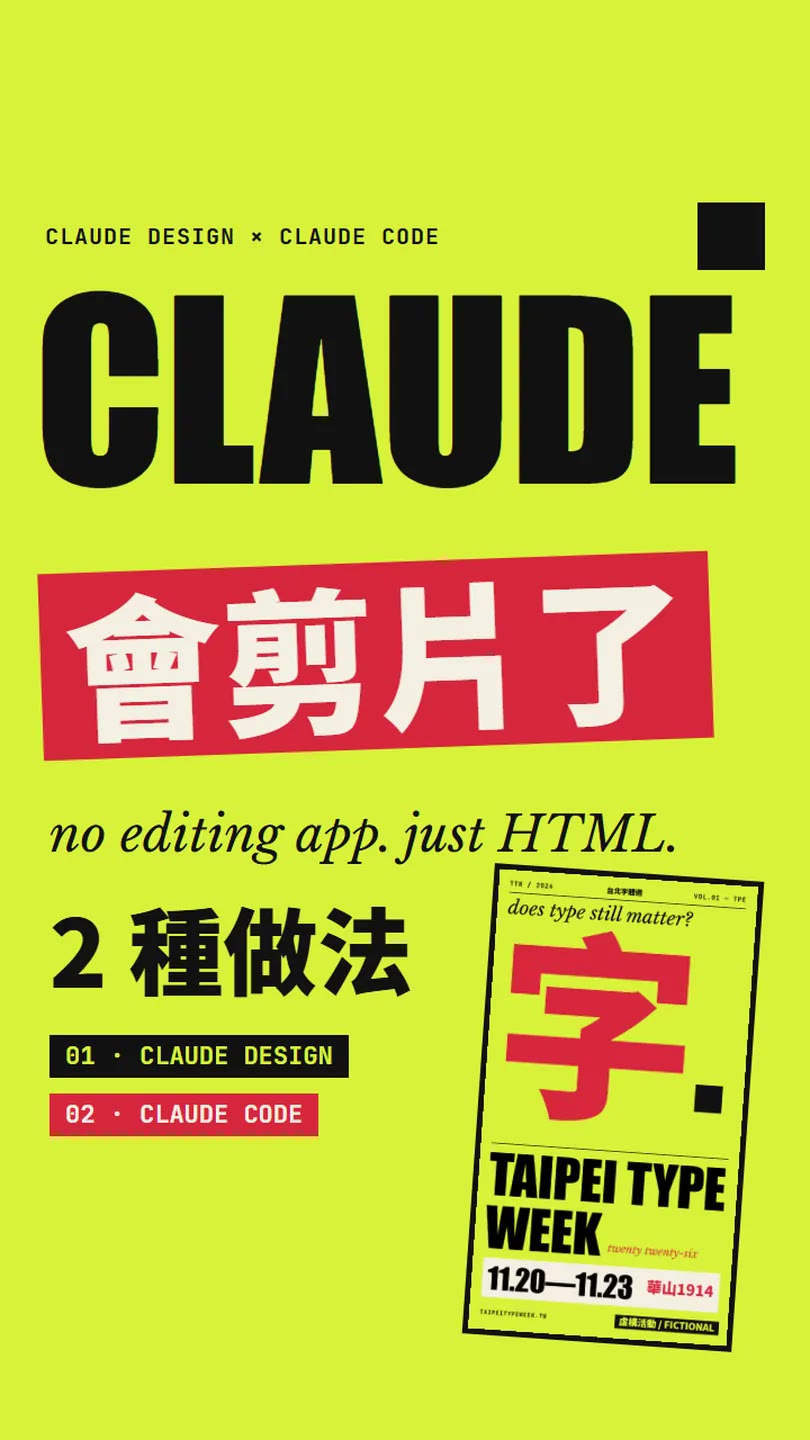
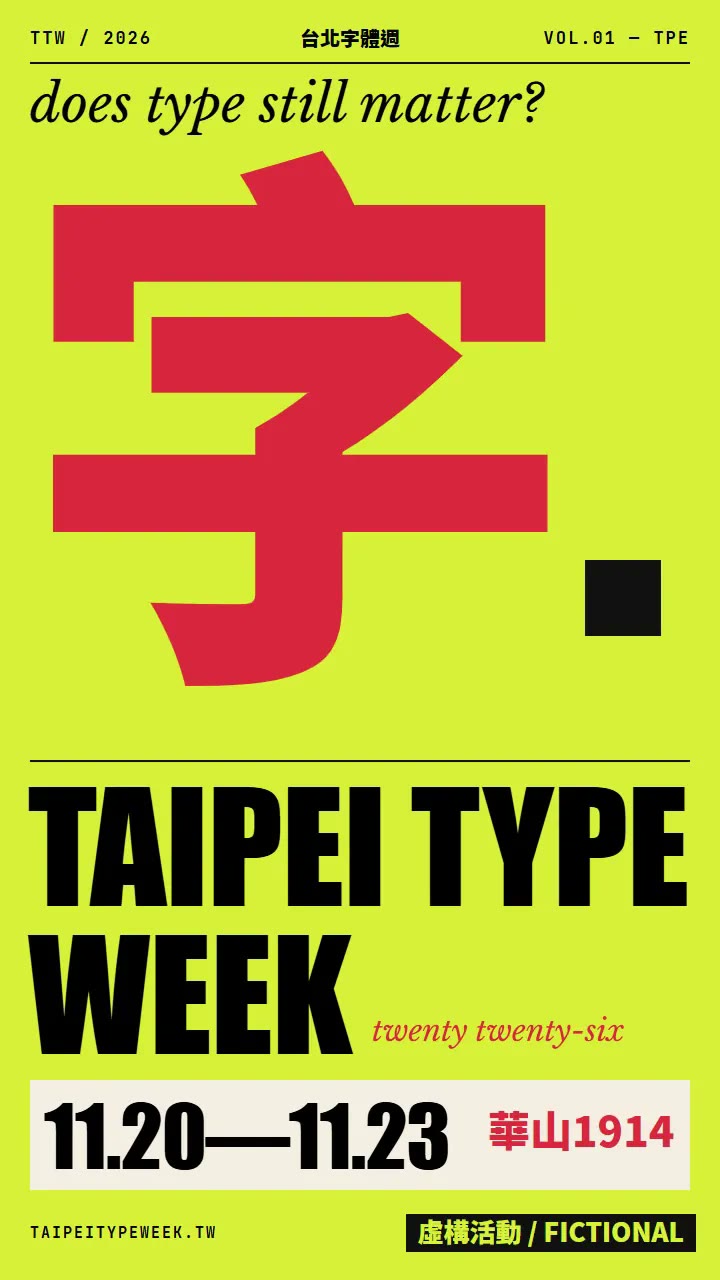
Can Claude edit video now? Using a poster for a fictional event, TAIPEI TYPE WEEK, this guide shows two ways: type one line in Claude Design to make the poster move, or hand the design to Claude Code with a scene-by-scene brief so it writes the whole promo as HTML and outputs a clean MP4. Every image below is our real output.
01See it first: one poster cut into a 12-second promo
The demo is a fictional event, TAIPEI TYPE WEEK 2026 (台北字體週). Claude Design made the poster. Claude then wrote the 12-second, 9:16 promo below as an HTML timeline and output it as an MP4. We didn't edit a single frame by hand.
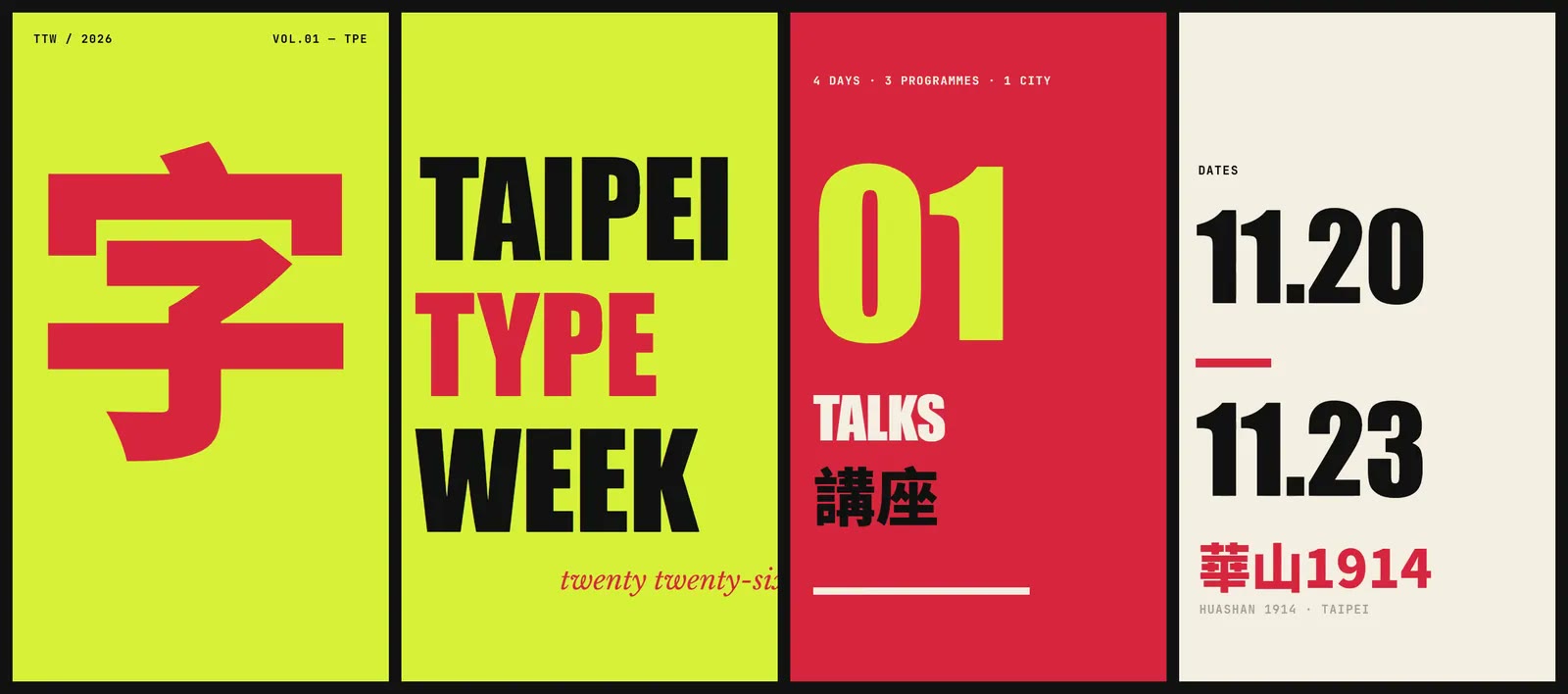
- Way 1: make a poster in Claude Design and type "make this poster move". Fastest, but Claude picks the motion, so it's fairly basic.
- Way 2: hand the design to Claude Code and brief every scene. It writes the whole promo as an HTML timeline and outputs a clean MP4, and you control every scene.
02Way 1: a poster in Claude Design, animated with one line
Claude Design is on every plan, including Free. The standalone claude.ai/design site stays open until 14 December 2026, and Claude Design already works inside normal Claude chats.
- Open claude.ai/design and start a blank project.
- Describe your poster: size, colour codes, key visual, type feel and the information to include.
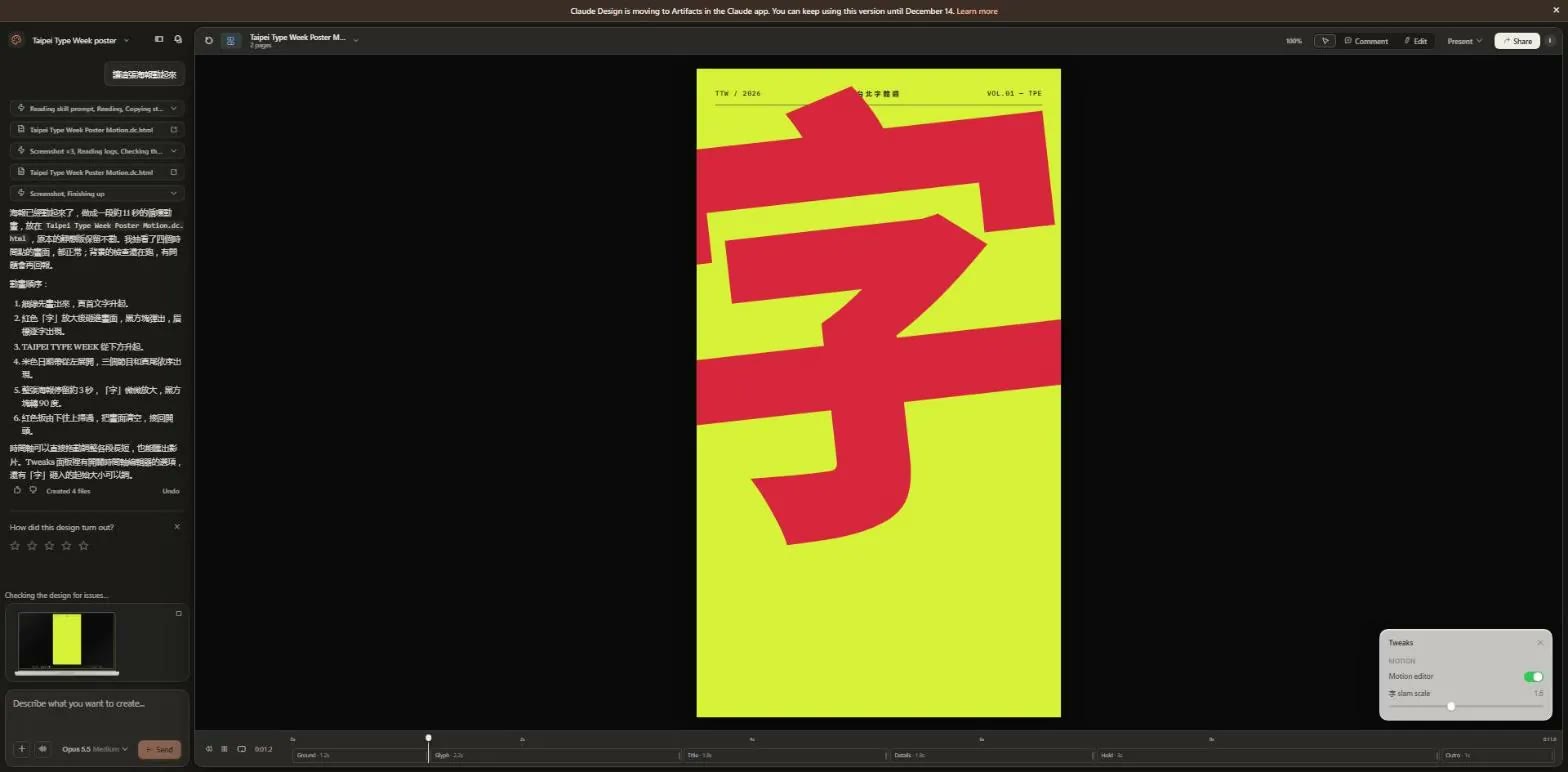
- When the poster is done, type in the chat: "make this poster move" (we typed 「讓這張海報動起來」).
- It builds a looping animation with a timeline underneath that you can scrub through.
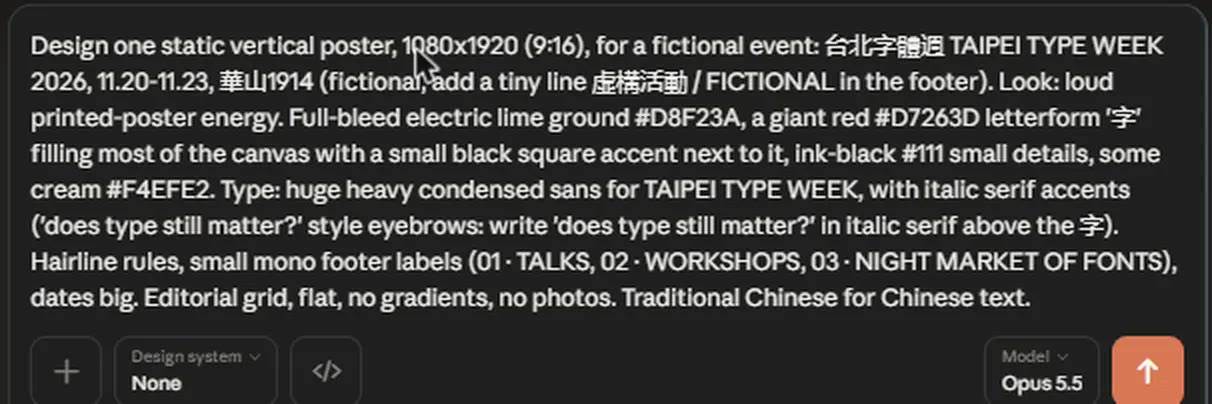
Design one vertical poster, 1080×1920 (9:16), for [event name], [dates], [venue].
Overall feel: [e.g. loud printed-poster energy].
Full-bleed [main colour + hex] ground, a giant [key visual, e.g. a red #D7263D 字] filling most of the canvas, with a small [accent element] next to it.
Type: [huge heavy condensed sans for the title], [italic serif for the eyebrow].
Hairline rules, small mono labels for [programme or details], big dates.
Editorial grid, flat, no gradients, no photos. Traditional Chinese for Chinese text.
Add a tiny footer line "FICTIONAL" (only needed for a demo).
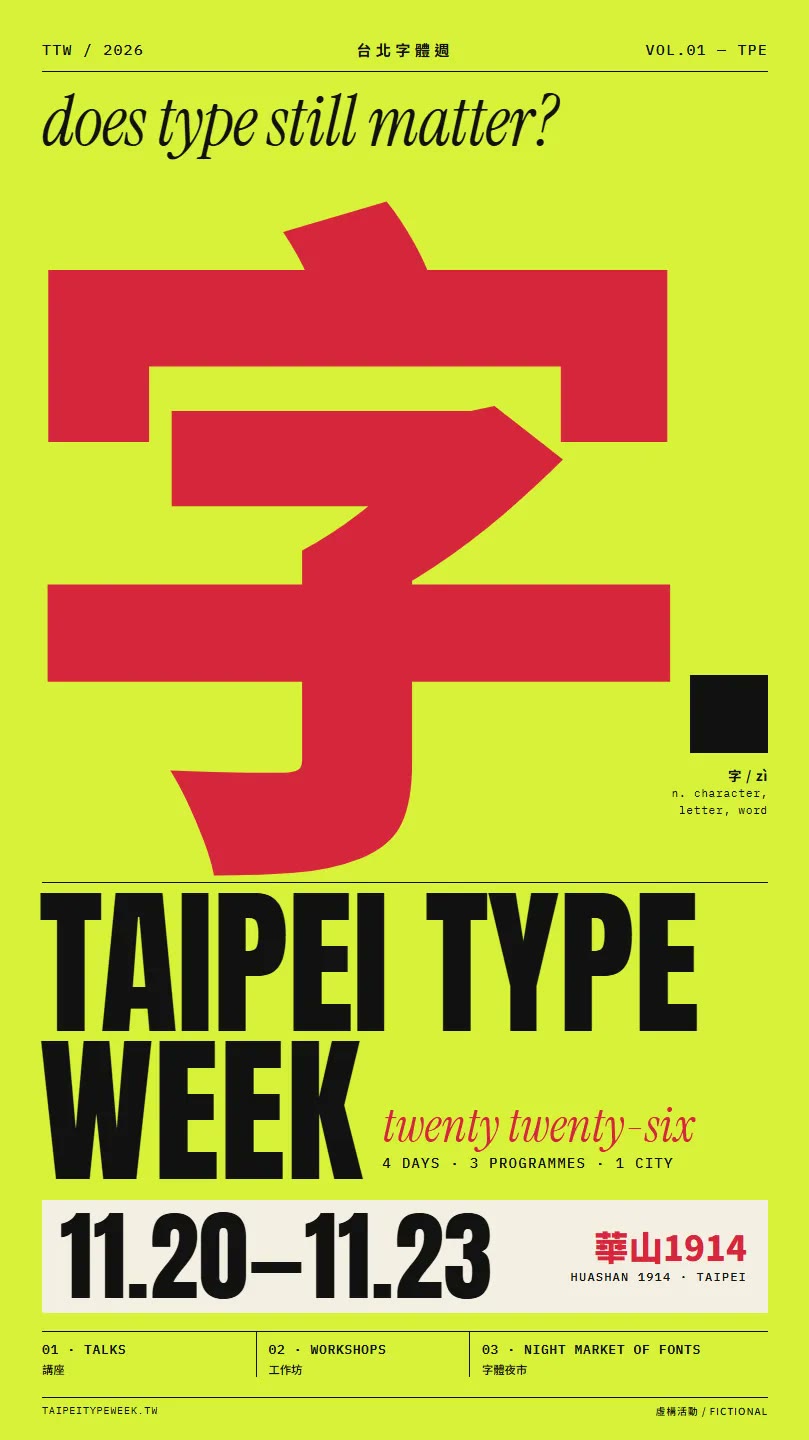
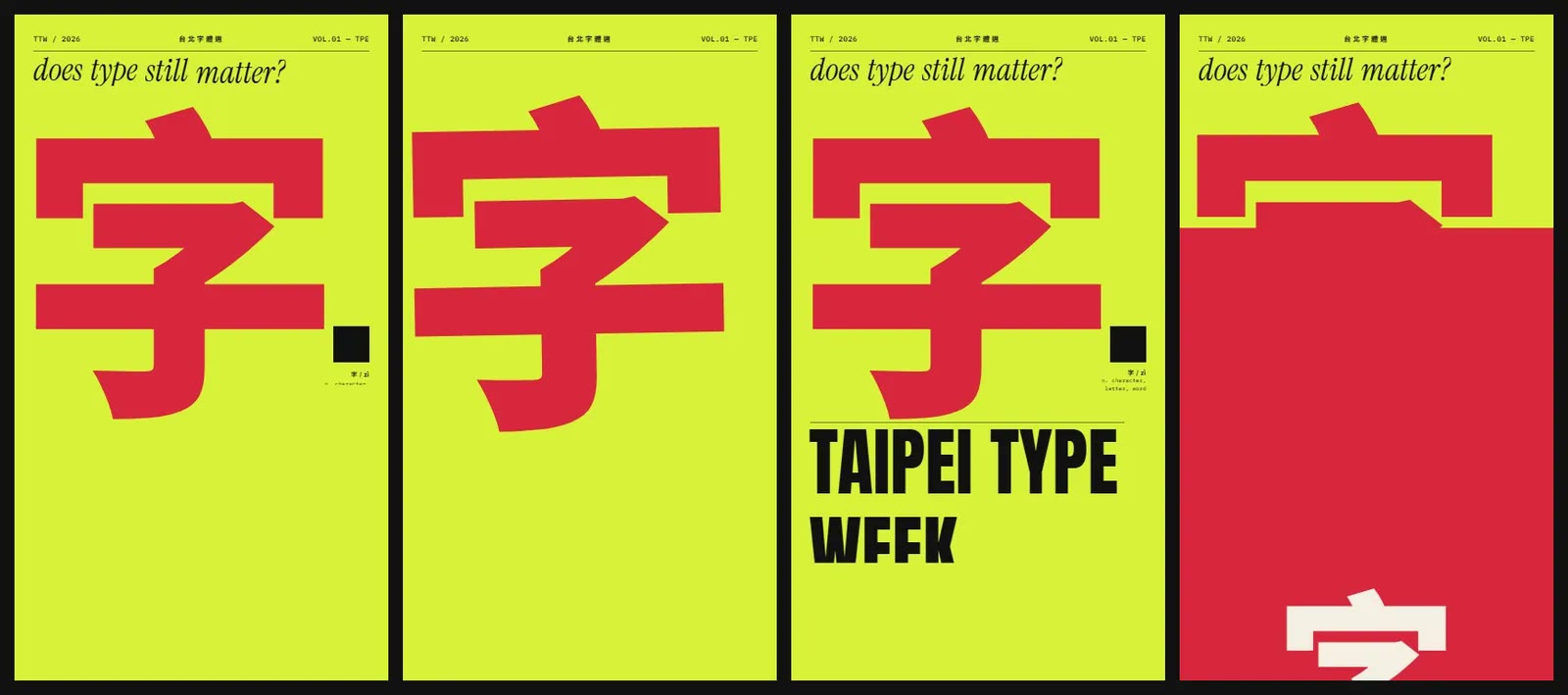
With the poster done, we typed just one line, 「讓這張海報動起來」 ("make this poster move"). Claude split it into 6 parts: ground, 字 slams in, title rises, details appear, a 3-second hold and an outro, about 11 seconds in total, and kept the static poster as well.
03Way 2, step 1: hand the design to Claude Code
- In Claude Design, click Share at the top right.
- Choose More formats and apps.
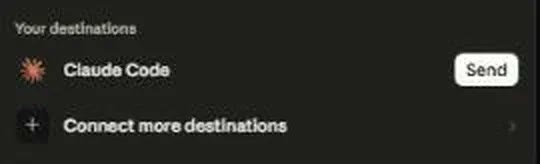
- Under Your destinations, find Claude Code and click Send.
You can skip Send, too: Claude Design's official exports are PDF, PPTX, standalone HTML and Canva, so export and drop the file into your Claude Code project folder. We captured the poster as poster.png and attached it for Claude to follow.
04Way 2, step 2: brief "which second, which scene, what moves"
This is the step that matters. Treat Claude as your editor and give it a shot list: for every scene, write three things — from which second to which second, which scene it is, and how things move. Below is the prompt we actually used, with the event details swapped for [ ].
Attached: poster.png ([poster description]).
Cut it into a 12-second, 9:16 promo, written as one HTML timeline, then output an MP4:
1. 0-1.6 s: a red curtain wipes across and a giant "[key glyph]" slams in
2. 1.6-3.4 s: [tagline] types in word by word
3. 3.4-5.4 s: [event name] slides in on three lines, alternating left and right
4. 5.4-7.4 s: red ground, [programme 1], [programme 2], [programme 3] flick past fast
5. 7.4-9.2 s: the dates [dates] roll like a counter, [venue]
6. 9.2-12 s: the full poster reassembles and ends on "[final frame]"
Use only the poster's [colour 1], [colour 2], [colour 3], [colour 4]; every scene must keep moving, never still for more than half a second.
- Spell out the seconds: 1.5–2 seconds per scene gives exactly 6 scenes in 12 seconds.
- One action per scene: slam in, type in, slide in, flick, roll, reassemble.
- Use concrete verbs: "wipes", "slams in", "types in word by word" work far better than "make it cooler".
- End on the full poster so viewers remember the event details.
05Way 2, step 3: Claude writes the whole promo as an HTML timeline
What Claude writes is an ordinary HTML file you can open in a browser. Inside is a SCENES table where each scene is "a time span + an animation", plus a seek(t) function: give it any second and the page jumps to that frame.
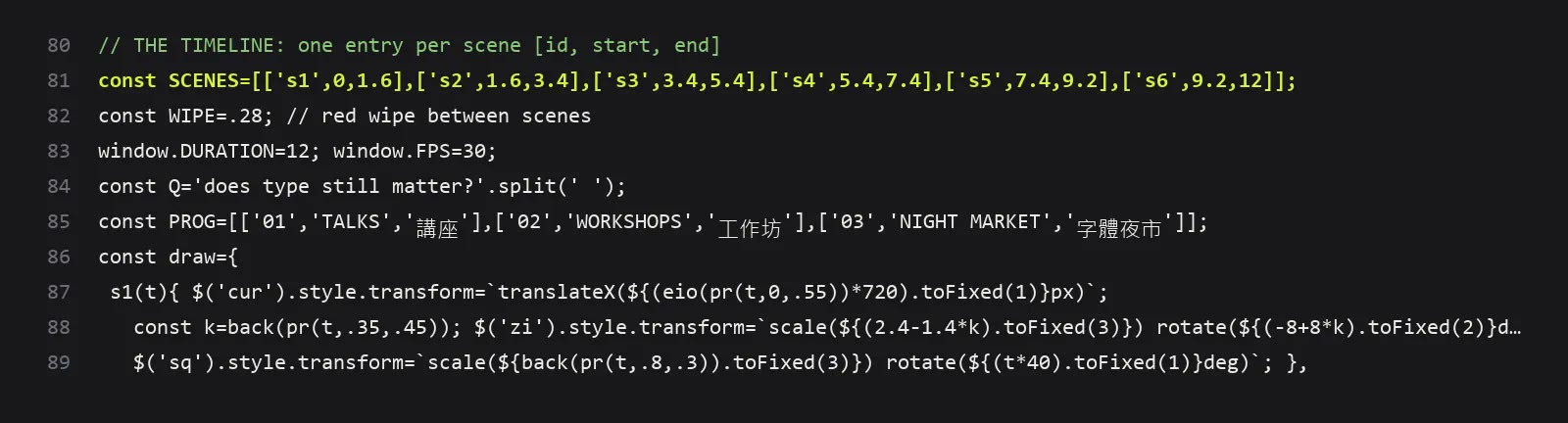
Because every scene is written in seconds, changes are easy to find: scene 4 runs from 5.4 to 7.4 seconds, so "slower" simply means stretching that span.
06Way 2, step 4: output a clean MP4
We don't screen-record the HTML animation. We ask Claude for a small script instead: headless Chrome opens the HTML, calls seek(t) every 1/30 of a second, takes a screenshot each time, and hands the frames to ffmpeg to encode an MP4. No dropped frames, and the output is identical every time.
Write a script that opens this HTML in headless Chrome, calls seek(t) for every frame from 0 to the last second, screenshots each one and pipes them to ffmpeg to output a 720×1280, 30 fps MP4. Grab 3 single frames for me to check first, then render the whole thing.
If you'd rather use a ready-made tool, HeyGen's open-source HyperFrames is one option. It's a framework that turns HTML, CSS and seekable animations into MP4 videos, licensed Apache 2.0, with a plugin for Claude Code. Our MP4 was not made with it, and we haven't tested it ourselves.
- Install Node.js 22 or later and FFmpeg first.
- In a terminal, run: claude plugin marketplace add heygen-com/hyperframes
- Then run: claude plugin install hyperframes@hyperframes
- Open Claude Code, use /hyperframes:hyperframes and ask it for a video.
- HyperFrames (GitHub) — Open source by HeyGen, Apache 2.0; the README has the Claude Code install commands
- Frame-by-frame animation: exporting to MP4 — Headless Chrome plus ffmpeg, step by step
- A Vox-style collage animation written by Claude — Change the whole piece with one line
- A kids' cartoon drawn in code with Claude — From one idea to an mp4 in 7 steps
07Way 2, step 5: give notes like you would to an editor
Not loving the first cut is normal. When you ask for changes, don't say "make it nicer". Say which scene and what to change.
- "Slow scene 3 down: bring each of the three lines in 0.2 s later."
- "Make the dates roll from bottom to top."
- "In scene 4, hold each programme a bit longer."
- "Hold the ending 1 second longer before it finishes."
08Good to know
- TAIPEI TYPE WEEK 2026 is a fictional event; the dates, venue and URL are for the demo only, and both the poster and the video are marked "虛構活動 / FICTIONAL".
- The poster was generated by Claude Design; the promo was written by Claude as HTML and output with headless Chrome and ffmpeg. We did not use HyperFrames for this video.
- Claude Design's official exports are PDF, PPTX, standalone HTML and Canva, and you can also send designs to Claude Code. Menus and template names may change.
- The standalone claude.ai/design site stays open until 14 December 2026, and Claude Design already works inside Claude chats. Export important projects to keep a copy.
- Use fonts licensed for commercial use in your video. Our demo used Windows' built-in Impact in place of the poster's Anton; for commercial work, switch to SIL OFL fonts such as Anton or Noto Sans TC.
- HyperFrames is a third-party open-source project. Read its README and licence before installing; its commands and features may change.